Memory & storage
External SSD
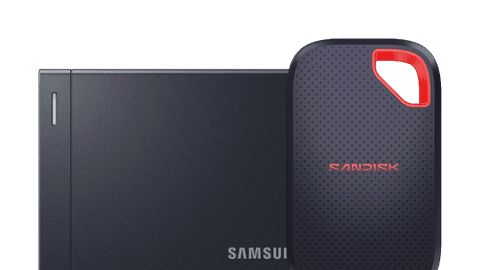
Store your files on an external SSD and always have them with you, wherever you're going.Internal SSD
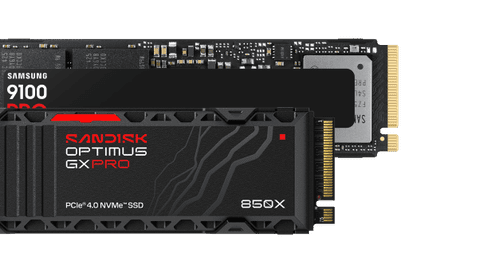
Expand the storage space of your PC, NAS, or PlayStation 5 with an internal SSD and store even more files.External HDD
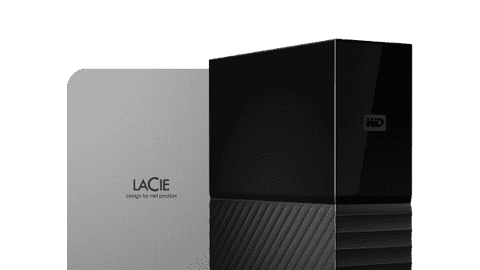
Transfer all your files and backups to an external HDD and keep space free on your device this way.NAS
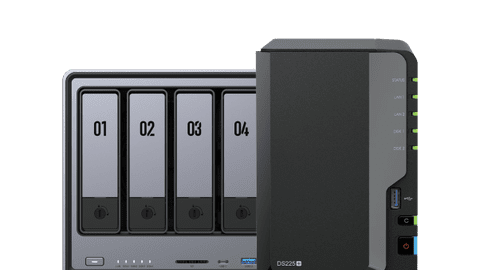
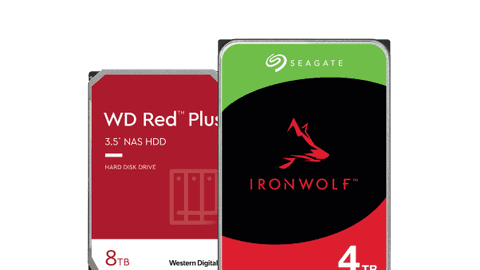
Store, share, and make automatic backups of your files via your home network with a NAS server.






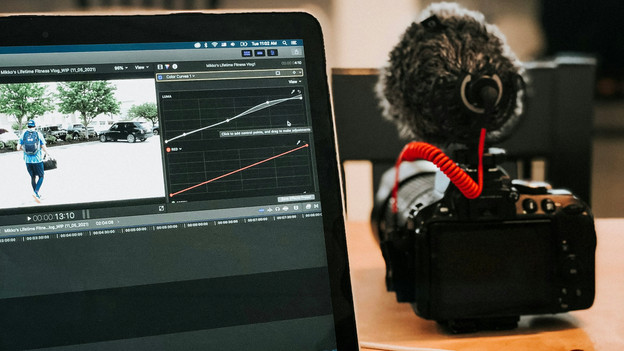
Storage for creators
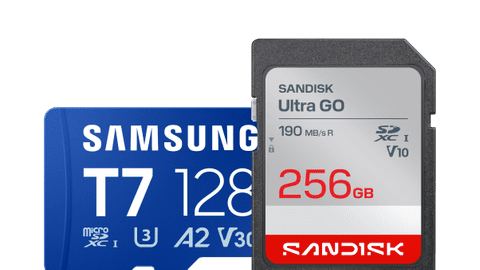
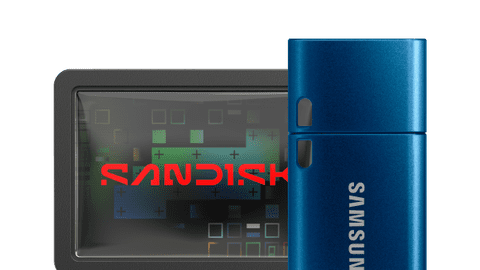
As content creator, you need storage space for all your photos, videos, and other files. For example, a memory card for your camera. Do you content with your phone or do you often take your creations with you? Choose an external SSD or a USB flash drive. You can easily put files on it and keep it with you in your coat or bag. If you edit a lot of content on your PC, a fast internal NVMe M.2 SSD is a good choice.
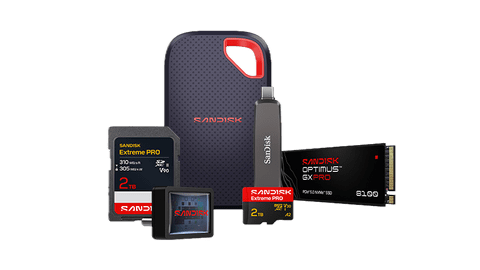
Accessories for your storage products
Frequently asked questions
How do you choose external storage for your files?
Like to store files outside of your PC, smartphone, or console and like to take them with you? Choose an external SSD or USB flash drive. An SSD is faster and has more space than a USB flash drive. Choose an external HDD if you store large amounts of files or backups at home that you don't need on the go. An SD card or microSD card is a good choice if you're looking for storage for your camera, smartphone, tablet, or Nintendo Switch. Want a wireless home server? Go for a NAS. With this, you can store and share everything within your WiFi network and set automatic backups.
How do you choose a memory card?
There are various types of memory cards. Which one you need depends on the device you're using the card in. You usually need an SD card for cameras. MicroSD cards are useful for appliances where an SD card doesn't fit, such as smartphones, tablets, e-readers, and the Nintendo Switch. A CF card is a good choice if you're looking for a memory card with high speeds for your professional camera.
How do you choose an external hard drive?
First of all, it's important to check the size. Choose a desktop HDD if you store your HDD in 1 place, such as your desk. We also call these HDDs 3.5-inch HDD. A portable HDD (2.5 inches) is smaller, so it's a good choice if you sometimes take your drive with you. It's also good to know how many files you're going to store. For small amounts, 1 or 2 TB is enough, but you need more for large files.
What's the difference between an external SSD, external hard drive, and USB flash drive?
All 3 are devices to store files on. An SSD is the fastest, has enough space for a lot of files, and is small and safe to take with you. A hard drive (HDD) often has the most storage space, but is less fast and often larger. An HDD can also withstand bumps less than an SSD, because it has moving parts. A USB flash drive is a small device you can put files on, so you can easily take them with you.
What should you keep in mind when choosing a NAS?
Determine first which type of NAS you need. You can use a standing NAS for working from home and small business use. A rack mount NAS is suitable for large backups and business data servers. It's also good to know how many slots your NAS needs to have. The more slots, the more storage space and RAID setups. Speed is also important. Check the processor and the RAM of the NAS for this. For example, for standard home use 2 to 4TB is enough, but you need more storage for large servers. Using Plex? Check if the NAS you want to buy supports this and in which resolution.
How do you choose a Nintendo Switch memory card?
You need a microSD card for the Nintendo Switch. Which one you choose, mainly depends on how many games or gameplay content you want to store. For small amounts, 64 or 128GB is enough. Play many dfiferent or large games and do you store a lot of screenshots or videos? Go for at least 512GB. For the Nintendo Switch 2, you need a microSD Express card. They reach the high speeds you need for the Switch 2.
Buy storage at Coolblue
Looking for more storage space for your files? Choose the product that suits what you need best.
You can easily connect an external SSD or external HDD via USB to your laptop, console, or smartphone. You can transfer files to the drive and have more space left on your devices this way. Choose an internal SSD or internal HDD for extra internal storage for your PC, NAS, or gaming console. Need more storage for your camera, smartphone, tablet, or Nintendo Switch? You need an SD card or microSD card. A NAS is a good choice if you want a home server with more space for all files and backups within your WiFi network.