Written by Mark
Edited on
13 September 2024
·
15:58
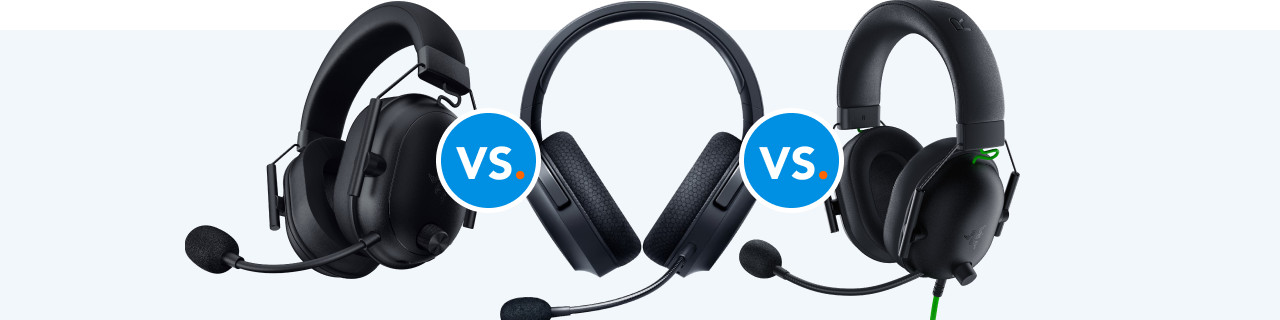
Razer Blackshark V2 Hyperspeed vs Barracuda X vs Blackshark V2 X
In addition to mice and keyboards, Razer also makes gaming headsets. In this article, we'll compare 2 headsets from the Blackshark series and 1 from the Barracuda series. These gaming headsets have a couple of differences, such as the microphone and the speakers. This way, you can choose the Razer headset that suits you best.
Razer Blackshark V2 Hyperspeed vs Barracuda X vs Blackshark V2 X
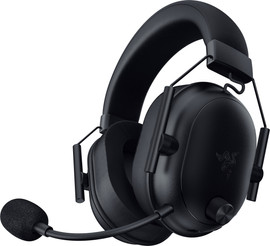
- Razer Blackshark V2 Hyperspeed
You can wirelessly connect this headset to your favorite platform.
Thanks to surround sound, you can hear where your enemies are.
Thanks to the 50mm drivers, you hear all tones even more clearly.
Without noise canceling, you're less focused while gaming.
From
98,-
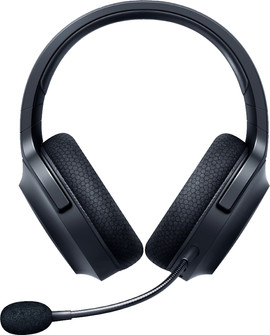
- Razer Barracuda X
You can wirelessly connect this headset to your favorite platform.
Thanks to surround sound, you can hear where your enemies are.
Others can understand you better thanks to the noise-suppressing microphone.
You won't hear some tones as well due to the smaller drivers.
From
82,-
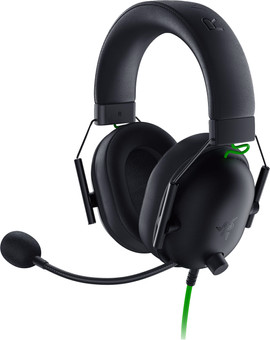
- Razer Blackshark V2 X
Thanks to surround sound, you can hear where your enemies are.
With memory foam, you can play for a long time without getting sore ears.
Thanks to the 50mm drivers, you hear all tones even more clearly.
This headset is wired, so you're tied to a cable.
From
36,99
Comparison Razer Blackshark V2 Hyperspeed, Barracuda X, and Blackshark V2 X
| Razer Blackshark V2 Hyperspeed | Razer Barracuda X | Razer Blackshark V2 X | |
|---|---|---|---|
| Wireless | Yes | Yes | No |
| Surround sound | Yes | Yes | Yes |
| Noise-suppressing microphone | Yes | Yes | No |
| Battery life | 70 hours | 50 hours | - |
| Large drivers | 50mm | 40mm | 50mm |
Connect
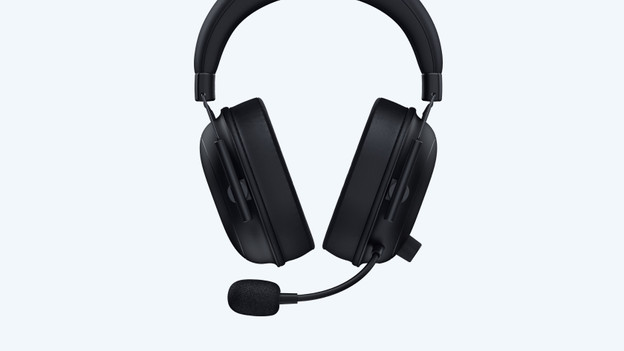
Barracuda and Blackshark V2 Hyperspeed: wireless
You can wirelessly connect these 2 headsets to your PC and PlayStation with the included USB dongle. This allows you to game with a lot of freedom of movement and get something to drink without problems. These headsets also have Bluetooth, which allows you to easily connect them to your smartphone or Nintendo Switch.
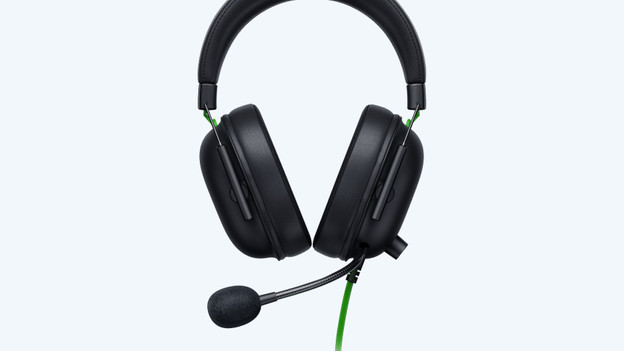
Blackshark V2 X: wired
You can only connect the Blackshark V2 X to your favorite platform via a cable. As a result, you can use the headset on any device with a 3.5mm connector. You are always tied to a cable. Cables also wear faster, so you hear noise or and stutters faster.
Noise-suppressing microphone
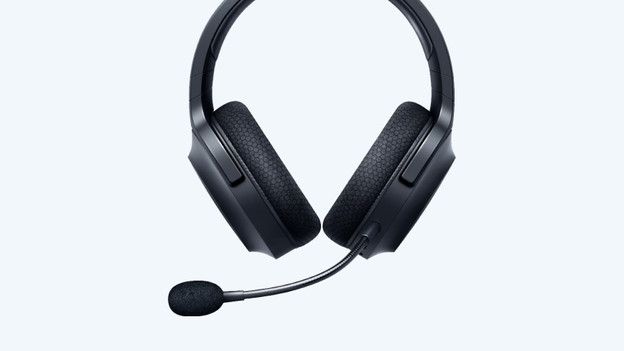
Barracuda and Blackshark V2 Hyperspeed: yes
The Razer headsets have a noise-suppressing microphone, which filters background noise. This way, your friends can hear you better during a match of Call of Duty or Fortnite. The microphone is also bendable, so you can place it even closer to your mouth.
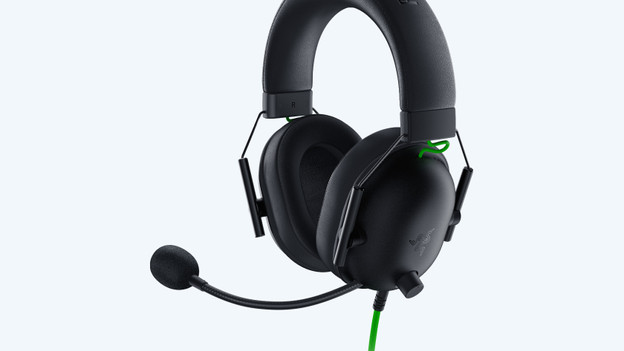
Blackshark V2 X: no
You can easily collapse the microphone of the Kraken X while gaming. As a result, you can easily take a sip of your drink after an exciting game of Fortnite. You can also quickly grab the microphone again when you're ready for the next game.
Speakers
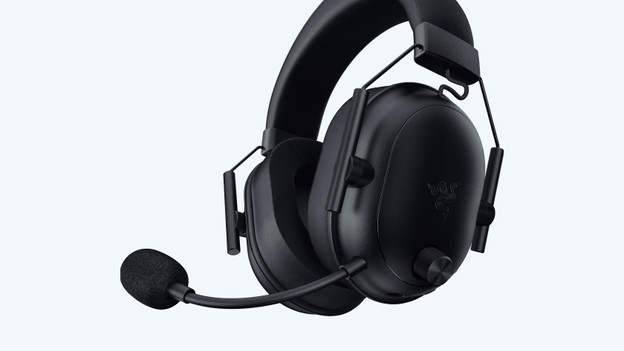
Blackshark V2 Hyperspeed and V2 X: 50mm
The Blackshark headsets both have surround sound and larger speakers. You hear all tones more clearly this way, such as the deep bass of an explosion. This allows you to be immersed in your favorite games even more.
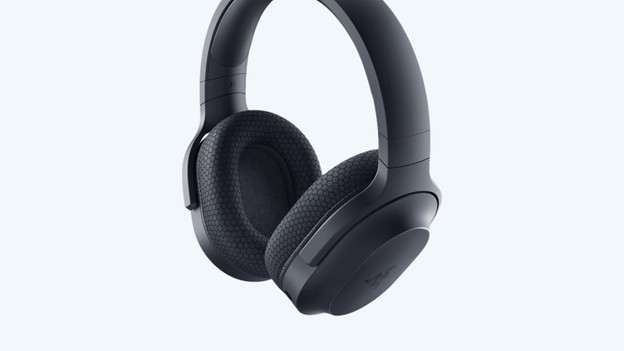
Barracuda X: 40mm
You'll hear more of your surroundings with the foam ear cups of the Kraken X. For example, you'll hear the vacuum or a car driving by. Due to this, you won't be able to focus as well, which will make it more difficult to win in Fortnite. In addition, the ear cups aren't as comfortable during long gaming sessions.
Conclusion
Want to game with good audio and aren't you bothered by a cable? The wired Razer Blackshark V2 X is a good choice. Want to game wirelessly? The Razer Barracuda X is a good choice. If you want to take it to the next level, choose the V2 Hyperspeed. This headset has a longer battery life and the best sound.
Article by Mark
Gaming Expert.
