Written by Levi
Edited on
12 November 2024
·
15:00
Get started with your new robot vacuum
You have your new robot vacuum and want it to start its first cleaning route soon. The setup and maintenance of your cleaning aid may seem more difficult than it really is. In this article, we'll tell you what to keep in mind the first time you use your robot vacuum. That way, you're sure it performs well and it lasts as long as possible.
Get started with your new robot vacuum
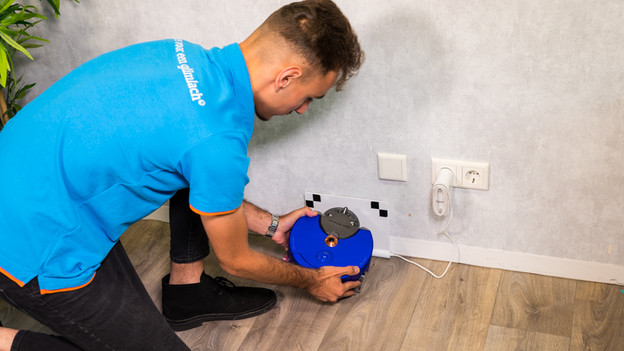
Remove the robot vacuum from the packaging and lay out all of the parts. We'll walk you through the following steps to prepare your new help in the household for it's first cleaning job.
-
Step 1: make your house robot vacuum proof
-
Step 2: place the charging dock
-
Step 3: set up the robot vacuum
-
Step 4: maintain your robot vacuum
Step 1: make your house robot vacuum proof
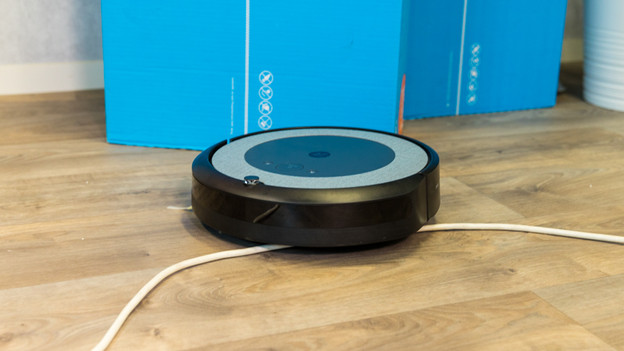
To make sure the robot can do it's job as well as possible, you'll have to remove potential obstacles. For example, cables or toys, but also the legs of a chair. Basically, you can consider every piece of furniture a possible obstacle for your new robot vacuum. That's why you should place as few pieces of furniture in the middle of the room. That way, the robot vacuum can map out the room more accurately and you keep it from getting stuck.
Step 2: place the charging dock
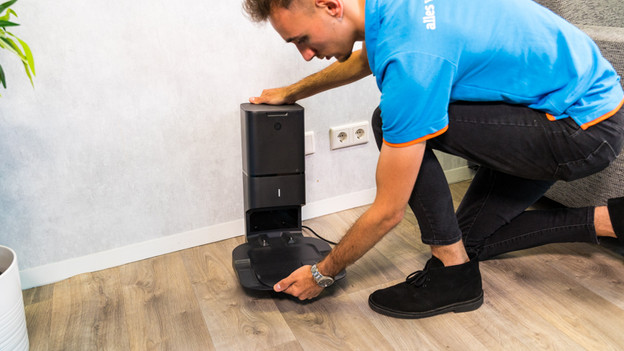
The placement of the charging dock is very important. If it's not placed properly, chances are the robot will get confused and can't find the charging dock. This mostly happens if the charging dock is placed too close to other furniture. That's why you should place the charging dock against a wall, with at least about 50cm of free space on its left and right side.
Step 3: set up the robot vacuum
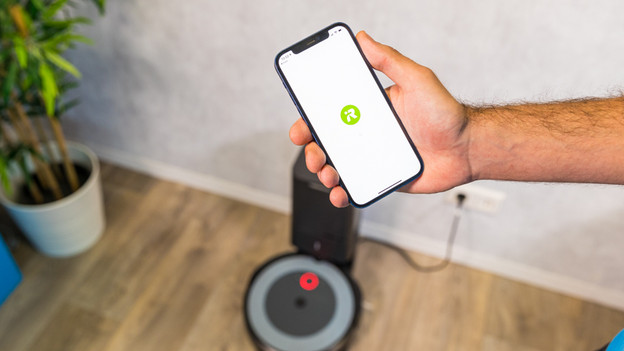
Robot vacuum apps are often very user-friendly. That's why you should follow the steps in the app. The vacuum will be ready for use after this. Charge the vacuum before you use it for the first time. That way, you calibrate the battery and it'll last much longer. If you start the first round of your new robot vacuum via the app, it often creates a map of your house. After this, you can easily set up a cleaning schedule for the rest of the week.
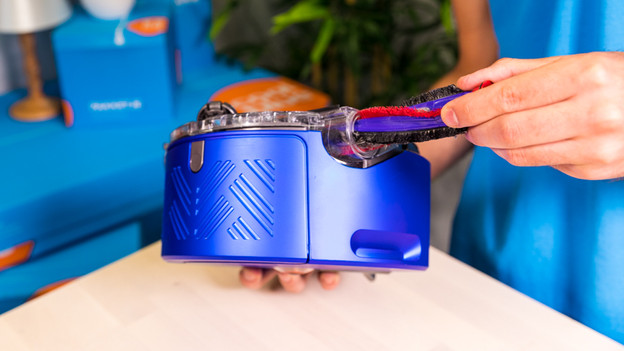
Step 4: maintain your robot vacuum
You've set up your robot vacuum so you don't have to think about it any time soon. It should make it's round without you having to do something. You just have to worry about the maintenance. Maintenance is very important for the performance and lifespan of your robot:
- Empty the dust cup regularly. It's better to empty the dust cup too many times than too few.
- Check the filter, brushes, wheels, and sensors for stuck hairs or other dirt regularly and remove it.