Written by Lisette
Edited on
26 January 2024
·
15:00
How do you choose headphones for your computer?
You're looking for headphones for your computer. There are many different specifications, which makes it difficult to choose. In this article, we'll explain which specifications you should keep in mind when choosing headphones for your computer.
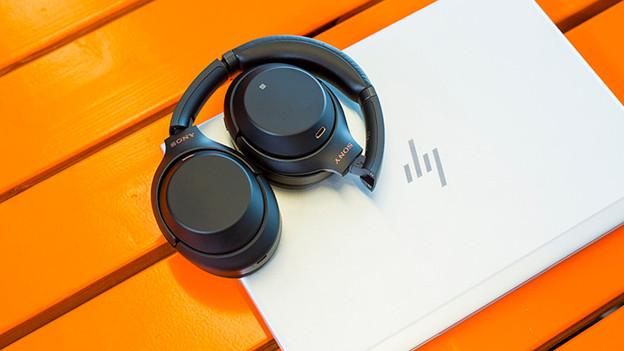
Choose headphones for your computer
When looking for headphones for your computer, you should ask yourself 2 questions.
-
Do you like to listen to music wirelessly?
-
Do you want to connect the headphones to 2 devices at the same time?
-
Do you use your headphones in busy environments?

Bluetooth
Wireless headphones give you more freedom of movement. This is particularly useful if you use a laptop or tablet on the go. Simply put the laptop or tablet in your bag and continue to enjoy your music. The headphones also come in handy at the office, for example when you walk up to the printer or the coffee machine and back. All wireless headphones for your computer, laptop, or tablet use Bluetooth. You have to be sure that your computer, laptop, or tablet also has Bluetooth.
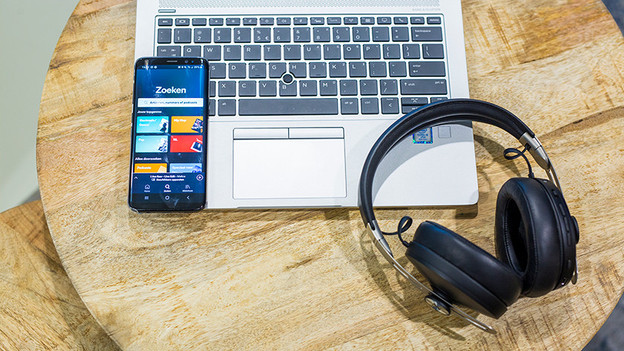
Multipoint pairing
Multipoint pairing allows you to connect the headphones to 2 devices at the same time, like your computer and smartphone. If you're watching a video on your laptop and receive an incoming call via your phone, the headphones automatically switch connections. This is useful if you're looking for headphones for your computer.
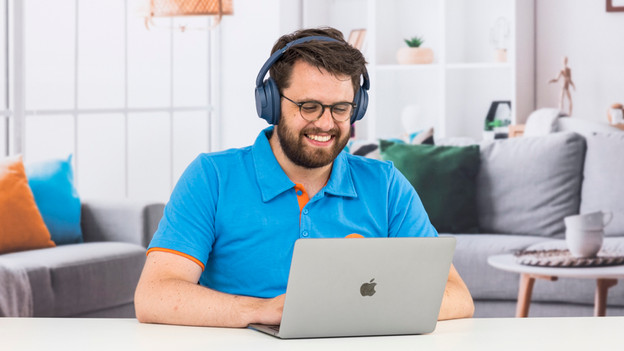
Noise canceling
If you use your computer in a busy environment, you'll want to close yourself off from it. You won't always want to hear kids playing or colleagues talking at the office. Headphones with noise canceling reduce ambient noise very well. This allows you to focus on your work, so you won't be bothered at home during your movie. That's why we recommend headphones with noise canceling with your computer.
Link headphones to a Windows computer
First, set your headphones to pairing mode. You can check how to do that in the manual of your headphones. On your laptops, go to the settings and then to Bluetooth. You see your headphones. Click on the headphones and pair your headphones to your Windows computer.

Connect headphones to an Apple computer
First, set your headphones to pairing mode. You can check how to do that in the manual of your headphones. On your laptops, go to the settings and then to Bluetooth. You see your headphones. Click on the headphones and pair your headphones to your Apple computer.
Article by Lisette
Audio Expert.