Written by Lucas
Edited on
16 July 2025
·
10:32
Get started with your Sennheiser headphones
You have your new Sennheiser headphones, so you want to use them as soon as possible. In this article, we'll explain how to connect your headphones to your smartphone and how to keep the connection stable. This way, you can enjoy your favorite songs optimally.
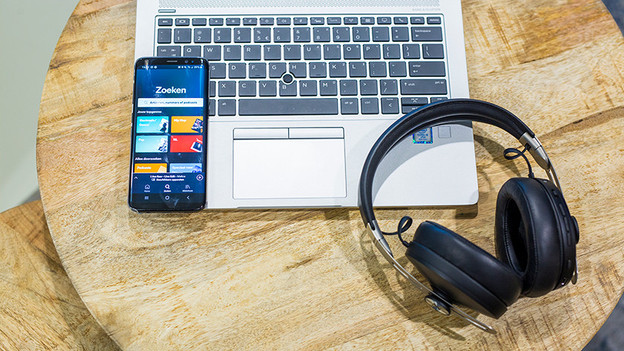
Get started with your Sennheiser headphones
With these 3 steps you can get started with your Sennheiser headphones as quickly as possible.
Step 1a: connect headphones to your smartphone
Step 1b: connect headphones to laptop/PC
Step 2: ensure a good connection
Step 3: Download Sennheiser Smart Control app
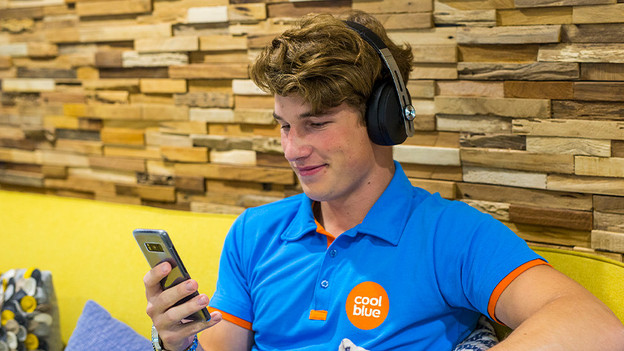
Step 1a: connect the headphones to your smartphone
If you want to listen to music, you have to connect your headphone to your smartphone first. We'll explain how you can do that. Do you have to enter a PIN code when you're making a connection? Enter '0000'.
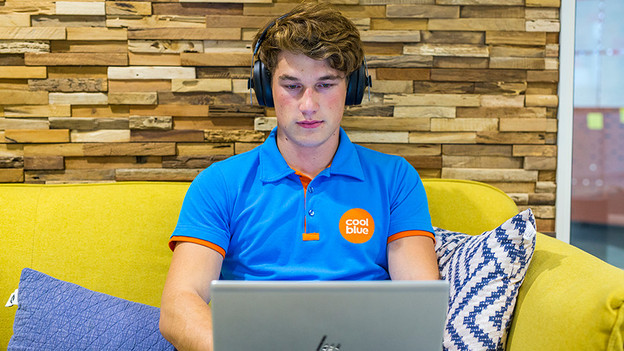
Step 1b: connect the headphones to your laptop or pc
Do you often work from home? Simply connect the headphones to your laptop or PC. We'll explain how to do so here.
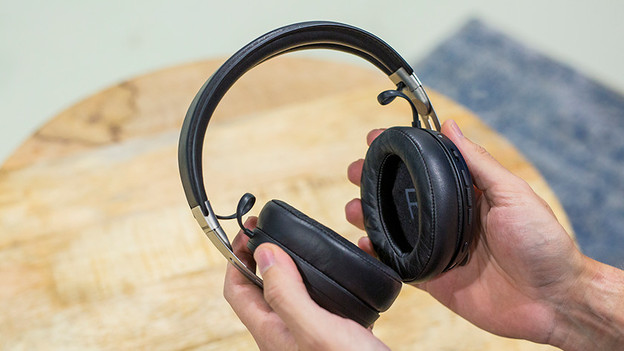
Step 2: make sure you have a good connection
To enjoy your favorite songs optimally, you have to have a stable connection. Otherwise the music stutters. If you have an unstable connection, try the following:
- Turn off all Bluetooth devices nearby.
- Don't stand too close to appliances like fridges and microwaves, as those can affect the wireless Bluetooth signal.
- Keep your smartphone in your hands or front pocket, not in your bag or back pocket.
- Turn the headphones off and on again.

Step 3: download the app
In the Sennheiser Smart Control app, you can adjust your new headphones like you want. Do you have Sennheiser noise canceling headphones? You can adjust the degree of noise canceling in the app. If you want to listen to a customized sound reproduction, adjust the sound via an equalizer. We'll explain how to adjust the sound.
Note: not every wireless Sennheiser headphones are compatible with the app.