Written by Lucas
Edited on
5 May 2023
·
07:29
How do you solve a fast draining battery on the Jabra Elite 85H?
Does the battery of the Jabra Elite 85H drain quickly when you don't even use it? You probably left the headphones on. In this article, we'll explain how to solve this problem.

Solve a quickly draining battery
You can solve a quickly draining battery of the Jabra Elite 85H in 2 steps.
Step 1: turn the headphones off
Step 2: charge the headphones
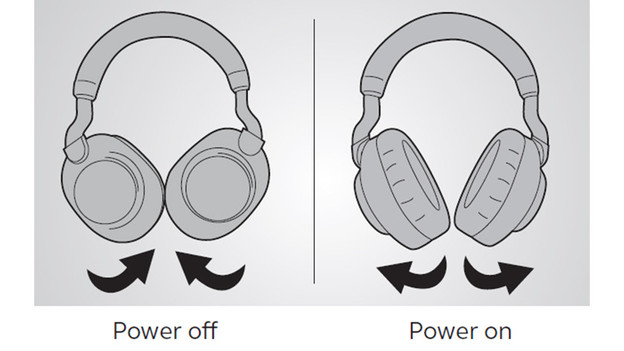
Step 1: turn the headphones off
There's no on and off button on the Jabra Elite 85H. You turn the headphones off by folding in the ear cups. If you take off the headphones and leave the ear cups folded out, the battery drains.
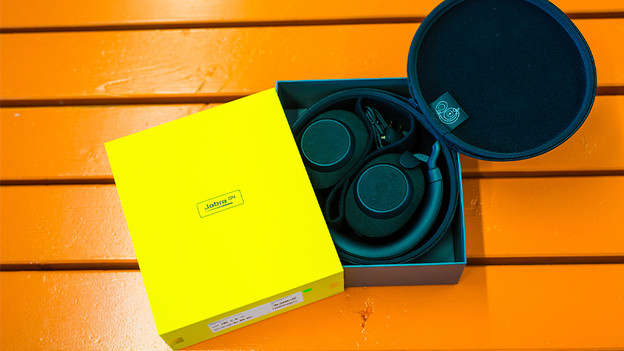
Step 2: charge the headphones
Now that you know how to turn the headphones off, it's time to charge them. Connect the included USB-C charging cable to the headphones and charge them.