Written by Lucas
Edited on
23 August 2022
·
12:59
How do you solve Urbanears Alby connection problems?
Does the sound of your earbuds stutter? That's probably due to the connection. If you turn your earbuds off and on again, you often solve the problem. In this article, you can read how to solve connection issues with the Urbanears Alby.
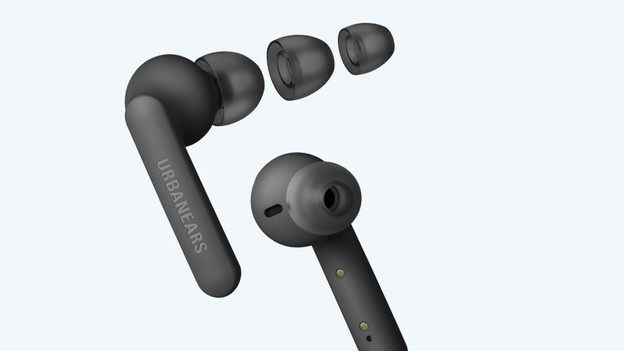
Solve Urbanears Alby connection issues
To solve connection issues with the Urbanears Alby, you can follow these steps.
Step 1: turn the earbuds off and on again
Step 2: check Bluetooth devices around you
Step 3: reset the earbuds
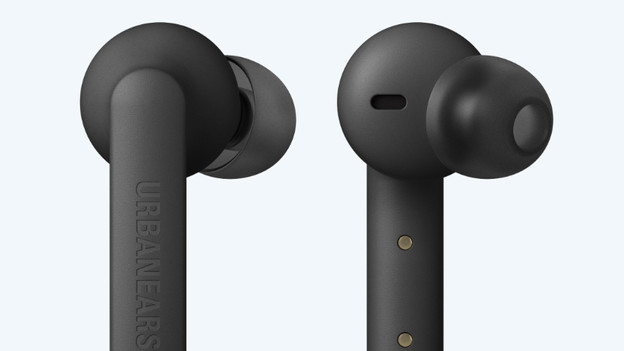
Step 1: turn the earbuds off and on again
The first thing you have to do in case of connection issues, is to turn your earbuds off and on again. Put the earbuds in the charging case, take them out again, and connect them to your device.
Step 2: check Bluetooth devices around you
Does the sound still stutter? Try the following:
-
Turn off all other Bluetooth devices around you.
-
Don't stand too close to appliances like your fridge or microwave, because they can influence the Bluetooth signal.
-
Keep your smartphone in your front pocket or in your hands, not in your backpack or back pocket.
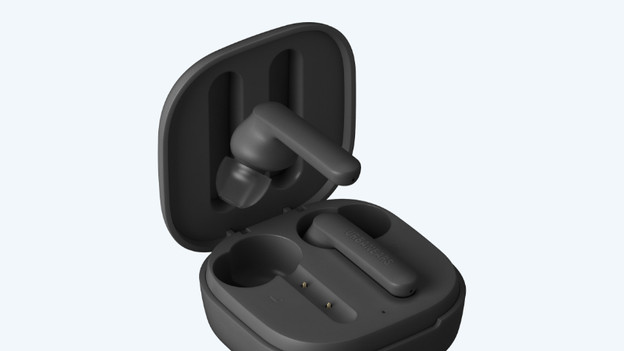
Step 3: reset the earbuds
If you still have issues, you can reset the earbuds. Put both earbuds in your ears and hold your finger on the touch-sensitive part for 7 seconds, until they both turn off. Now hold your finger on the touch-sensitive part for 10 seconds, so the earbuds go to pairing mode. You can now put the earbuds in the charging case and close it, so the earbuds are reset.