Written by Lucas
Edited on
25 August 2026
·
09:04
Get started with your JBL headphones
You've bought JBL headphones and want to start listening to music as soon as possible. In order to enjoy your favorite songs as long as you can, we have a couple of tips for you. That way, you can listen to your playlists without any connection issues and with a personalized sound.
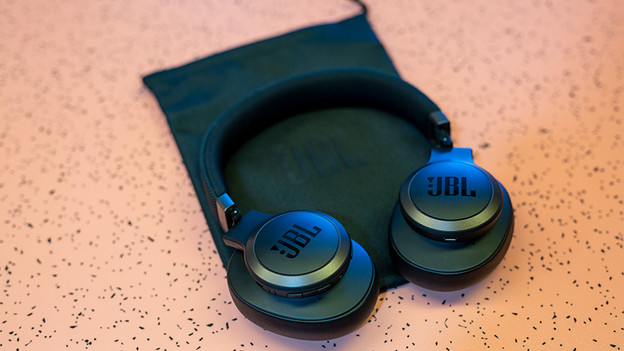
Get started with your JBL headphones
With these 3 steps, you can get started with your JBL headphones as soon as possible.
Step 1: connect the headphones to your phone
Step 2: make sure you have a good connection
Step 3: download the JBL Headphones app
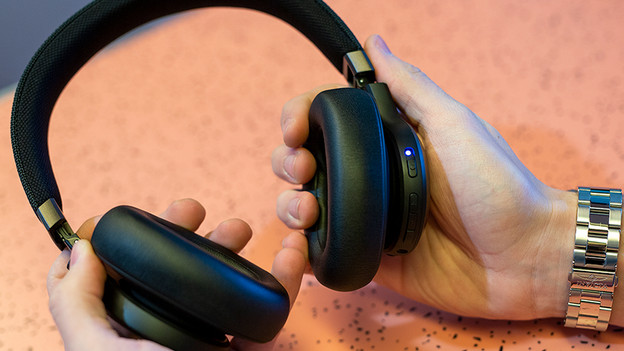
Step 1: connect to your phone
To stream your favorite songs, you first have to connect the headphones to your smartphone. When you turn on the headphones for the first time, it's in pairing mode right away. Go to the Bluetooth settings on your device and select your new headphones. Can't figure it out? Read our article for a detailed explanation on how to connect headphones to your smartphone.
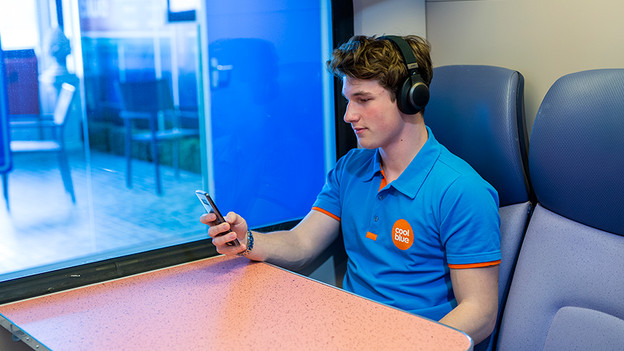
Step 2: make sure you have a good connection
Once you've connected the headphones to your smartphone, you can listen to music. Do you hear stuttering while you listen? This is due to the connection. Try the tips below to create a good connection:
- Turn off all other Bluetooth devices nearby.
- Don't stand too close to devices like microwaves and fridges, since these interfere with the Bluetooth signal.
- Keep your smartphone in your hands or front pocket, not in your bag or back pocket.
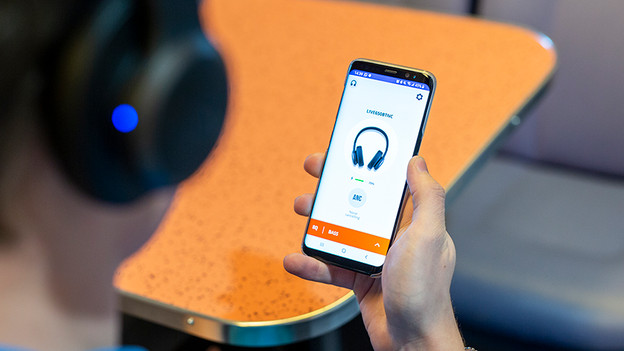
Step 3: download the app
With the JBL Headphones app for both Android and iOS, you can adjust the settings of your headphones. One of these settings is the sound. You can adjust the bass, mids, and treble entirely to your liking. That way, you listen to a personalized sound reproduction.
Note:* not all headphones can be used with the app. Download the app and check if your headphones are compatible.
Article by Lucas
Audio Expert.