Advice on NAS
You want to buy a NAS (Network Attached Storage) to store your personal files, media, and business documents. A NAS is a complex product, so you might have many questions when making your choice. On this page, you can find an overview of all our advice on a NAS. Think of the specifications and what the difference is between certain internal hard drives. This way, you can buy a NAS that's suitable for you.
What's a NAS?
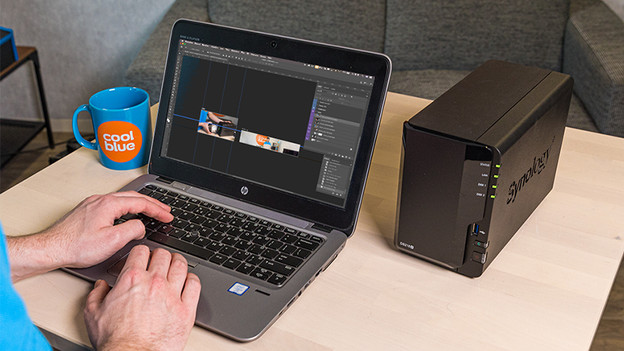
A NAS is a device in which you can place 1 or multiple hard drives which you can connect to your network for wireless storage and streaming. This way, you can stream video files, make backups, and manage your own personal cloud. Do you want to know more about what this device is exactly and what you can use it for? We're happy to help you in the following advice article.
Before you choose a NAS
You can't choose a NAS in 5 minutes, because you need to keep more in mind than you might think. That's why we're happy to help you, so you can make the right choice and buy a NAS that suits you. For example, we'll explain what you can do with a NAS at home and how you can use the NAS as a personal cloud.

Specifications and use of a NAS
RAID, IFTTT, and DLNA are all acronyms and terms that raise questions. But that's okay, because we'll explain the different specifications and what you can use them for in the following advice articles. This way, you're prepared when you make a choice.
Choose accessories for your NAS
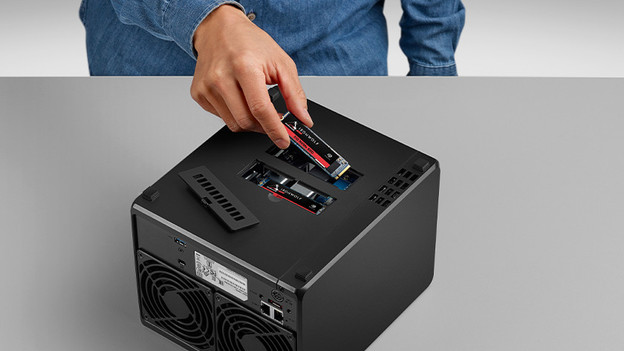
Only a NAS isn't enough. You also have to look at the right storage space. Do you choose an HDD or SDD, for example? Or do you want to provide your NAS with extra RAM? You can read how to choose these accessories in the following articles.
Synology
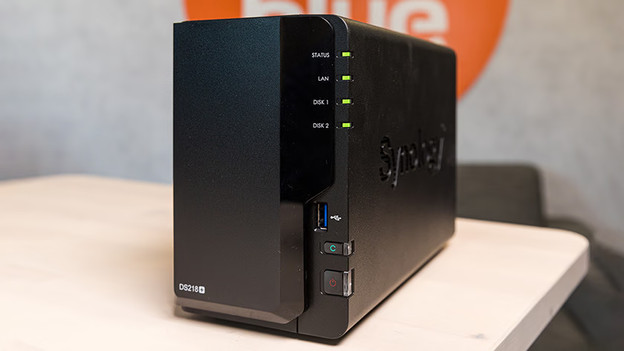
The Synology NAS is known as user-friendly, future-proof, and easy to expand. Do you want to know more about Synology NAS models, specifications, and how to set up a Synology NAS? Click on the links below to go the the advice hub for a Synology NAS, or to read how to properly set up a Synology NAS.
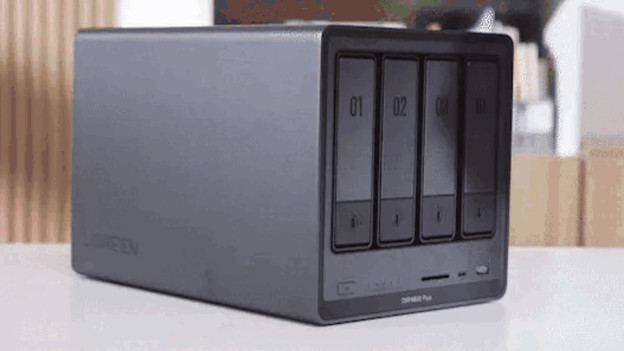
UGREEN
A UGREEN NAS provides a lot of freedom for programs, apps, and hardware from other brands. You can manage everything via the own UGREEN UGOS software. These NAS systems also have a sturdy aluminum casing, so they stay cool. In the links below, you can read more on how you install a UGREEN NAS.
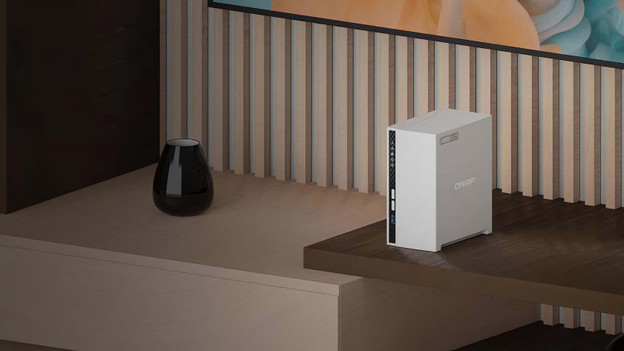
QNAP
No matter if you're looking for a NAS for at home or at the office, a QNAP NAS is very suitable for this. For example, you can make backups of documents, photos, and movies that you can stream right away. You can read how to properly set up a QNAP NAS, for example.
What can you do with a NAS?
With a NAS, you can save files, make automatic backups, and keep all your photos and videos in convenient folders. You can also use it for media streaming, automatic downloading, and to store surveillance footage. A versatile device.