
Written by Uhro
Edited on
30 November 2022
·
08:11
3 tips to improve the connection of your powerline adapter
Isn't your powerline adapter fast enough, or does the connection fade? In this article, we'll explain what you can try to do. For example, check if all powerline adapters are plugged into a grounded socket. Or reconnect the stations. In this article, we'll give you 3 tips to improve the connection.
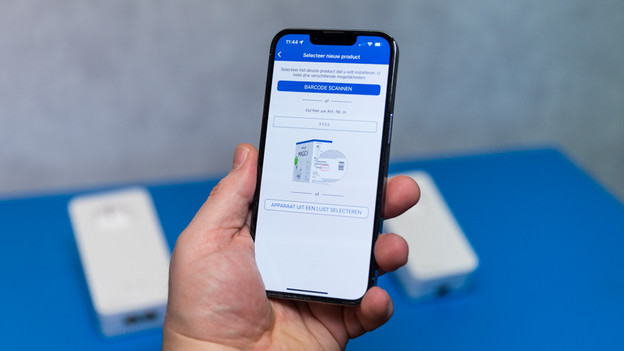
Get started with improving your connection
Different connection problems can cause poorer performance of your powerline adapters. With these 3 tips, you can ensure a faster and more stable connection.
- Use a grounded socket
- Reconnect the adapters
- Place the adapters closely together
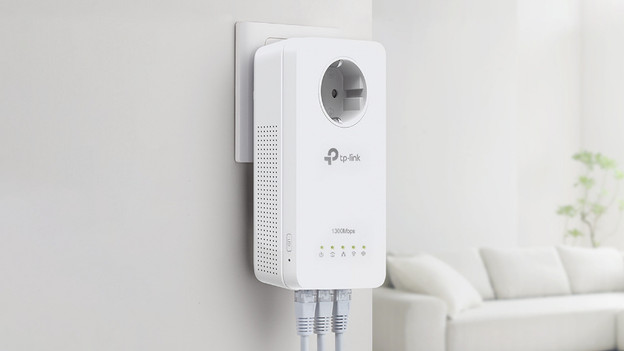
Tip 1: plug the adapters into a grounded socket
Is your connection slow? Check if all the powerline adapters are plugged into a grounded socket. This will ensure the high speed. With grounded sockets, you can use the full speed. That way, you can even go online fast in the attic or gazebo.
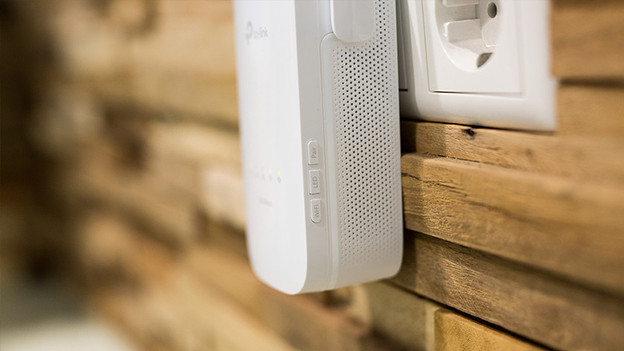
Tip 2: reconnect the powerline adapters
Is your connection fading occasionally? The powerline adapters may not be synchronized anymore. You can reset them and reconnect all the stations. How to do this differs per brand. You can find it in the manual. After the adapters have been reconnected, your connection should be more stable again.

Tip 3: don't place the powerline adapters too far apart
Powerline adapters work up to 15m distance. This differs per house though. It really depends on your AC power. Is it old? Chances are you can't cover this distance. The AC power in a 50-year old house is less suitable than in a new house. In that case, put the adapters closer together. As close as they need for the connection to work properly again. In that case, a different WiFi solution might be better.