Written by Deanne
Edited on
17 February 2026
·
15:42
Which apps can you use on a Chromebook?
On a Chromebook, you work with apps from the Google Play Store and web applications. Not all apps work the same on ChromeOS as they do on Windows or macOS. In this article, you'll find an overview of different apps and programs that you can use on your Chromebook.
Use apps on a Chromebook
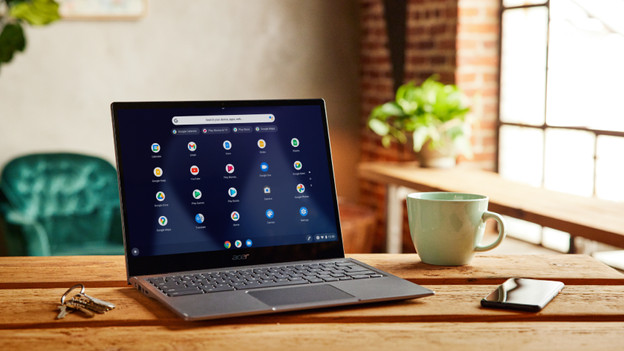
You can use many different apps on a Chromebook. You can only download apps from the Google Play Store, which means you're properly secured against viruses. More and more web versions are becoming available, so there are many more apps you can use. Chrome also works with a lot of web applications (PWAs) that you can install onto your Chromebook as a shortcut. Do you want to use a specific app? Make sure to check whether you can download it onto a Chromebook.
Work and study
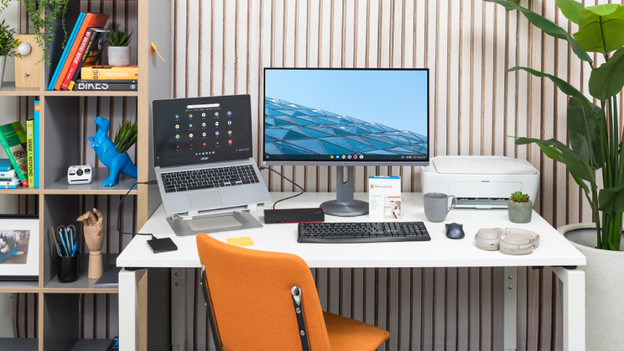
Do you often use your Chromebook for work or school? Keep in mind that you can only use the Office 365 programs in the browser or as PWA. Do you have to use specific programs for work or school? Make sure to check whether you can install them on a Chromebook.
- Office 365 (like Word, Excel, and PowerPoint): in the browser and as PWA
- Google Workspace (like Drive, Docs, Sheets, and Slides): in the browser and as app
- PDF reader: browser and app
- Dropbox: browser and app
- SPSS, SATA, RStudio, and VMware aren't available on a Chromebook.
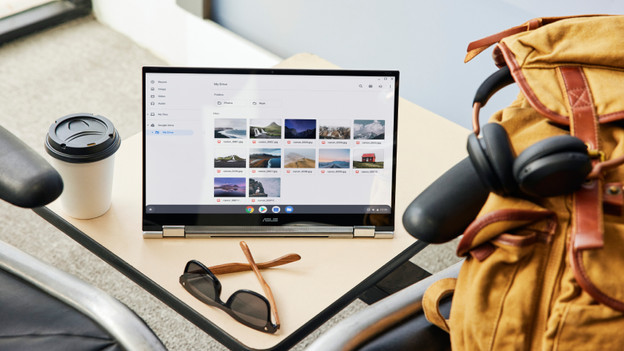
Image editing
Do you edit photos in Photoshop or design graphics in AutoCAD? Keep in mind that you won't have all the options with a Chromebook.
- Adobe Photoshop: PWA (or Photoshop Express app)
- Adobe Illustrator: PWA
- Adobe Premiere Pro: not available. Paid alternative: Luma Fusion. Free alternative: WeVideo
- Adobe Lightroom: app
- AutoCAD: browser
- Paint: not available. Free alternative: PaintZ
Social media and communication
You can use many social media apps on a Chromebook. You can download almost all of the social media apps via the Google Play Store. This is a list of apps you can download, for example:
- Facebook (and Facebook Messenger)
- X (Twitter)
- Zoom (PWA)
- Discord
- Microsoft Teams
Relaxation
You can watch a movie or series and listen to your favorite music on a Chromebook. If you want to play games, you'll mainly do this via the cloud with services like GeForce NOW. You can also download games like Minecraft from the Google Play Store. You can download the following apps, and more:
- Netflix, Videoland, Disney+, NPO, RTL, YouTube, Ziggo Go, HBO Max
- Spotify, Apple Music, VLC
- Minecraft, GeForce NOW, Steam (Steam Community only), Twitch

Internet and other apps
With a Chromebook, you can browse the internet without a problem. You'll mainly use the Google Chrome browser, but alternatives are available too. You can also use other useful apps on a Chromebook:
- Google Chrome, Firefox, Microsoft Edge, Opera
- Snipping tool (built-in), WinZip, 1Password