Written by Kayleigh
Edited on
1 October 2025
·
11:08
What's a Cricut cutting machine?
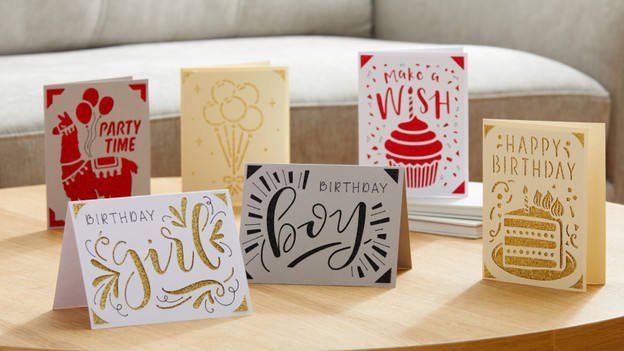
With a Cricut cutting machine, you can cut the nicest creations from all sorts of materials. This allows you to make stickers, birthday cards, decorations, or even a leather key chain. Or engrave a piece of jewelry. It differs per brand which materials and accessories you can use. We'll tell you more about the different Cricut machines and what you can make with them here.
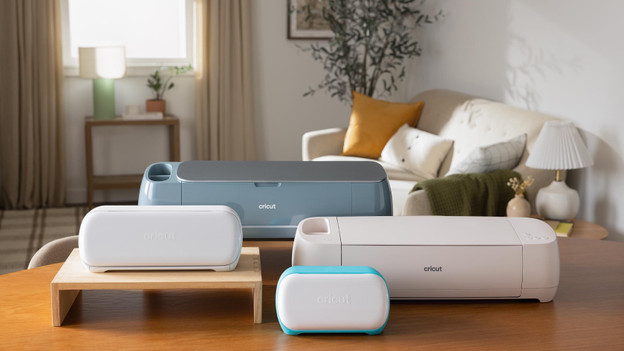
Choose from 5 models
The Cricut machines are available in 5 models: the Cricut Joy, Cricut Joy Xtra, Cricut Explore 4, Cricut Maker 4, and Cricut Venture. The difference is in the materials and tools you can use. You have the least number of options with the Cricut Joy, and the most with the Maker 4. With the Cricut Venture, you can make large designs at a high speed.
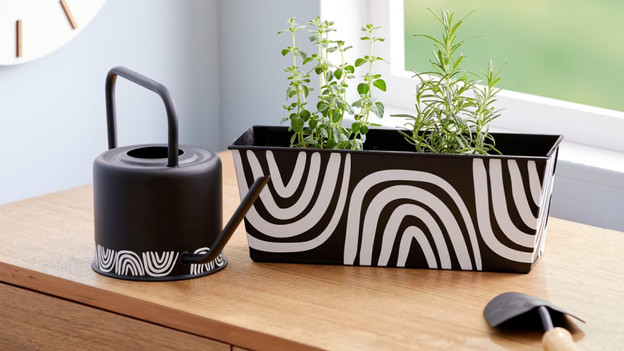
What can you make with the different cutting machines?
Let your creativity run wild with your Cricut cutting machine. Make labels, stickers, or cards. Or cut your design from self-adhesive vinyl to decorate your phone case, mug, or bottle. Use the Iron-on sheets to create prints for your T-shirt, tote bag, or pillow. Gift a custom mug that you made with Infusible Ink. With the Explore 4 and Maker 4, you can also make longer designs like wall decoration. Or create magnets for your fridge. With the Maker 4, you can also engrave your material.
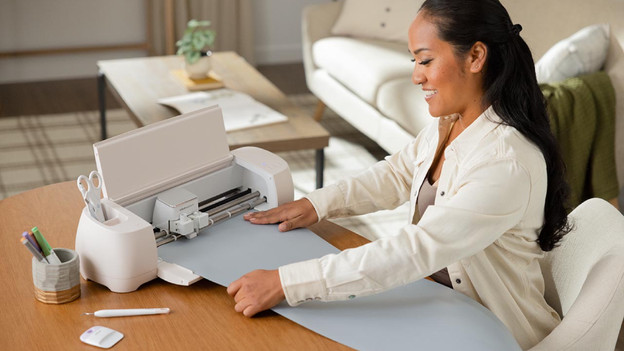
How does it work?
You can use the cutting machines from Cricut via Bluetooth or via a cable connection. Control the cutting machine with Cricut Design Space. Follow the 3 steps below and you'll have your design soon:
- Download Cricut Design Space and make you design. Or use one of the thousands of ready-made designs.
- Align your material on the cutting mat and feed it into the cutting machine. Start the cutting process.
- Your design is cut out. Now follow the steps that are part of your project.
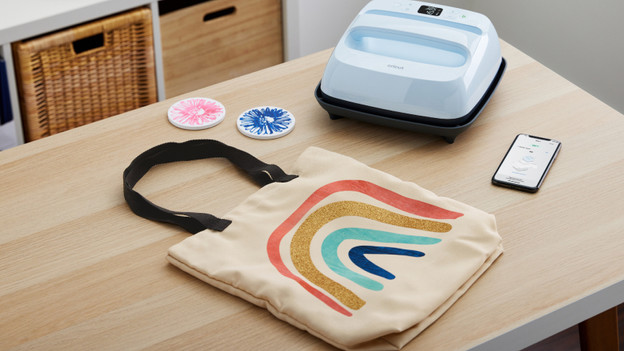
What do you need for your Cricut cutting machine?
Before you get started with your Cricut cutting machine, you need a few things:
- Materials. It differs per brand which material you use. You can also use multiple materials per project, of course.
- Cutting mats. Stick your materials onto a cutting mat when you're going to cut. Do you use Cricut Smart Materials? You don't need a cutting mat.
- Accessories. With the Cricut accessories, you can finish your creations. Think of a heat press, peel hook, spatula, and scraper. Read what you need for your Cricut machine in the following article.
What can you do with the Cricut Design Space?
Cricut Design Space is the design program from Cricut. Choose between thousands free or premium images and ready-made designs. Or upload a nice design from the internet. From fonts to images and project ideas. Are you in a creative mood? With the shapes in the Design Space, you can create your own masterpiece. Design Space tells you how to make your creating step by step. Do you have to switch tools halfway? The app clearly indicates that. Cricut Design Space guides you through the project form A to Z.