Cricut cutting machines
Cricut cutting machines.
Cutting edge.Let your creativity run wild with a Cricut machine. With these smart cutting machines, you can bring your ideas to life. You can read everything on the differences between the models and what you can make with them on this page.

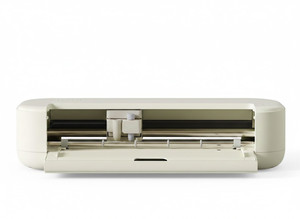
Compare the Cricut Maker 5, Explore 5, Joy Xtra, and Joy 2
The largest designs and the most options
Suitable for 13 tools, so you can make decorated edges, double folding lines, and tear-away edges.
You can make the widest designs, so you can work on the biggest projects.
You can cut into 300 extra materials, like wood, thicker leather, and other thicker fabrics. That way, you have the most options.
With the engraving tip, you can also personalize your jewels or leather.
13 tools
360cm
30.5cm
From
to458,-
536,-
The largest designs and more options
With the 6 tools, you have more options like cutting, writing, folding, and applying foil.
You can make the widest designs, so you can work on the biggest projects.
You can cut into 100 materials, like thin leather and foam.
6 tools
366cm
30.4cm
From
to300,-
378,-
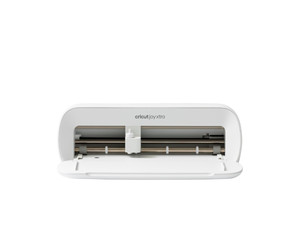
Larger designs and sufficient options
You can cut, write, and apply foil with the Cricut Joy Xtra.
You can make wider designs, so you can work on larger projects.
3 tools
120cm
21cm
From
to250,-
328,-
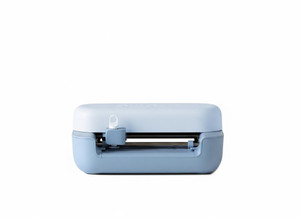
Small designs and fewer options
You can cut, write, and apply foil with the Cricut Joy 2.
3 tools
122cm
11.4cm
From
to150,-
228,-

View cutting machines

Cricut Joy: cards, stickers, labels, and more
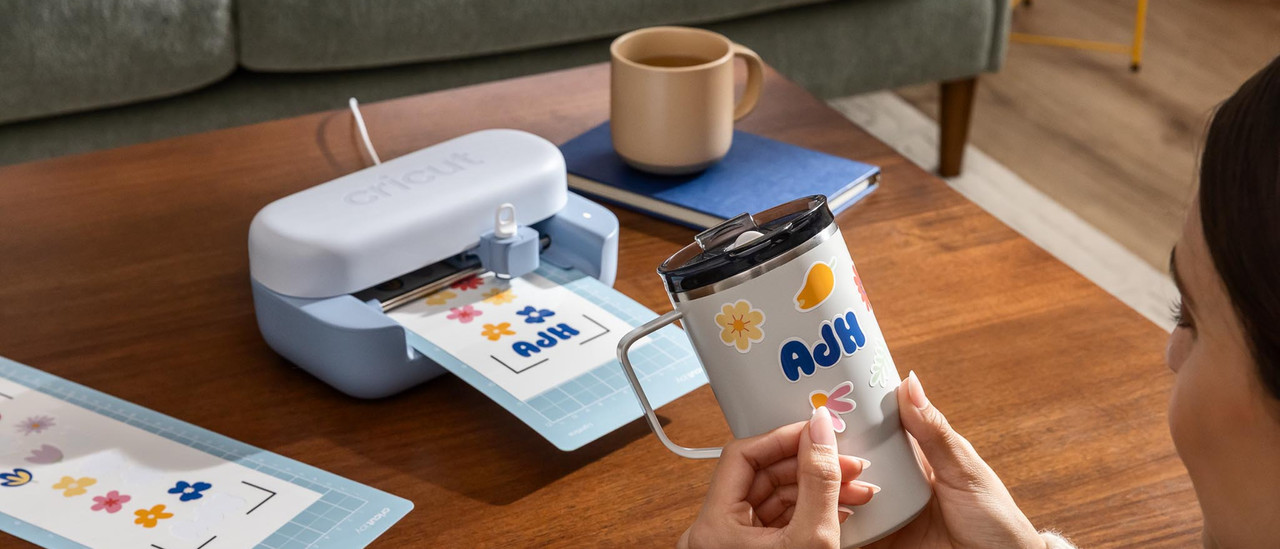
Do you only want to make cards, stickers, and labels? The Cricut Joy series is all you need. With these machines, you mainly create small designs and use materials such as sticker board, vinyl, and labels. This way, you can label your own spice jars or make a fun birthday card. With the Print Then Cut function, you can also create printed stickers.

Cricut Explore: wall decorations, jewelry, and more
With the Cricut Explore series, you can make everything the Cricut Joy can and more. Use up to 100 materials, like leather and felt. Use the scoring stylus to make folding lines in your cardboard for gift boxes, for example. Liven up your bedroom with long wall decorations of up to 30cm wide and 360cm long.

Cricut Maker: engraving, wooden decorations, and more
You have the most options with the Cricut Maker series. Engrave your own jewelry or create texture in your material. Make a tear-away line in your card or cardboard or add a wavy edge to paper, vinyl, and more. You can cut into thicker materials, like thicker fabrics and balsa wood. That way, you can make wooden decorations.
Get inspired


Get everything for your Cricut machine
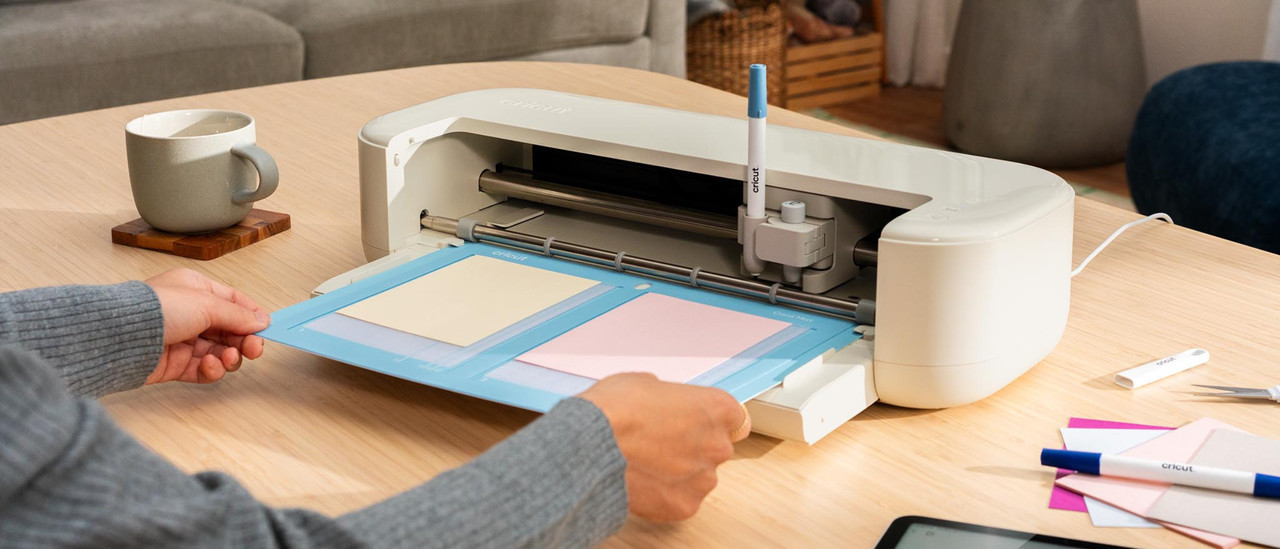
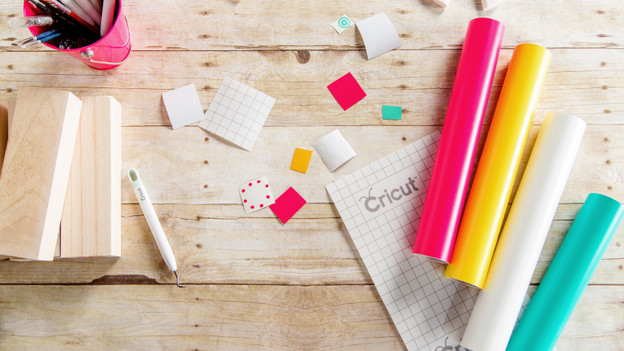
Before you get to work with your Cricut cutting machine, you need a few things. For example, materials for your first project or a mat to stick your materials on. Various tools are also indispensable for your cutting machine. Think of tweezers, a weeder, spatula, and scraper. You can also find Cricut heat presses among the tools.


FAQ
How do you choose a Cricut cutting machine?
Which Cricut machine you choose depends on what you want to make. Do you only want to make small designs, such as stickers, labels, and cards? Choose a Cricut Joy. Thanks to its compact size, it's also easy to take with you. The Joy Xtra is slightly larger, allowing you to create A4-sized designs as well. With the Cricut Explore, you can create longer and wider designs. You can also use 50 extra materials. With the Maker, you can use the most accessories and materials. Want to cut wood or engrave, for example? Choose the Maker
What do you need for your Cricut cutting machine?
You need various things before you can get to work with your Cricut. A cutting mat provides a cutting surface for your materials. You need suitable material for various projects, like paper, vinyl, or fabric. Specific blades and pens are important for cutting and writing work. Want to cut into fabric with your Cricut Maker? You need a separate blade for that. Tools like pincers, scrapers, and brayers are useful for your projects. Want to print clothes or mugs? You need a special heat press for that.
What can you make with Cricut?
What you can make depends on your model. The Cricut Joy has the least options and the Cricut Maker the most. Create personalized birthday cards and party decor, for example. Or design and cut out unique vinyl stickers to personalize your stuff. Make prints for T-shirts, bags, or mugs and turn ordinary pillowcases into art with your design. Cut out quilt patterns from fabric and leather or engrave a bracelet with the Cricut Maker. The possibilities are endless.
What's the Cricut Design Space?
Cricut Design Space is the Cricut design program. There are a few free ready-made designs available. Want access to thousands of ready-made projects, images, and fonts? Get a Cricut Access paid subscription. Or upload your own design. Use the canvas and create your own design with various shapes. Design Space tells you how to make your creation step by step. Have to switch tools halfway? The app clearly indicates that. Cricut Design Space guides you through the project form A to Z.