Written by Lucas
Edited on
8 September 2026
·
09:05
What to do if 1 Sennheiser earbud doesn't work/produce sound?
If a Sennheiser earbud doesn't produce sound, it's probably due to the connection. To solve this, it's important to download the latest update for your Sennheiser earbuds. We'll tell you what more you can do.

One earbud doesn't produce sound
In 3 steps, you can solve an earbud that doesn't product sound.
Step 1: update earbuds
Step 2: set up a good connection
Step 3: reset earbuds
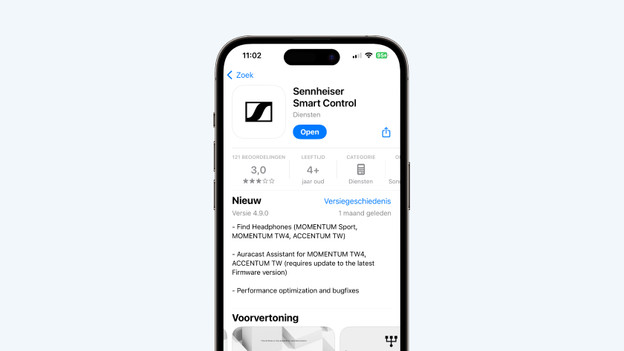
Step 1: update the earbuds
It's important that you download the latest available update for your earbuds. With the latest update, the earbuds work best, and many common bugs will resolve. Download and open the Sennheiser Smart Control app, and tap the cogwheel at the top right. There, you can check if you downloaded the latest update.
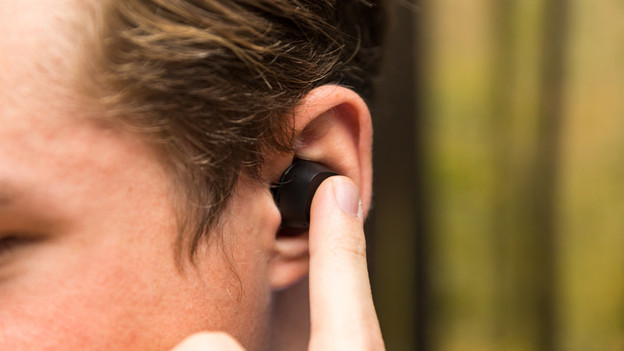
Step 2: make sure you have a good connection
When 1 earbud doesn't produce sound or stutters, that's often due to the connection. Try the following:
-
Turn off all Bluetooth devices in your area.
-
Don't stand too close to appliances like fridges and microwaves as they might affect the wireless Bluetooth signal.
-
Keep your smartphone in your hands or front pocket, not in your purse or back pocket.
-
Turn the earbuds off and on again.
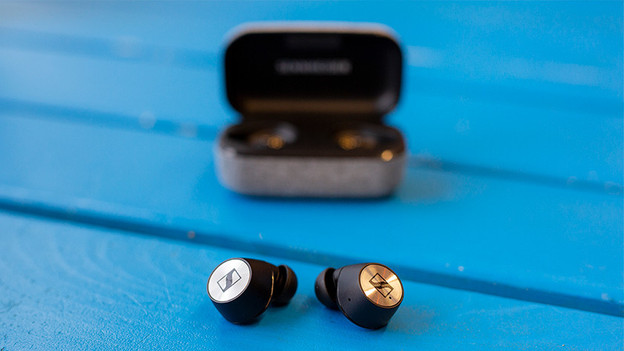
Step 3: reset the earbuds
Does 1 earbud still not produce sound? Reset the earbuds. Connect the charging case to a power source via the included USB cable. Now put both earbuds in the charging case and hold down the touch-sensitive part of both earbuds for 6 seconds. Your earbuds are now reset.