FRITZ!
FRITZ!.
I feel a connection.
View all FRITZ! products
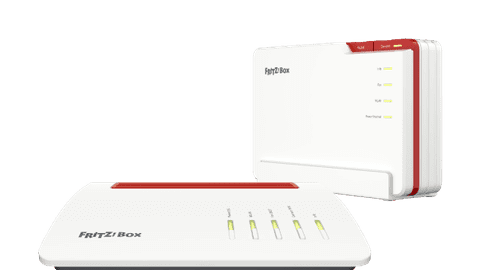
FRITZ!Box routers
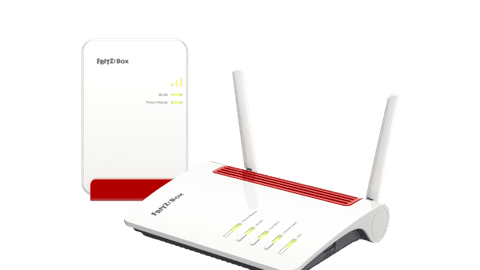
Improve the internet from your provider with a FRITZ!Box router.FRITZ!Repeaters
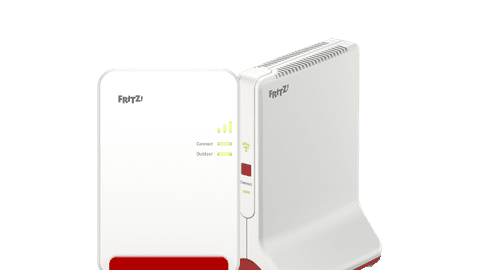
Expand your network and extend the signal of your router.FRITZ!Mesh
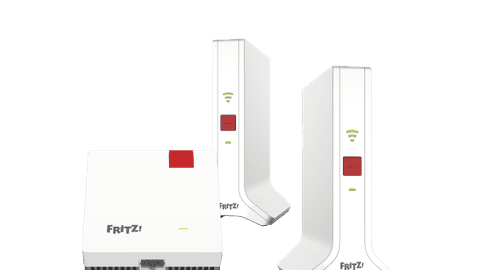
Place multiple WiFi points in your house and spread the WiFi signal through your entire house.FRITZ! 4G and 5 routers
Set up a WiFi signal anywhere via a mobile data connection.
Local development
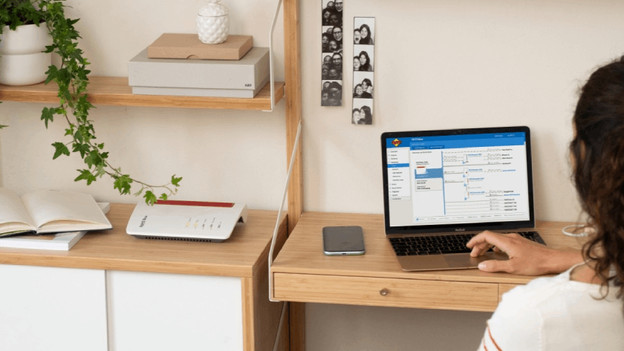
FRITZ! is a German brand and is developed in Berlin. The products comply with strict European guidelines. You'll get a 5-year warranty on your FRITZ! routers and WiFi extenders and they update automatically. Via your smartphone, you can set your network and connect all your FRITZ! devices to each other without needing an extra subscription. They have extra options for security, such as a built-in firewall and encrypted WiFi. This way, everyone can go online safely in your house.
Compatibility with your modem
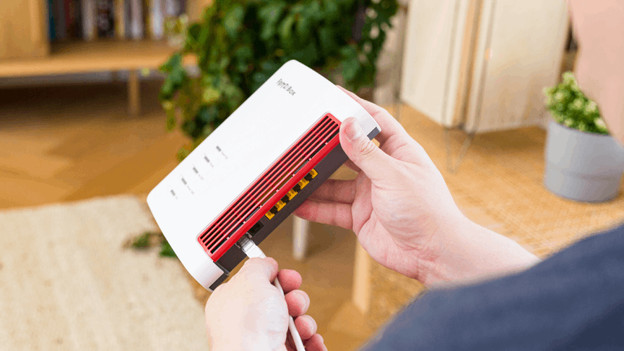
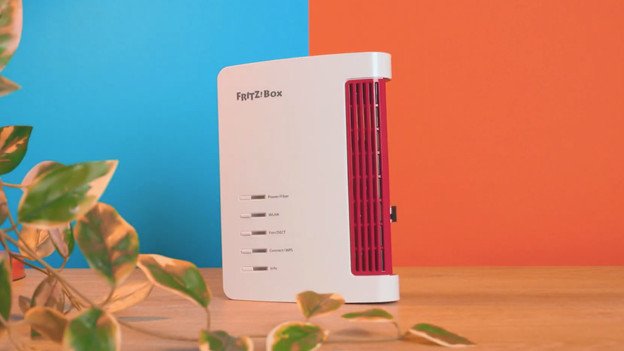
The FRITZ! routers work well together with the modem of your provider. A FRITZ!Box router uses the existing internet connection and makes an own connection with this. Often, the internet of such a router is more powerful and faster than that of your modem. You can connect the router with a cable to the modem and set it via a web browser on your smartphone or computer. For some FRITZ!Box routers, you don't need a modem at all. You can connect this directly to your internet connection.
Set up via the FRITZ!Apps
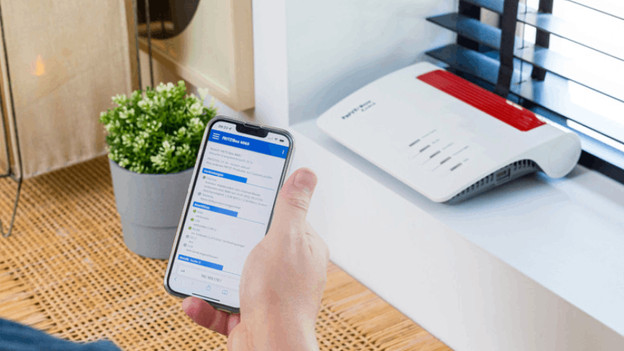
There are various apps you can use for your FRITZ! network. With the MyFRITZ!App, you can install and manage your routers and mesh systems. You can create a network for guests and see which devices are connected to your network, for example. Via the FRITZ!App WLAN, you can find the best spot for all your WiFi points. Want to use your smartphone as landline phone? You can download the FRITZ!App Fon. There's also the FRITZ!App SMart Home, which allows you to manage your other FRITZ! smart devices.
Compare the FRITZ! WiFi solutions
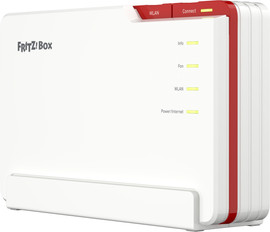
- FRITZ!Box 5690 Pro
Your WiFi signal is more powerful and faster than that of your provider.
You can easily connect this router to your modem with an Ethernet cable.
For an even more stable connection, you can connect a device wired to the router.
With 1 router, you don't have enough coverage for a larger apartment or multiple floors.
From
409,-
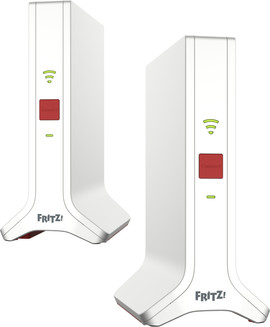
- FRITZ!Mesh Set 4200
You can create 1 large WiFi network in your entire house.
Devices connect automatically to the station that has the strongest connection.
You can easily expand your network with extra stations.
Create a good WiFi signal that works into the furthest corners of your house.
From
272,-
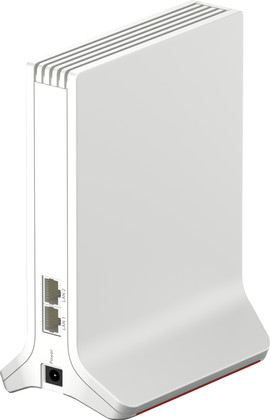
- FRITZ!Repeater 3000 AX
You can extend the signal of your router to a hard-to-reach spot.
You can easily expand your network with extra repeaters.
If the repeater has a separate network name, your devices don't always connect to the most powerful network.
A WiFi repeater only works well wirelessly in a place where the signal of your router is still powerful enough.
From
173,-
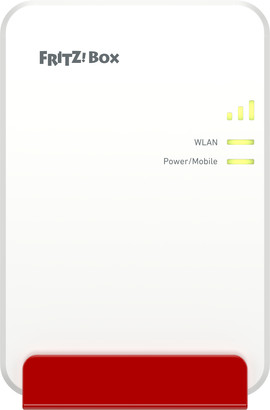
- FRITZ!Box 6860 5G
You don't need a fixed internet connection to use this router.
Always set up a fast and safe network, for example on vacation or a temporary workspace.
You need a separate SIM card to use the router, it's not included.
For coverage at multiple floors, you need extra routers.
From
436,-
View this FRITZ! router as well
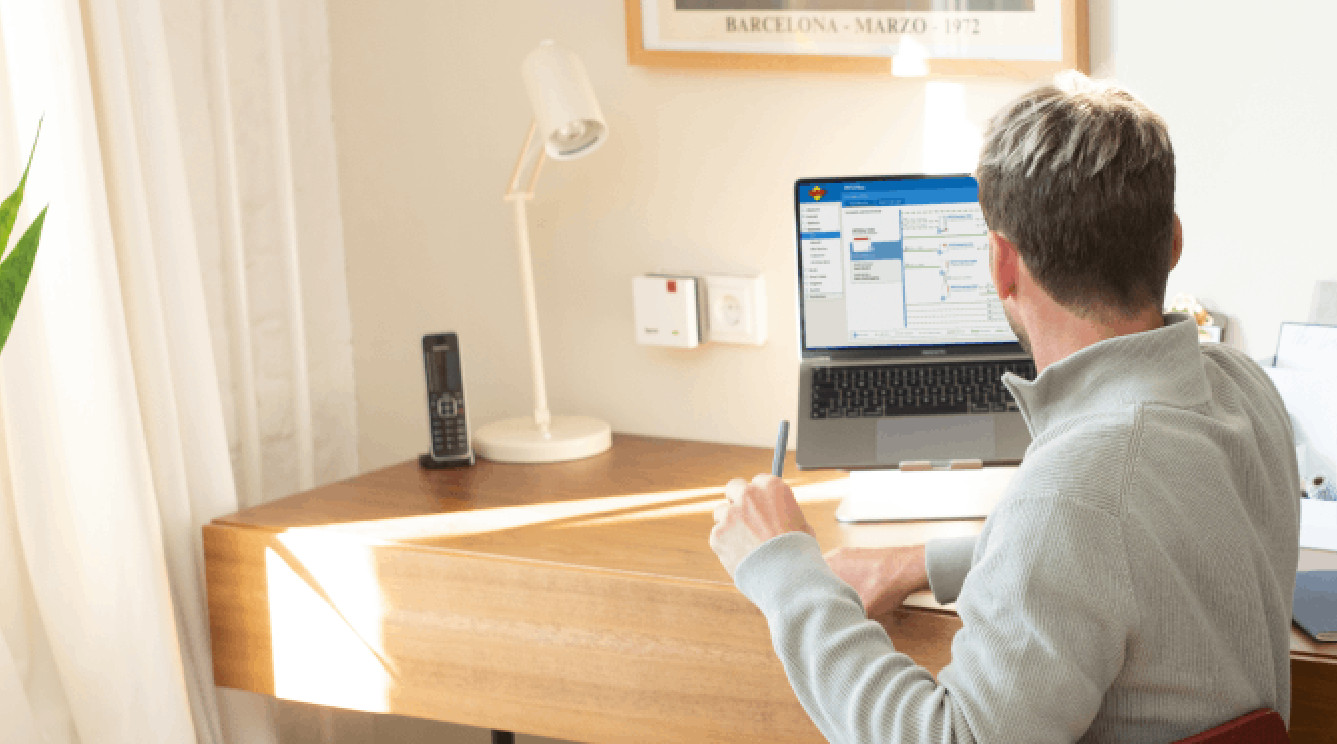
Extend your WiFi signal
You can connect this mesh WiFi set to any router, but it works best with a FRITZ!Box. They extend the WiFi signal of your router. With the extra WiFi points, you have a stable connection anywhere. Even in the attic.
Choose your own modem
In the Netherlands and Belgium, you can choose a modem yourself. You don't have to use the modem from your provider. You can connect the FRITZ! routers directly to your fiber optics, cable, or DSL and have built-in settings for all large providers. That way, you can easily replace your modem with a FRITZ! router. This means you need less devices for a good internet connection. You can extend the WiFi signal throughout your entire house with extra FRITZ! WiFi points.
FAQ
What's the difference between a repeater and a mesh system?
A separate repeater extends the signal of your router. A mesh system has multiple WiFi points, which you place throughout your house. That way, you can extend the network to every corner of your house.
Does FRITZ!Mesh only work with a FRITZ!Box router?
No, the repeaters in a FRITZ! mesh set also work with other routers. They do work the best with a FRITZ!Box router, because you can control the entire network via 1 app and set up extra functions.
Where do I place a FRITZ!Repeater?
You always place a WiFi repeater in a spot where the signal of your router is still strong enough. If it's too far away, it can't extend the signal well. With the FRITZ!App WLAN, you can find the best spot for your repeaters.
How do I connect a FRITZ!Box?
The installation of FRITZ!Box routers is very easy. You place the router, connect it to power, and your network and router start working. You then just set up the WiFi on your devices.