Wacom drawing tablet
Wacom drawing tablet.
Living on the etch.With a Wacom drawing tablet with screen, you can see the result of your drawings on the built-in screen right away. Whether you're an artist, designer, or photo editor, there's a suitable Wacom drawing tablet for everyone.

Compare the Wacom drawing tablets with screen
Suitable for professional drawing
You connect the tablet to your own laptop or PC, allowing you to work with familiar editing software.
The large format allows you to create the longest lines and work with the most detail.
There's always a size that suits you, because you choose between 3 different sizes.
These drawing tablets have the best specifications, allowing you to draw in the highest quality.
No
Yes
From
to735,-
2.709,-
Suitable for wireless drawing on the go
Thanks to the proprietary operating system, you don't have to use a PC or laptop, allowing you to draw on the go.
Thanks to its thin and lightweight size, you can take this drawing tablet with you everywhere.
These drawing tablets are available in 2 different sizes.
Yes
Yes
From
to470,-
920,-
Suitable for wired drawing on the go
You connect the tablet to your own laptop or PC, allowing you to work with familiar editing software.
You can take this drawing tablet with you everywhere thanks to its thin and lightweight size.
No
Yes
From
634,-
Wacom One
Suitable for hobby drawing
You connect the tablet to your own laptop or PC, allowing you to work with familiar editing software.
No
Yes
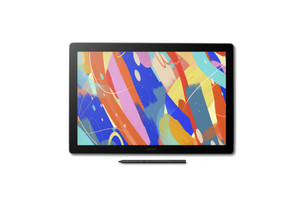
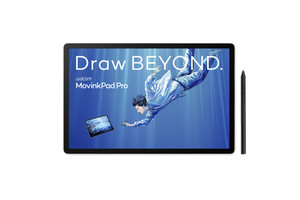
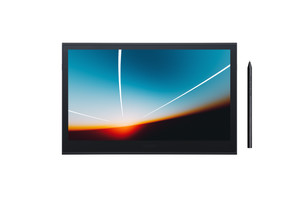
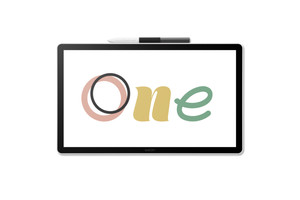
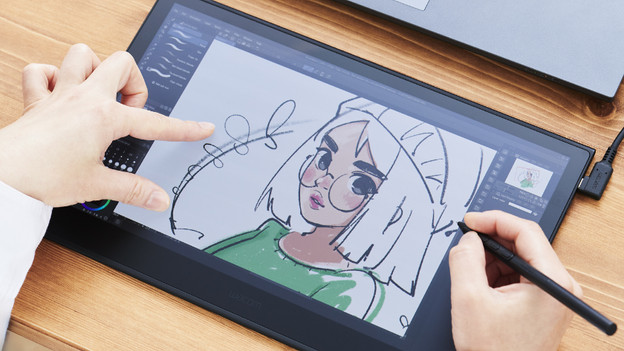
Zoom in and out easily with multitouch
The Wacom Cintiq, Wacom Cintiq Pro, and Wacom MovinkPad 11 have multitouch. With multitouch, you can tap, zoom, scroll, or move on your drawing tablet with multiple fingers at the same time. You can zoom in and out on your drawings, which makes it easier to see details. You can also rotate with 2 fingers and quickly flip through pages with finger movements. It's easier and feels more natural to navigate and edit your drawings and documents.
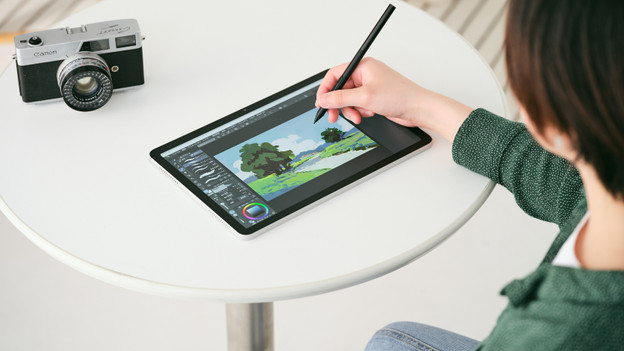
More detail with a higher LPI and more pressure levels
Pressure levels indicate how sensitively the drawing tablet responds to your pressure. The more pressure levels, the better you can create different line widths and shadows. If you press harder on the stylus, you get a thicker line. A higher pressure level is indispensable if you create drawings with a high resolution. With LPI (Lines Per Inch), we mean how many lines a drawing tablet can register in 1 inch. This is also called the LPI resolution. The advantage of a higher LPI is that you add more details to your drawings.
Wacom Cintiq 24 Pen and Touch (2025)
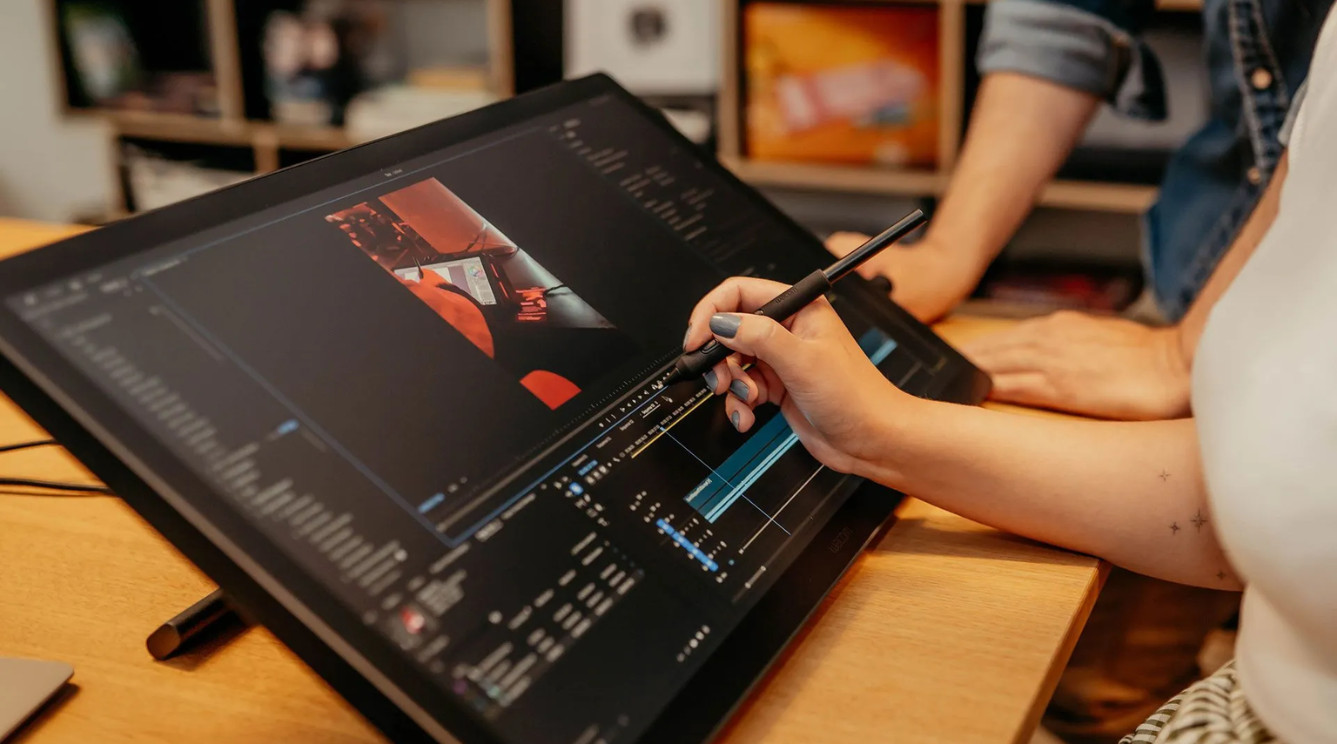
Work on a 24-inch 4K screen
With a 24-inch 4K screen, the Wacom Cintiq 24 Pen & Touch (2025) is one of the largest Wacom drawing tablets. Thanks to the large screen, you have lots of work space and you can see what you draw down to the tiniest details.
FAQ
How do you choose a Wacom drawing tablet with a screen?
Within the Wacom drawing tablets with screen, there are 3 product lines: the Wacom One, Wacom Cintiq, and Wacom Cintiq Pro. Which one you should choose, depends on your needs. If you want to make the most accurate drawings with lots of details, choose the Wacom Cintiq or Cintiq Pro. These drawing tablets have more pressure levels and a higher LPI resolution. Also consider how large your screen should be. A drawing tablet with a larger screen has more work space, but it's less easy to take with you.
What is the advantage of ExpressKeys?
The Wacom Cintiq and Cintiq Pro have special ExpressKeys on the drawing tablets. These are buttons on which you set your specific shortcut. This way, you get quick and useful access to frequently-used functions and commands on your drawing tablet. You can adjust the shortcuts to your liking and workflow. For example, you can change brush sizes or undo brush strokes at the touch of a button. You save time with this, because you spend less time looking for menu options.