Apple MacBook Air
Find the Apple MacBook Air that suits you
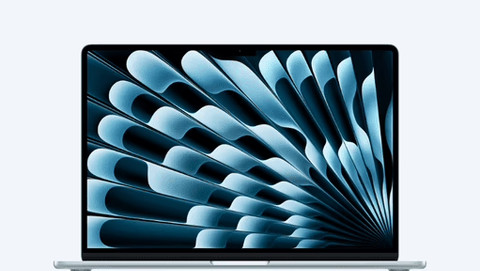
MacBook Air 15 inches
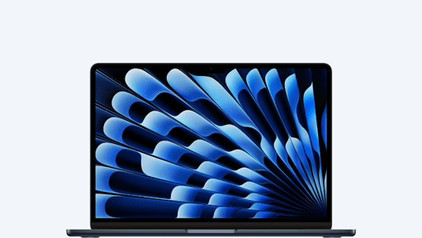
MacBook Air 13 inches
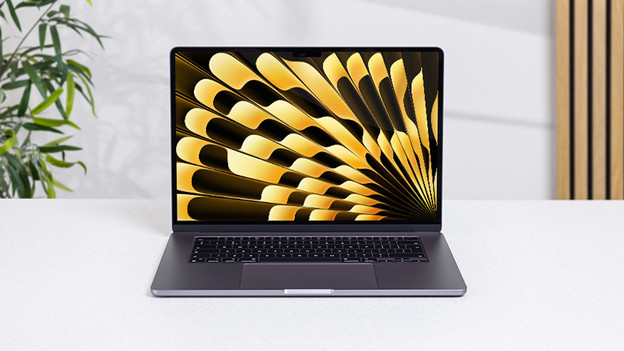
MacBook Air 15 inches
Enjoy more details thanks to extra screen space
With the 15-inch MacBook Air, you can see all details and the large trackpad gives you more freedom of movement. This MacBook is larger, but still doesn't weigh a lot.
- The starter model has an M4 or M5 chip with 10 graphic cores, so you can edit larger files and experience less delay.
- On the sharp 15-inch Liquid Retina display, you won't miss a single detail.
- Thanks to the 6 Dolby Atmos speakers, you can get the sound everywhere around you.
- If you're often on the go, we recommend a 13-inch MacBook Air.

MacBook Air 13 inches
Take your MacBook Air with you everywhere
With MacBook 13-inch, you can do you daily tasks on the go. For example, you can write reports in Pages, look at your favorite series, or edit your photos and videos.
- The starter model has an M4 or M5 chip with 8 graphic cores, so you can do your daily tasks smoothly.
- Thanks to the compact size, this MacBook fits easily in your bag and on smaller surfaces.
- If you edit a lot of detailed files, we recommend a 15-inch MacBook Air.
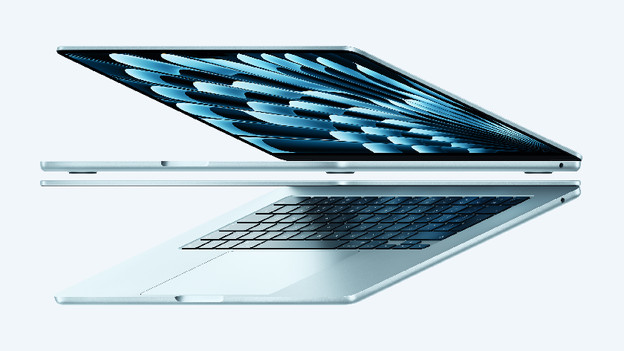
Everything on the MacBook Air M5 (2026)
On 3 March 2026, Apple announced the new Apple MacBook Air with M5 chip. Thanks to this chip, the MacBook Air is more powerful than ever. In this article, we'll tell you everything you need to know about the Apple MacBook Air M5.
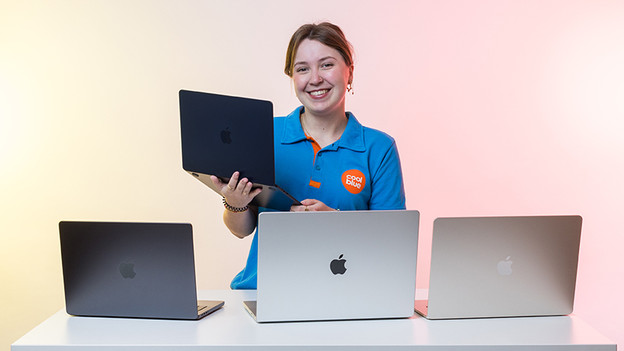
How do you choose an Apple MacBook?
Before you choose your MacBook, it's important to know what you want to use it for. Based on your wishes, choose the size, processor, RAM, and the storage capacity. Our Apple expert is happy to tell you more about it.
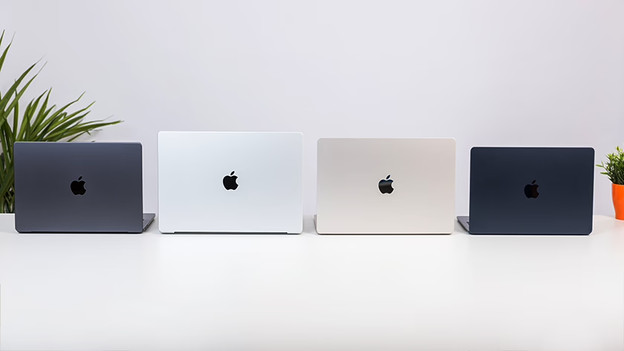
Compare all MacBook models
Interested in the Apple MacBook? You can choose between the MacBook Pro, MacBook Air, and MacBook (2026). Which choice is the best for you, depends on your preferences. In this article, we'll tell you all about the different Apple MacBook models.
Trade in your old MacBook for a discount

Step 1: check the trade-in value
Look up your current MacBook and check what trade-in value you'll receive.

Step 2: buy your new MacBook
Pick out a new MacBook on our website or in the store. Transfer all data from your old MacBook to your new MacBook.
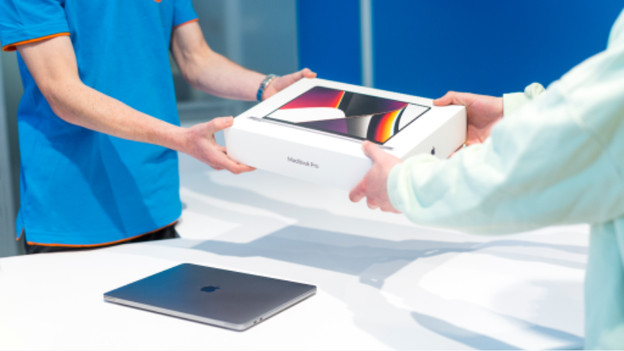
Step 3: trade in your old MacBook
Go to the store with your old MacBook. The expert then decides the definitive trade-in value there. You'll receive this amount as a discount.
Frequently asked questions
Which MacBook Air suits me?
Which MacBook Air suits you best depends on your usage situation. Going to use your MacBook mainly for daily tasks and do you edit a photo or video every now and then? Choose the 13-inch MacBook Air with M2. If you want to have a good overview, we advise the 15-inch MacBook Air. For basic task, a MacBook Air with M1 is sufficient.
How much RAM do I need?
In addition to your processor, the RAM decides the speed of your MacBook. It's important to know how much RAM you need, because it's not expandable later. With more RAM you can perform more demanding tasks and work more smoothly in multiple programs at the same time. Do you edit photos and videos? You need more RAM than if you only take notes.
How much storage capacity do I need?
It's important to know how much storage capacity you need, because it's not expandable later. You base the storage capacity on your usage situation. Choose 256GB if you store a lot in iCloud. If you rather store files locally, we recommend at least 512GB. To store demanding programs or large files, we advise at least 1TB.
Which inch size suits me?
If you're often on the go, a compact 13-inch size is useful. This model easily fits in your bag and doesn't weigh too much. Do you edit many detailed files? We advise a 15-inch size.
Can I use Microsoft Office 365 on my MacBook Air?
Yes, that's possible. You do need a Microsoft Office suite for this. You can choose from different licenses. Which version you choose depends on your usage situation. Apple also has their own free software called Apple iWork. You can write documents in Pages, edit spreadsheets in Numbers, and make presentations in Keynote.