Written by Stefan
Edited on
24 March 2026
·
09:20
Compare all Apple MacBook models
With the Apple MacBook, you can choose between 3 different models: the MacBook Pro, MacBook Air, and the MacBook Neo starter model. The MacBook Pro is suitable for the most demanding tasks. The MacBook Air is less powerful, but you can easily take it with you on the go. With the MacBook Neo starter model, you can easily perform daily tasks. In this article, we'll tell you all about the differences between all MacBook models.
View the latest Apple MacBook models
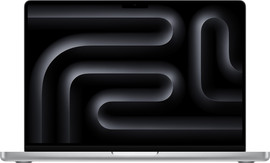
- Apple MacBook Pro M5
Work quickly and edit light photos with Apple M5.
Enjoy a razor-sharp image on the Liquid Retina XDR display.
You can choose from a large 14 or 16-inch screen size.
From
1.829,-
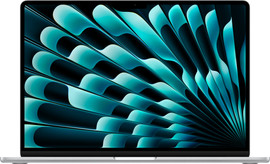
- Apple MacBook Air M5
Work quickly and edit light photos with Apple M5.
View images with a lot of detail on the Liquid Retina display.
You can choose from a smaller 13 or 15-inch screen size.
From
1.729,-
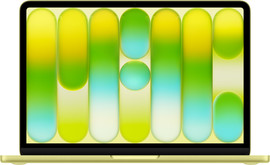
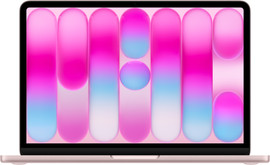
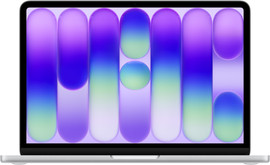
- Apple MacBook Neo
Perform light tasks quickly with Apple A18 Pro.
View images with a lot of detail on the Liquid Retina display.
MacBook Neo is only available in a 13-inch size.
From
799,-
Compare all Apple MacBook models
| Screen | Number of CPU cores | Number of GPU cores | Maximum RAM | Maximum storage capacity | Battery life | Screens to be connected | |
|---|---|---|---|---|---|---|---|
| MacBook Pro M5 Max | 1600 nits Liquid Retina XDR | Up to 18 cores | Up to 40 cores | Up to 48GB | Up to 2TB | 24 hours | 4 screens |
| MacBook Pro M5 Pro | 1600 nits Liquid Retina XDR | Up to 18 cores | Up to 20 cores | Up to 48GB | Up to 1TB | 24 hours | 2 screens |
| MacBook Pro M5 | 1600 nits Liquid Retina XDR | Up to 10 cores | Up to 10 cores | Up to 24GB | Up to 1TB | 24 hours | 2 screens |
| MacBook Air M5 | 500 nits Liquid Retina | Up to 10 cores | Up to 10 cores | Up to 24GB | Up to 1TB | 18 hours | 2 screens |
| MacBook Neo | 500 nits Liquid Retina | 6 CPU cores | 5 GPU cores | 8GB | Up to 512GB | 16 hours | 1 screen |
Appearance and design
Apple MacBook Pro: the largest screen and sleek design
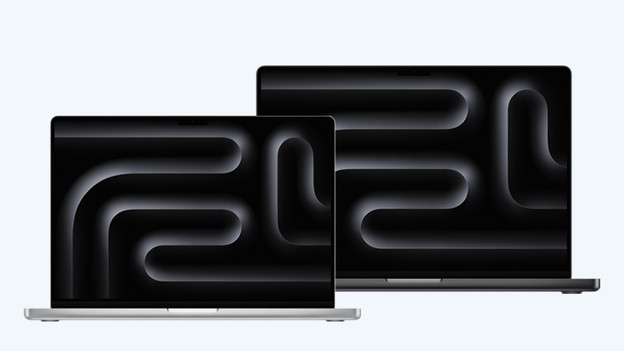
With the Apple MacBook Pro, you can choose from 2 sizes: 14 and 16 inches. On the large 16-inch screen, you can see all details in your files and easily work in multiple windows at the same time. A 14-inch MacBook is easier to take with you. In combination with the powerful internal components, this makes the MacBook Pro a bit heavier than the MacBook Air. As a result, it's less easy to take your MacBook Pro with you on the go. With the MacBook Pro, you can choose between the colors silver and Space Black.

Apple MacBook Air: smaller screen and more colors
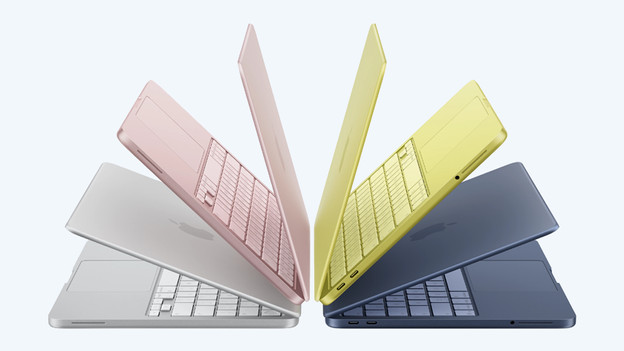
The design of the MacBook Air is very similar to that of the MacBook Pro. You can choose between a 13 and 15-inch size. Thanks to the low weight, you can easily take both sizes with you in your bag. To work on the go, for example. Choose the larger 15-inch screen to see more details in your files. You can choose from the colors Midnight, blue, Starlight, and silver.
Apple MacBook Neo: the smallest screen and striking colors
The design of the Apple MacBook Neo also doesn't differ much from the other MacBook models. This MacBook is only available in 1 size: 13 inches. Thanks to the small size and low weight, this MacBook is also easy to take with you in your bag. With the MacBook Neo, you can choose from various striking colors: silver, Indigo, Citrus, and Blush. That way, there's always a MacBook Neo that suits you.
Speed and power
MacBook Pro: choose from the most powerful chips
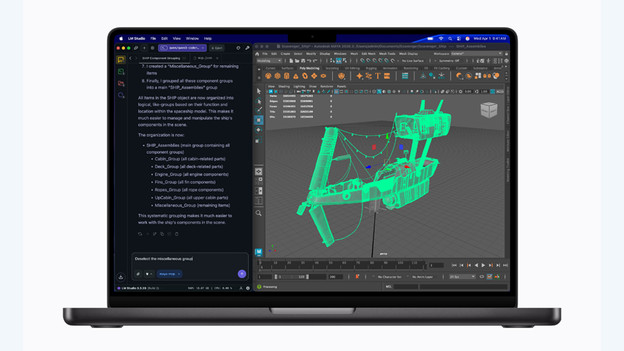
With the Apple MacBook Pro, you can choose from the most powerful Apple silicon processors: the M5, M5 Pro, and M5 Max. With the Apple M5, you can easily work on all your daily tasks and effortlessly perform light photo and video edits. Perform demanding video editing? Choose the Apple M5 Pro. For the most demanding tasks such as app development and music production, the Apple M5 Max is the most suitable.
MacBook Air: Apple M5 or M4 chip
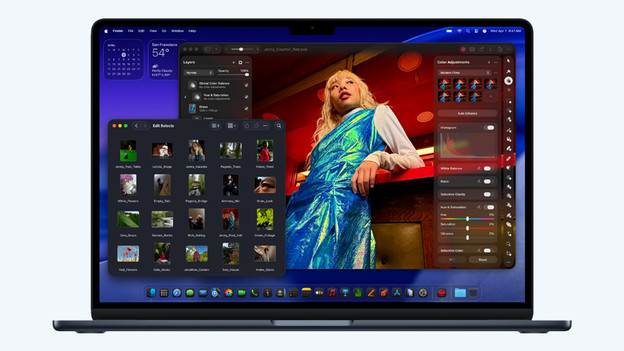
With the Apple M4 or M5 chip in your MacBook Air, you can smoothly work on your daily tasks. Even when you're on the go. You can work on your presentations and spreadsheets, browse the internet, and watch your favorite movie or series. The M5 chip is also powerful enough for light photo and video editing.
MacBook Neo: light A18 Pro chip
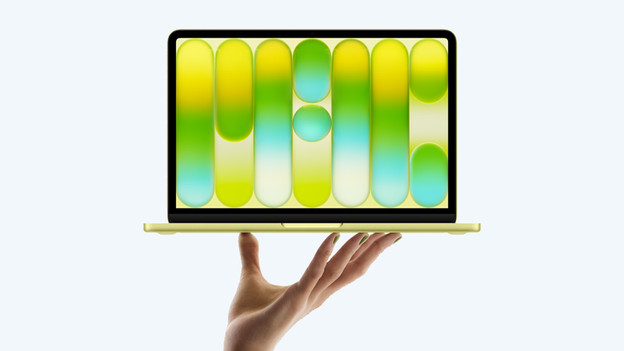
The new MacBook (2026) starter model has an Apple A18 Pro chip. With this light processor, you can smoothly perform light tasks. You can browse the internet, edit text files, and keep up with your emails. You can effortlessly use most apps and light games without issues. Thanks to the 8GB RAM, you can also use the smart Apple Intelligence functions. For example, you can rewrite texts and use AI to lightly edit your favorite photos.
Screen
MacBook Pro: the best screen with highest speed
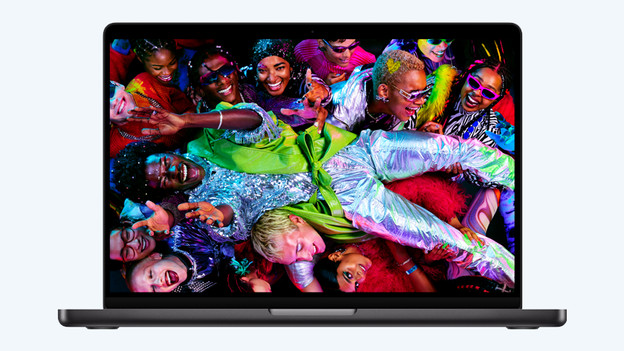
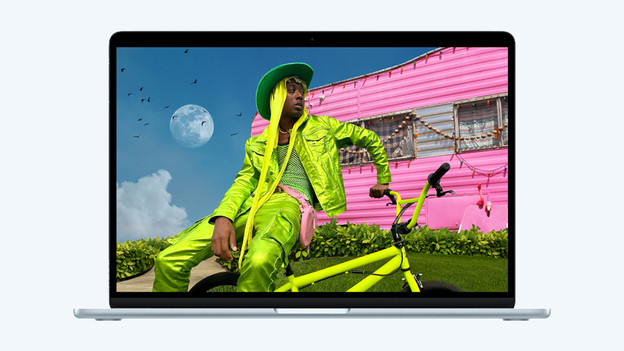
On the screen of the MacBook Pro, you can enjoy razor-sharp images and bright colors. The MacBook Pro is the only MacBook with a 1600-nits Liquid Retina XDR display. Because this is a ProMotion screen, the screen adjusts to the task you're currently performing. The highest refresh rate of the screen is 120Hz.
MacBook Air: sharp image and a lot of colors
The MacBook Air has a Liquid Retina display with a maximum 500-nit brightness and supports up to a billion colors, just like the MacBook Pro. Thanks to this, the image is bright and sharp. This is especially useful in bright environments. This way, you can also enjoy your favorite series when you're sitting in the garden in the summer. The MacBook Air doesn't have a ProMotion display, so the image is less smooth than with the MacBook Pro.
MacBook Neo: enjoy your favorite series
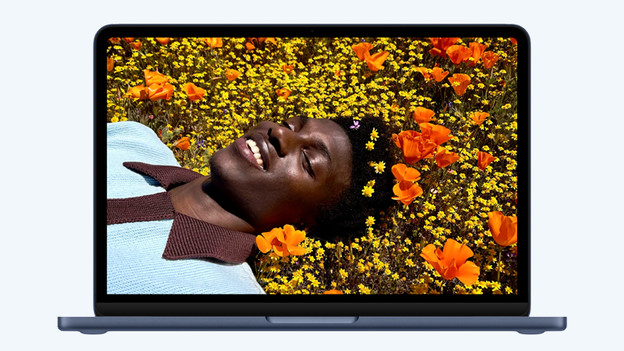
The Apple MacBook Neo also has a Liquid Retina display, just like the Apple MacBook Air. This way, you always enjoy sharp images and nice colors. Movements are smooth and you don't experience screen tearing. That way, you can optimally enjoy your favorite movies or series on the MacBook Neo. Multitasking is harder on the small 13-inch screen, and it's less comfortable to work in large files.
Connectors
MacBook Pro: HDMI, SDXC and more
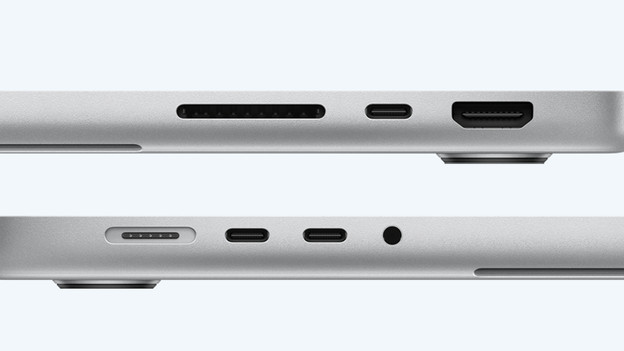
The MacBook Pro has more ports than the MacBook Air. You can charge your MacBook with the MagSafe port. This is the upper port on the left of your MacBook. It has no less than 3 USB-C ports and an SDXC card slot. With this, you can easily and quickly transfer photos and videos. You can even connect your MacBook to a television with the HDMI port. Do you still have wired headphones? Use the mini jack connector. You do need a docking station for an Ethernet connection.
MacBook Air: MagSafe and Thunderbolt connectors
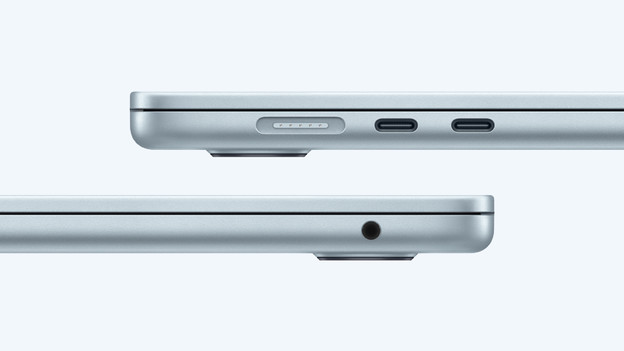
You can charge your Apple MacBook Air with the well-known MagSafe connector on the side. In addition, you can find 2 Thunderbolt 4 connectors. These allow you to connect other accessories or quickly transfer data to your MacBook. You can also connect your headphones with the 3.5mm connector on the side of your MacBook. Unfortunately, you don't have an HDMI connector or memory card reader. This means you have to buy a docking station sooner.
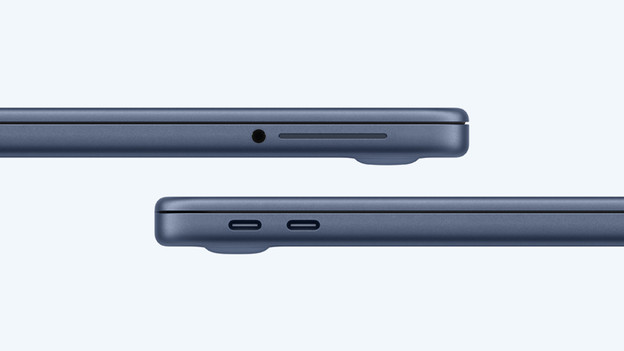
MacBook Neo: only USB-C ports
The Apple MacBook Neo has the least amount of connectors of all MacBook models. There's only 2 USB-C connectors on the side. You can use these to charge your MacBook or to connect with other accessories. Just like the MacBook Air, the MacBook Neo has a 3.5mm connector for your earbuds or headphones. This way, you can always enjoy your favorite music.
Conclusion
Which type of MacBook suits you best, depends mainly on your usage situation. Often work in demanding apps and files? Choose the powerful Apple MacBook Pro. If you often work on the go, the Apple MacBook Air is the right choice. Choose the Apple MacBook (2026) to easily perform light tasks like processing texts.
Article by Stefan
Apple Expert.