With a Chromebook with touchscreen, you can touch the screen and smoothly perform tasks. For example, you can use the Chromebook touchscreen to swipe away notification, or to make edits in documents. Swipe through your emails, scroll through your documents, and zoom in and out on your screen. You can also control a Chromebook with touchscreen via the keyboard and with a mouse.
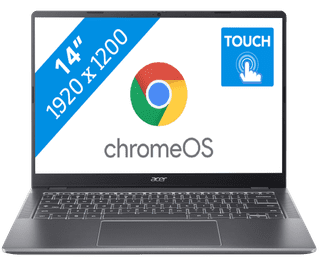

Our choice for a Chromebook for light graphic tasks|14 inches|Intel Core 3 processor|8 GB RAM
499,-
In stock

Our choice for a Chromebook that you can also use as a tablet|14 inches|Intel N processor|8 GB RAM
429,-
419,-
In stock



10,95 inches|MediaTek Kompanio processor|4 GB RAM
299,-
In stock


14 inches|Intel Core i3 processor|8 GB RAM
569,-
In stock

14 inches|Intel Core 3 processor|8 GB RAM
549,-
In stock
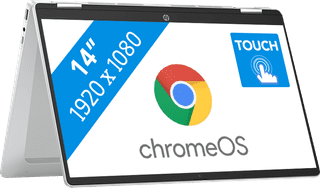
14 inches|Intel N processor|8 GB RAM
499,-
469,-
In stock

15,6 inches|Intel Core i5 processor|8 GB RAM
659,-
579,-
In stock
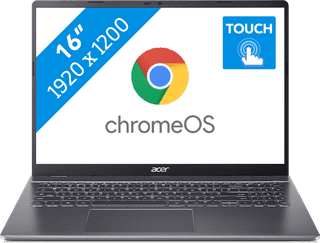
16 inches|Intel Core 5 processor|8 GB RAM
649,-
In stock
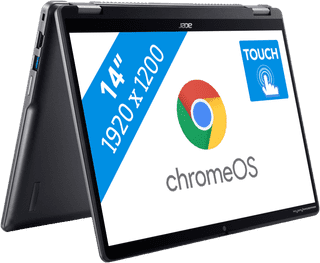
14 inches|Intel Core 5 processor|8 GB RAM
799,-
699,-
In stock
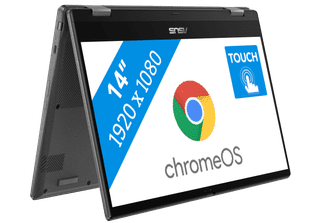

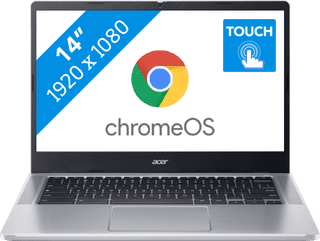
14 inches|Intel N processor|4 GB RAM
379,-
329,-
In stock
14 inches|Intel N processor|4 GB RAM
429,-
419,-
In stock

14 inches|Intel N processor|4 GB RAM
409,-
In stock

14 inches|Intel Core i3 processor|8 GB RAM
599,-
In stock

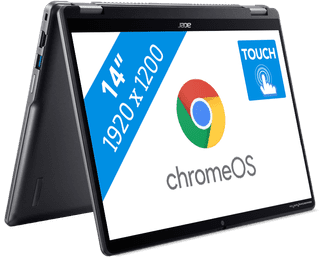
14 inches|Intel Core 3 processor|8 GB RAM
653,-
Temporarily sold out
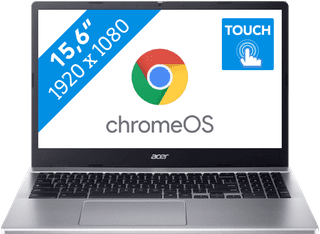
15,6 inches|Intel N processor|4 GB RAM
399,-
No longer available