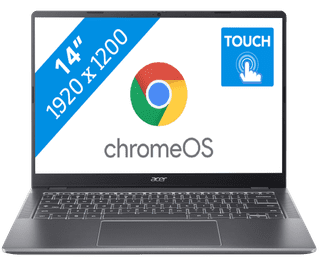
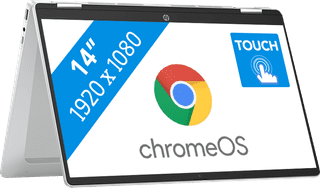
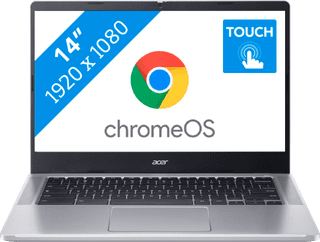
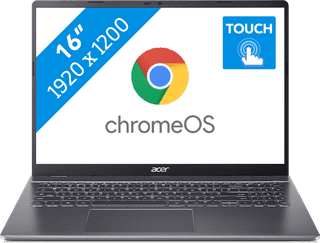
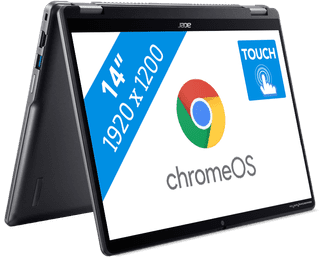
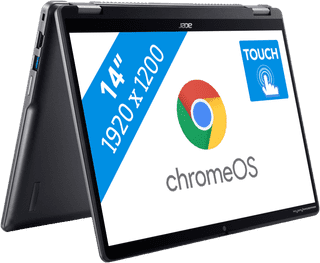
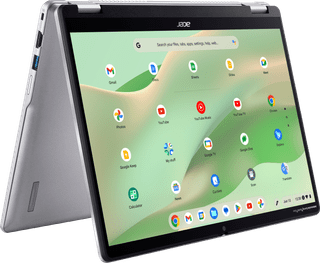
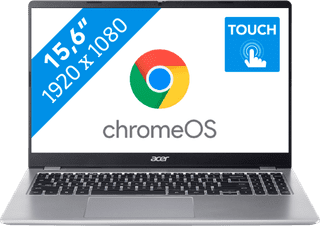
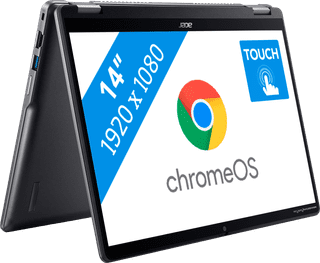
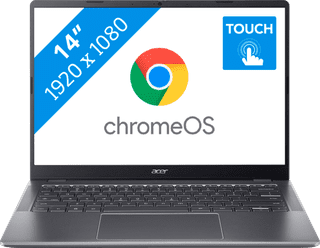
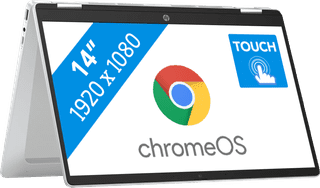
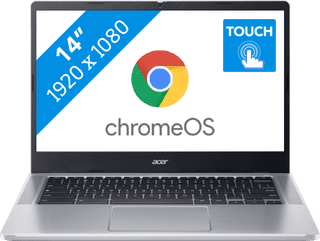
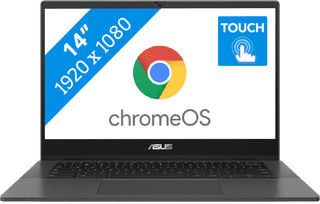
With a Chromebook with touchscreen, you can touch the screen and smoothly perform tasks. For example, you can use the Chromebook touchscreen to swipe away notification, or to make edits in documents. Swipe through your emails, scroll through your documents, and zoom in and out on your screen. You can also control a Chromebook with touchscreen via the keyboard and with a mouse.
439,-
Delivered tomorrow

429,-
Delivered tomorrow


479,-
Delivered tomorrow

449,-
Delivered tomorrow


349,-
Delivered tomorrow

349,-
Delivered tomorrow
649,-
Delivered tomorrow

659,-
Delivered tomorrow
649,-
Delivered tomorrow


359,-
Delivered tomorrow
799,-
Delivered tomorrow
399,-
Delivered tomorrow

479,-
Delivered tomorrow
479,-
Delivered tomorrow
799,-
Delivered tomorrow
729,-
Delivered tomorrow
499,-
Delivered tomorrow
529,-
Delivered tomorrow
379,-
Delivered tomorrow
399,-
Delivered tomorrow
