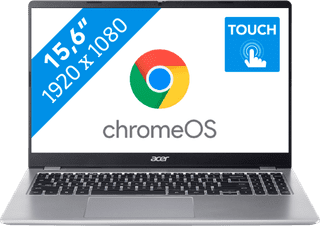
Chromebooks with touchscreen
With a Chromebook with touchscreen, you can touch the screen and smoothly perform tasks. For example, you can use the Chromebook touchscreen to swipe away notification, or to make edits in documents. Swipe through your emails, scroll through your documents, and zoom in and out on your screen. You can also control a Chromebook with touchscreen via the keyboard and with a mouse.
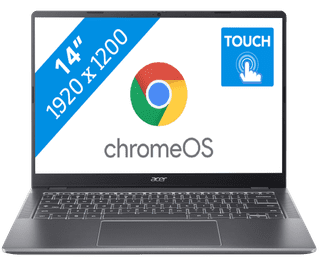
Our choice for a Chromebook for your school or studies|Center, Small|Small|High school, Higher education
439,--14%
379,-

Our choice for a Chromebook that you can also use as a tablet|Center, Small|Small|Higher education, Primary school
429,--7%
399,-
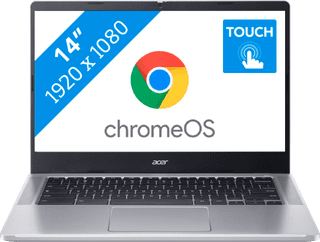
Center, Small|Small|Higher education, Primary school
349,--6%
329,-
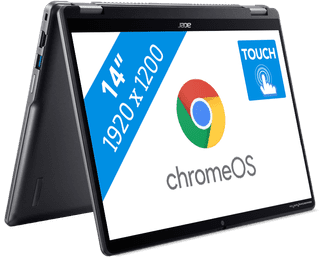
Center, Small|Small|High school
649,--14%
559,-
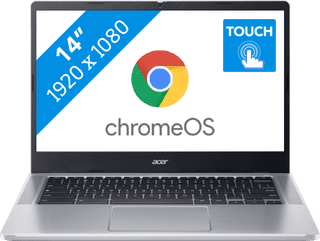
Center, Small|Small|Primary school
379,--21%
299,-


Lenovo Chromebook 2-in-1 83LN000SMB AZERTY
Review is 0 out of 10.
Our choice for a Chromebook for on the go|Center, Small|Small|Primary school
479,--17%
399,-
7
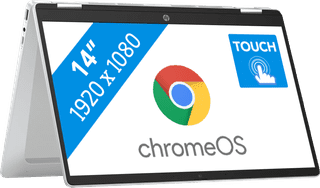

HP Chromebook x360 14b-cd0124nbx AZERTY
Review is 0 out of 10.
Center, Small|Small|Lithium polymer
499,-
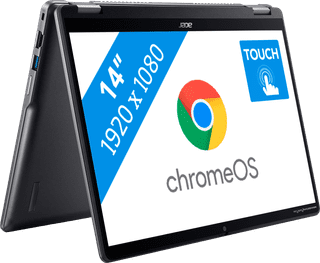

Acer Chromebook Plus Spin 514 CP514-4HN-51F1 AZERTY
Review is 0 out of 10.
Center, Small|Small|High school
799,--13%
699,-
9
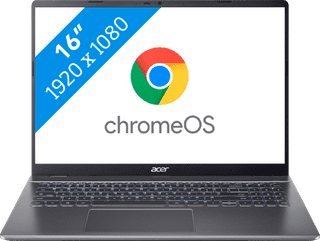
Large|Medium|High school
729,-