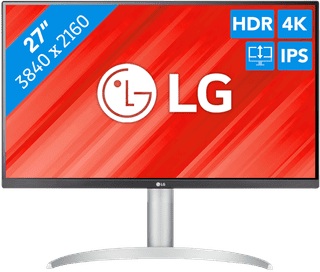
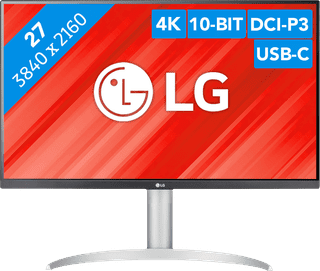
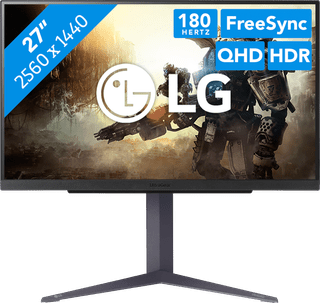
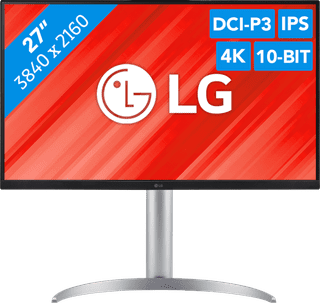
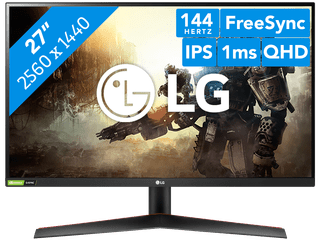
Get started with image editing and open multiple windows side by side on a 27-inch LG monitor. The extra screen space gives you a better overview of your work and makes multitasking easier. For example, make a data analysis in Excel and write the conclusions in the other window with Word open. This way, you don't have to switch as often. Just remember to choose the right resolution. A Full HD resolution doesn't look as good on a 27-inch monitor because of the larger screen. So when image editing, choose a QHD or 4K 27-inch LG monitor.

269,-
In stock
279,-
In stock
259,-
In stock
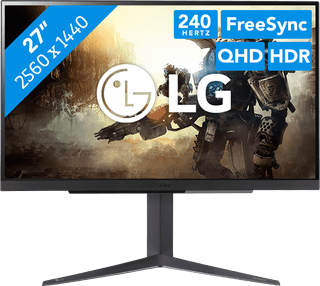
379,-
In stock
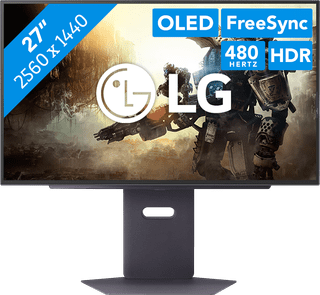
983,-
In stock
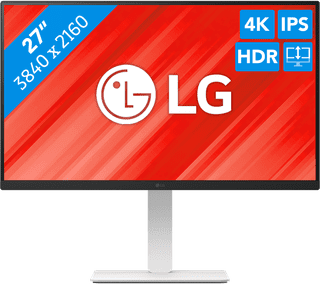

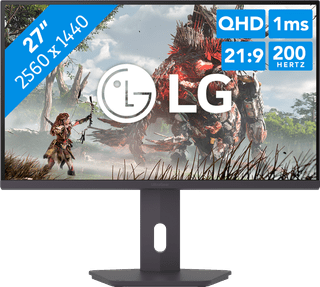
179,-
In stock


99,-
Temporarily sold out
415,-
Temporarily sold out
749,-
No longer available

799,-
No longer available
299,-
No longer available