Philips monitors
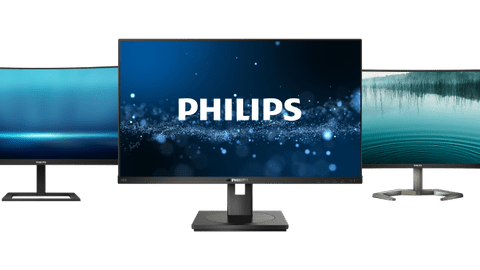
All Philips monitors
Deals
Which Philips monitor suits your usage situation?
Home
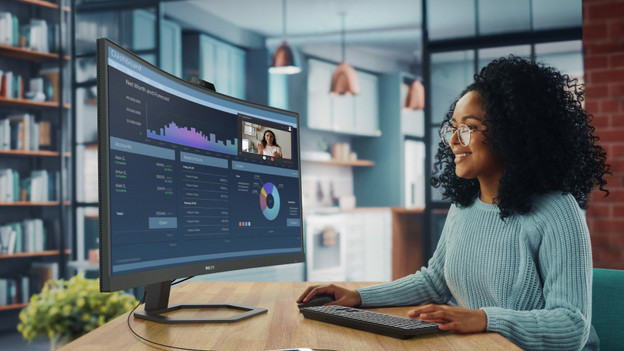
Thanks to the sharp images of the Philips monitors for at home, you can comfortably work or watch your favorite series with a high resolution.Office
The Philips monitors for the office have a high image quality and can be adjusted ergonomically.Gaming
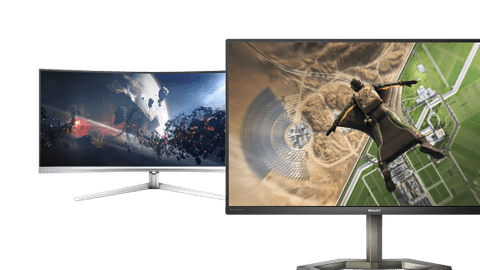
Enjoy the fastest images with a Philips gaming monitor. With refresh rates of up to 280Hz, you can take on any opponent.Photo and video editing
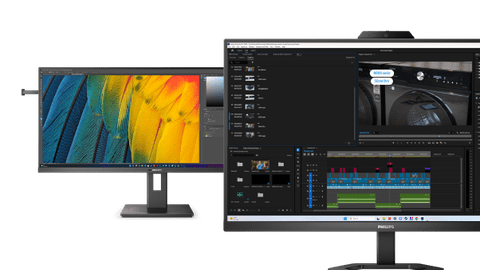
With a Philips Monitor for photo and video editing, you can edit your images in the smallest detail. Thanks to the Quad HD or 4K resolution, you can enjoy sharp images.
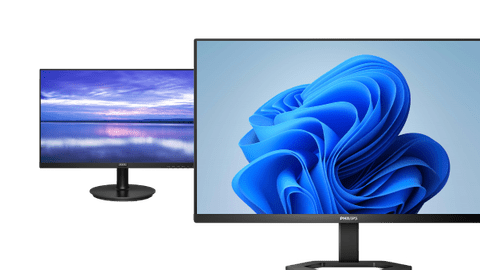
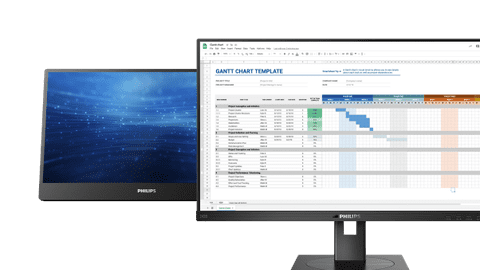
Compare Philips monitors
With a business Philips monitor, you can perform your everyday work. There are Philips monitors with Quad HD resolution, so you can work with sharp images. That's useful for photo and video editing. When you'd like to connect a laptop to the monitor, choose a Philips monitor with a USB-C port. You can also power your laptop with the same cable this way, you can use fewer cables.
Advice on choosing a Philips monitor
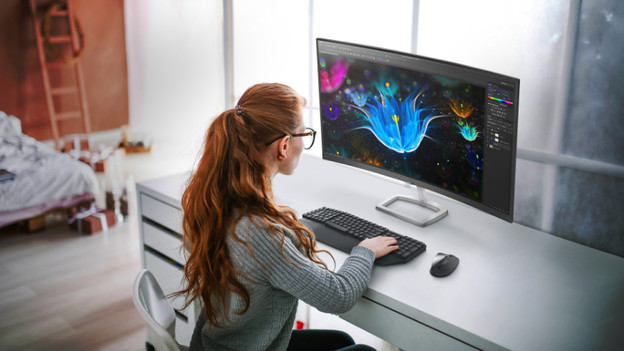
A Philips monitor for at home has a high image quality and a large 34-inch size. That way, you can work in multiple windows at the same time and keep an overview of your work. Have long working days? Choose a monitor that can be adjusted ergonomically. That way, you can work without problems. If you often watch movies or series, a Philips monitor with a 4K screen is the right choice for you.
View which setup fits your usage situation the best here

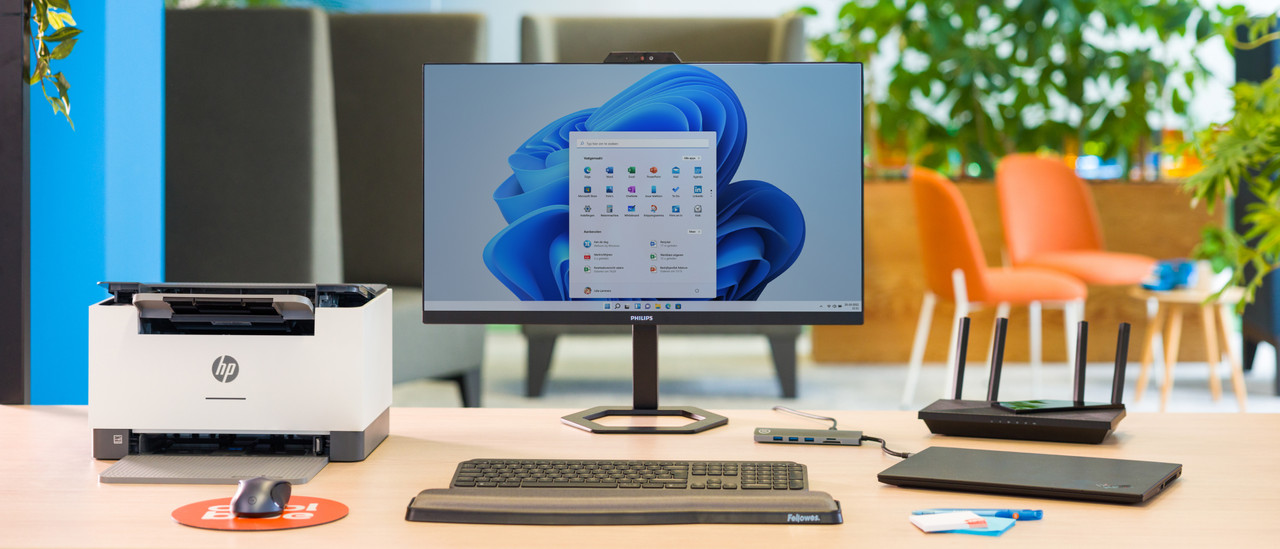
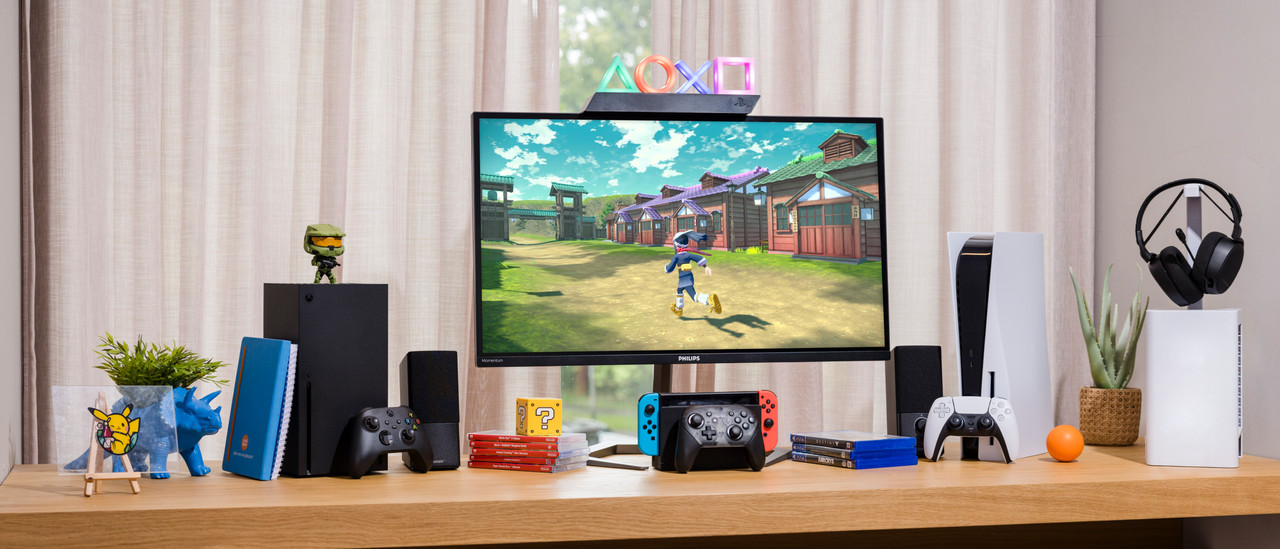
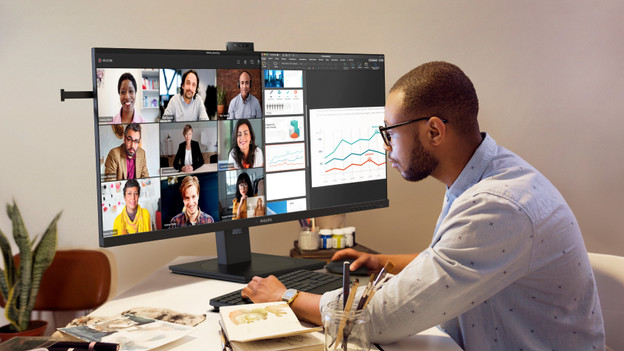
Complete our Philips setup
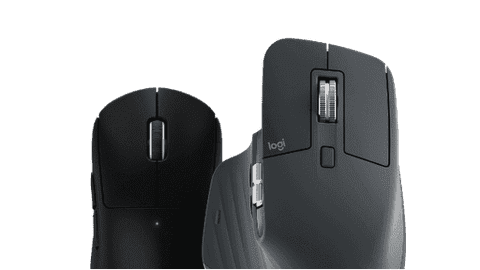
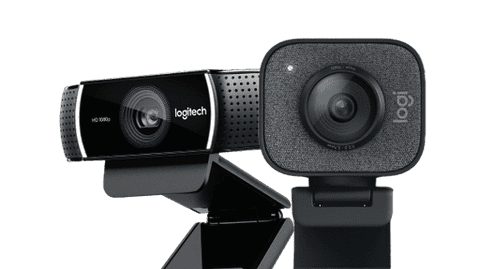
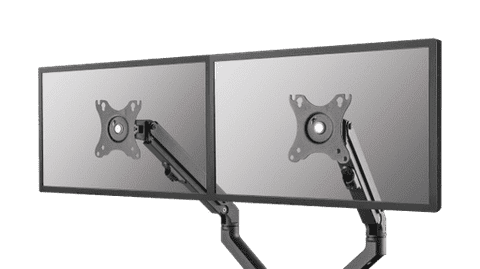
Complete your office or home setup with computer accessories. Choose a keyboard with Bluetooth, so you're not bothered by wires. A webcam is useful if you often have online meetings. You can also connect a second monitor and other peripherals with a docking station. There are accessories for every type of use.



View our top Philips monitor deals
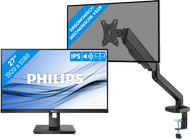
- Philips 272B1G/00 + BlueBuilt Monitor Arm Gas Spring for 1 MonitorReview is 0 out of 10.
222,-
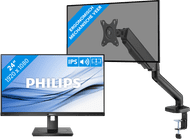
- Philips 242B1G/00 + BlueBuilt Monitor Arm Mechanical Spring for 1 MonitorReview is 0 out of 10.
193,-
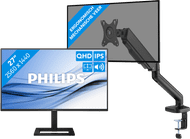
- Philips 27E1N1600AE/00 + BlueBuilt Monitor Arm Gas Spring for 1 MonitorReview is 0 out of 10.
234,-
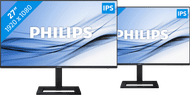
- Philips 27E1N1600AE/00 Duo Pack + BlueBuilt Monitor Arm Mechanical Spring for 2 MonitorsReview is 0 out of 10.
457,-
- Philips Evnia 34M2C5501A/00 Curved + Vortech Monitor Arm withReview is 0 out of 10.
418,-






Advice on Philips monitors
Can't choose? View the advice from our expert.