Our choice for a home printer
Choose your printer:
Beige
|
No extra cartridges
Choose the better printer that allows you to print photos faster
Choose your printer
Color: Beige
Included accessories
Our choice for a home printer
Choose your printer:
Beige
|
No extra cartridges
Color: Beige
Included accessories
According to our printer expert
Print technology | Inkjet | |
|---|---|---|
Printer type | All-in-one | |
Type of ink | Cartridges | |
Automatic duplex printing | ||
Automatic document feeder (ADF) | ||
Automatic duplex scanning | ||
Color printer | ||
Maximum print size | A4 |
5 stars
60
4 stars
24
3 stars
5
2 stars
2
1 star
0
Installation ease
Options
Print quality
With the HP ENVY 6120e, I have a 4-in-1 printer that scans, copies, and even faxes. I save paper by automatically printing on both sides of the paper. The print speed is slow, so I wait longer for larger documents.
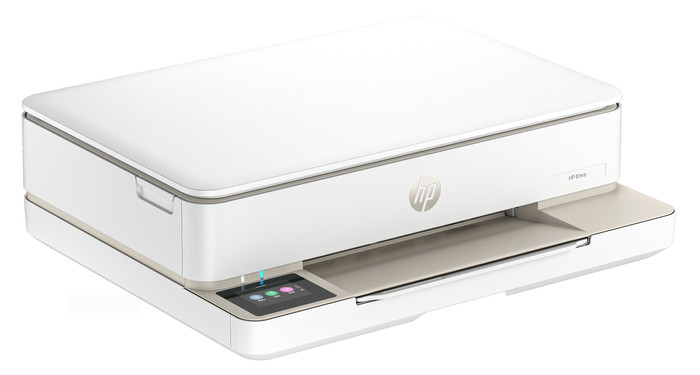
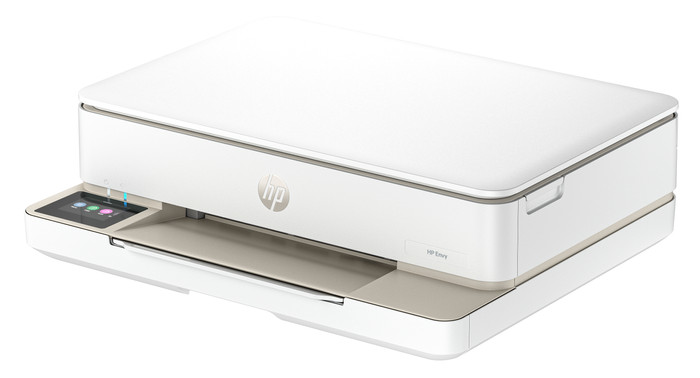
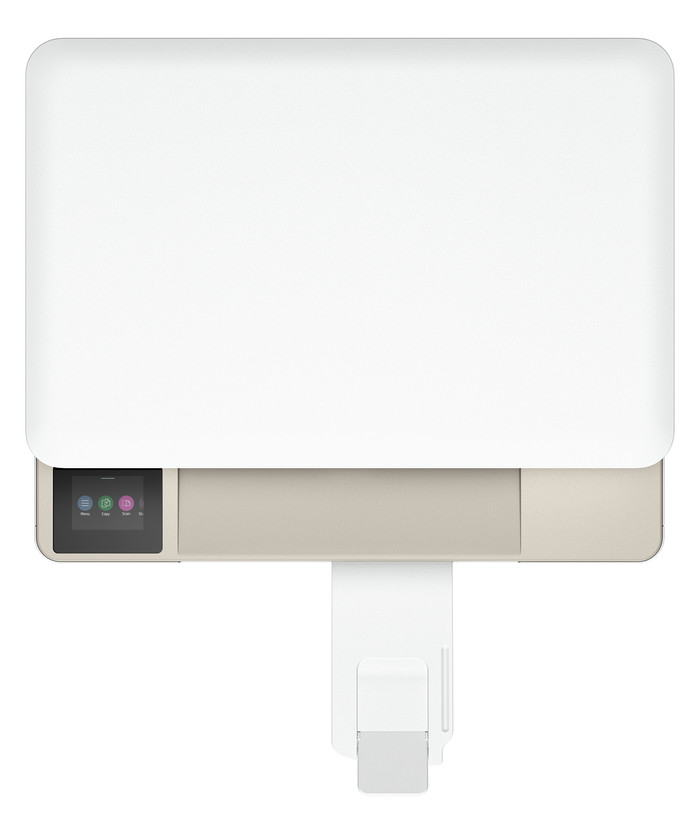
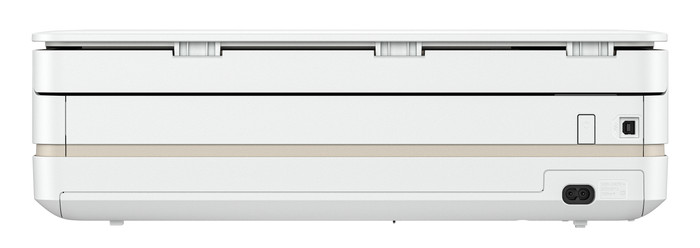
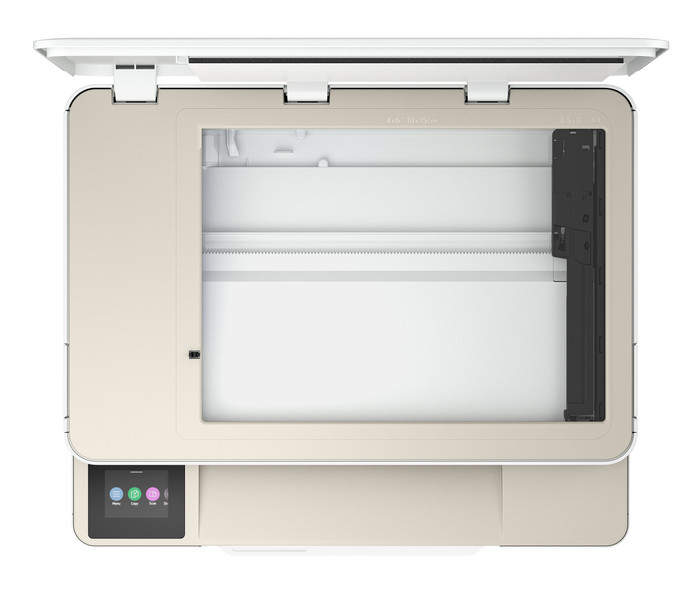
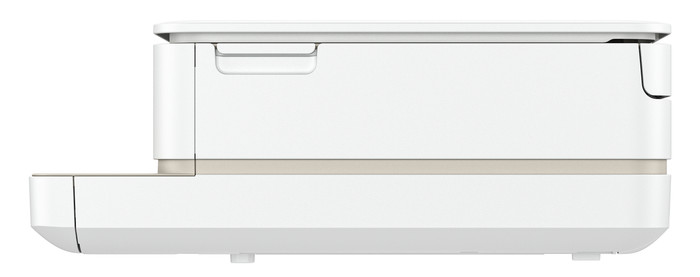
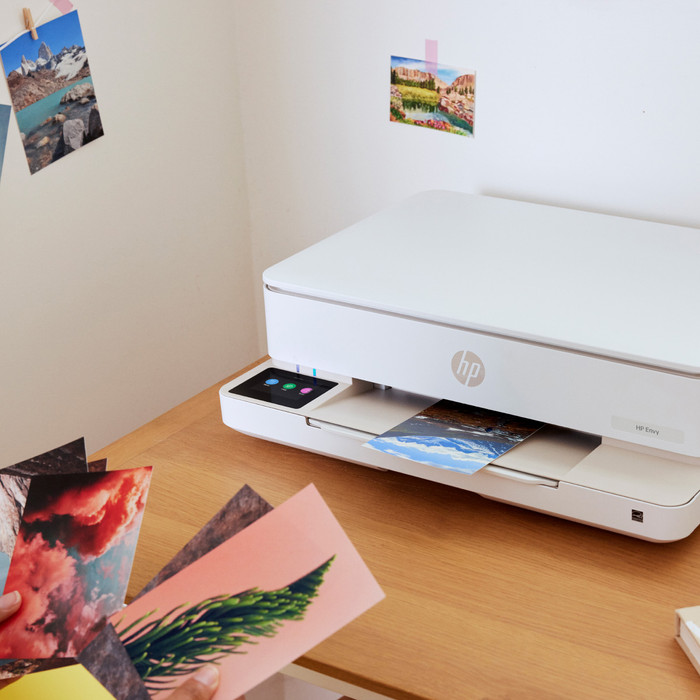
First Impression What immediately strikes me about the HP ENVY 6120e is its size. It easily fits on my 140-centimeter-wide desk. The printer has a sleek design and attractive colors. I quickly set up the printer using my phone and the HP Smart app. Within 5 minutes, I printed my first document.
Many Options The ENVY 6120e is a versatile printer. I can also use it to scan, copy, and even send a fax. I want to save paper, so I automatically print on both sides of the paper. The printer prints on one side of the paper, then automatically turns it over and prints on the other side. I also find the Wi-Fi Direct feature extremely convenient. This is the printer's own Wi-Fi network, which I connect my phone to. This way, I always have a good network connection. Because of the print speed of 7 color pages per minute, I wait a little longer for large color documents. Photos take even longer, up to about a minute per photo.
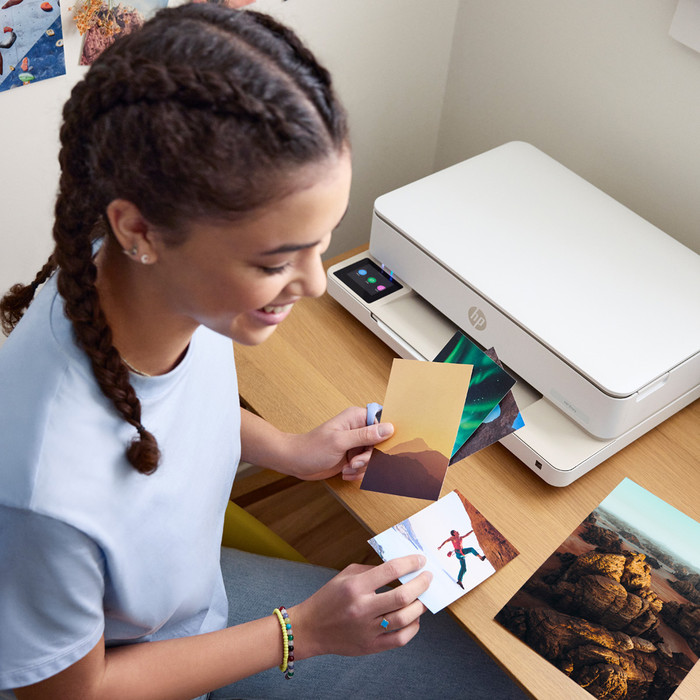
Printing photos and cards In the paper tray, I swap my regular paper for HP photo paper, which I use to print my photos. The quality of the photos is good enough for vacation photos for your scrapbook or on the refrigerator. If you want to print professional-quality photos, I recommend a photo printer. I also download designs from HP Printables via the HP Smart app. This is an HP website with free, ready-made designs for coloring pages, crafts, calendars, and cards, for example. I still have A6 card stock, which I use to print various cards.
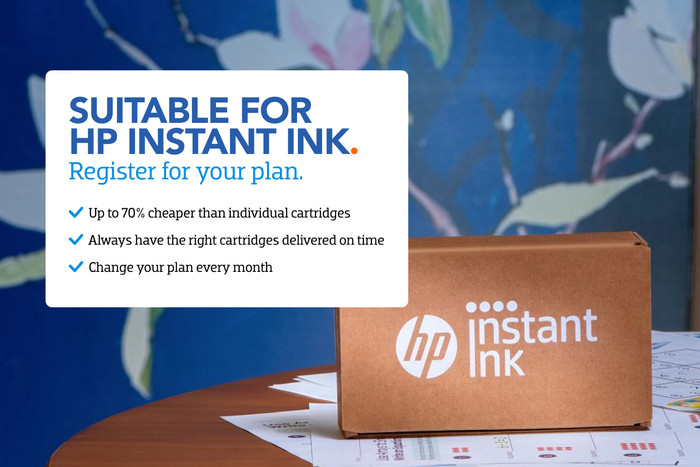
3 months of free ink The HP ENVY 6120e comes with 3 months of free ink via HP Instant Ink. I sign up for this through the HP Smart app. This allows me to print for free for three months and receive new cartridges on time. This way, I don't have to worry about running out of ink while printing. I print a lot of photos, so the ink runs out quickly. With the included starter cartridges, for example, I can print about 15 photos before I get a low ink notification. Individual cartridges are expensive, so Instant Ink saves me a lot on my printing costs.
Sem. Printer specialist.
29 October 2025
Automatically translated from Dutch
I recently tested out the HP Envy 6100e for my home office, looking for an affordable all-in-one printer that could print, scan, and copy without breaking the bank. After using the printer for a while, I have a few thoughts—both positive and negative.
Design & Build
To start, the HP Envy 6100e is a sleek, compact printer that fits nicely on a desk. The modern black-and-white design gives it a premium feel, and it’s much less clunky than some other printers. The touch-sensitive buttons on the control panel are a nice touch, although they can be a little slow to respond.
Setup & Connectivity
Setting up the printer was easy, but required some patience. It doesn’t come with a USB cable, so wireless setup is the only real option. While the HP Smart app is intuitive, it took a while to connect the printer to my Wi-Fi.
Print Quality & Speed
For an inkjet printer in this price range, print quality is solid. Black and white documents are sharp and colour prints look vibrant, although they’re not as detailed as more expensive models. Fine for everyday use such as homework, documents and basic graphics, but not ideal for high-quality photo prints.
Ink & Cost Savings
One important point to note is that the HP Envy 6100e requires HP+ activation if you want to use its extended features. This means you can only use genuine HP ink cartridges. This isn’t a problem if you’re using HP’s Instant Ink subscription, which automatically sends you new ink before you run out. This subscription is cost-effective for regular printing, but if you only print occasionally, ink costs can be relatively high compared to cheaper alternatives (which HP+ doesn’t support).
Scanning & Copying
Great
neetu
23 February 2025
Automatically translated from Dutch
This printer is really beautiful, a nice design and an electric screen where you can see and operate everything, it also works very easily via the app
Sandra
28 February 2025
Automatically translated from Dutch
Receive more coverage in case of damage than with your standard warranty. Coolblue takes care of everything: from taking out the insurance to repairs. Is a repair not possible? You receive the purchase price as CoolblueCredit.
XCover is allowed to arrange and process insurances on behalf of the insurer. The insurances are governed by Belgium law. If you have a complaint, you can contact the or our customer service.
First, add your printer to your shopping cart. On the next page, choose the Protection Plan below. You always have a 30-day return window and pay no deductible in case of damage.
The insurance can be canceled every year, even if you have paid in advance. If you cancel earlier, you will receive a refund for the overpaid amount.
When you buy the HP ENVY 6120e between 6 December 2025 and 31 January 2026, you receive a cashback up to € 50 from HP. You receive a standard cashback amount. If you register your printer for HP Instant Ink, you double the cashback amount. You can register your promotional product for the HP promotion within 30 days after your purchase. Go to the promotional Terms and Conditions (PDF).
If you purchase the HP ENVY 6120e, you receive free HP Instant Ink for 3 or 6 months. Register within 7 days after installing your printer to participate in this promotion. You can cancel the subscription each month, so you're not bound to anything. Go to the promotional Terms and Conditions (PDF) for more information about registration and how many months of free HP Instant Ink you receive with this specific model. Want to know what HP Instant Ink is first? Read more on our advice page.
Current product
Â
Â
Â
Â
77,-
114,-
109,-
97,-
79,-
No
Yes
Yes
Yes
No
Yes
Yes
Yes
Yes
Yes
22 eurocents
10 eurocent
10 eurocent
22 eurocents
22 eurocents
Standard
Good
Good
Standard
Standard
Product number | 955216 | |
|---|---|---|
Manufacturer code | 714L8B | |
Brand | HP | |
Warranty | 2 years | |
Processing of your defect | Via Coolblue |
Printer size | Small | |
|---|---|---|
Width | 43,3 cm | |
Depth | 36,1 cm | |
Height | 13,6 cm | |
Color | Beige | |
Weight | 5,13 kg |
Printer type | All-in-one | |
|---|---|---|
Photo printer | ||
Print quality photos | Stand | |
Portable (mobile use) | ||
Usage location | Home |
Cartridge line | HP 308 | |
|---|---|---|
Print technology | Inkjet | |
Type of ink | Cartridges | |
Number of cartridges/toner cartridges | 2 | |
Color printer | ||
Print speed black (ISO) | 10 ppm | |
Print speed color (ISO) | 7 ppm | |
First black page ready after | 19 seconds | |
Speed class | Standard | |
Usage costs per page | 22 eurocents | |
Maximum print resolution height | 1200 dpi | |
Maximum print resolution width | 4800 dpi | |
Maximum print size | A4 | |
Automatic duplex printing | ||
Borderless printing | ||
Maximum print size duplex printing | A4 |
Scan functionality | ||
|---|---|---|
Automatic duplex scanning | ||
Maximum optical scan resolution width | 1200 dpi | |
Maximum optical scan resolution height | 1200 dpi | |
Scanner type | Flatbed scanner | |
Maximum scan size | A4 (21x29.7cm) | |
Automatic document feeder (ADF) | ||
Scan sizes | A4, A5, A6, A7 | |
Scan speed (PPM) | 8 ppm | |
Color depth output | 24 bpp | |
Scan to | Cloud, Email, Email address, Image, PC (local), PC (network), PDF | |
OCR |
Copying functionality | ||
|---|---|---|
Copy speed black (ISO) | 8 ppm | |
Copy speed color (ISO) | 3,5 ppm | |
Maximum copy resolution height | 300 dpi | |
Maximum copy resolution width | 300 dpi |
Fax functionality | ||
|---|---|---|
Color fax |
Built-in screen | ||
|---|---|---|
Color screen | ||
Touchscreen |
Suitable for HP+ | ||
|---|---|---|
Suitable for HP Instant Ink | ||
HP Instant Ink included for a few months. | 3 | |
Suitable for Epson ReadyPrint |
Compatible with operating system | Android, ChromeOS, Linux, Windows, Windows Phone, iOS, macOS | |
|---|---|---|
Connection type | Wired, Wireless | |
Apple AirPrint | ||
Email print | ||
WPS (Wireless Protected Setup) | ||
Female standard USB-A port version | 2.0 | |
Ethernet port | ||
NFC | ||
Built-in WiFi | ||
Bluetooth | ||
WiFi direct | ||
USB port |
Manual input tray | ||
|---|---|---|
Photo paper drawer | ||
Output capacity output drawer | 25 | |
Maximum print size standard paper tray | A4 | |
Input capacity standard paper tray | 100 | |
Number of standard paper trays | 1 |
Memory card reader |
|---|