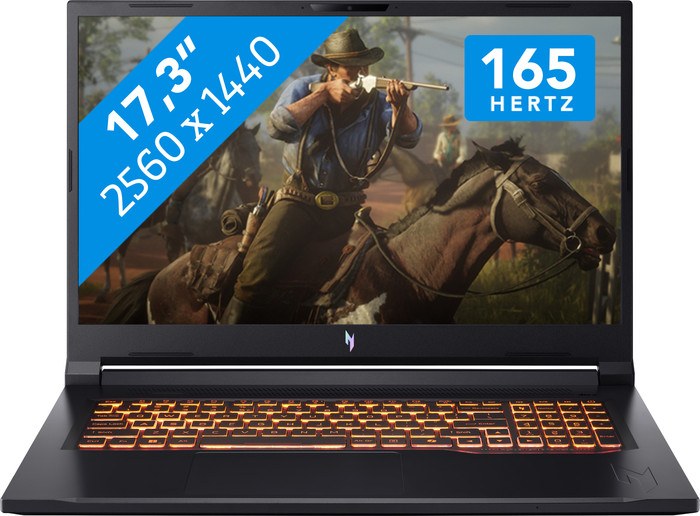
Acer Nitro V 17 AI ANV17-61-R5CN AZERTY




Don't have an account yet? Start here
RTX 5070 - Ryzen 7 350 - 32GB - 1TB SSD
Our choice for a 17-inch gaming laptop that you can use to play demanding games
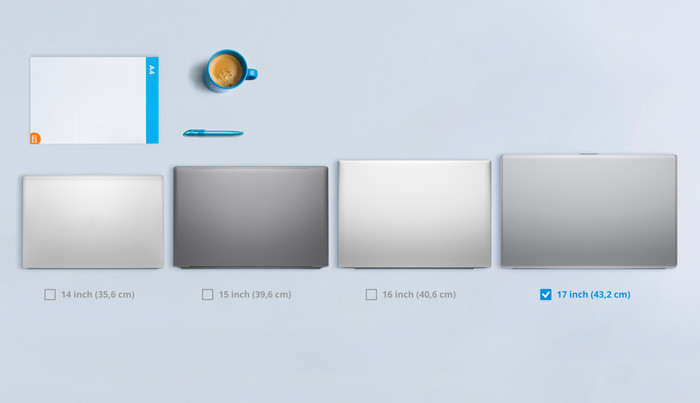
Choose your laptop
5 stars
0
4 stars
0
3 stars
0
2 stars
0
1 star
0
The Acer Nitro V 17 AI ANV17 is a large gaming laptop, allowing me to smoothly play medium- and high-end games in Full HD. I play most games without stuttering at a minimum of 60 frames per second. The laptop also has a large screen that gives me a good overview of my games. The backlit keyboard also gives the laptop a cool gaming look. However, I do find the fans noisy.
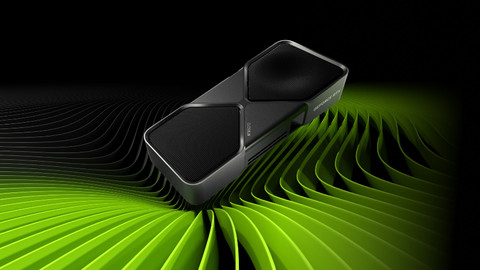
Powerful NVIDIA RTX 5000 graphics card The Acer Nitro V has an NVIDIA RTX 5070 graphics card. This allows me to play games in Quad HD. The laptop easily handles medium-end games. I play a light game like Powerwash Simulator at the maximum frames per second on the highest settings. I play Far Cry 6 in Quad HD with ray tracing enabled, but I notice the graphics card struggles with this. Without ray tracing, the game runs smoothly in Quad HD at around 80 frames per second. For ray tracing, I enable DLSS, and the game stays smooth at 60 frames per second. I play Assassin's Creed Mirage smoothly between 90 and 110 frames per second in Quad HD.
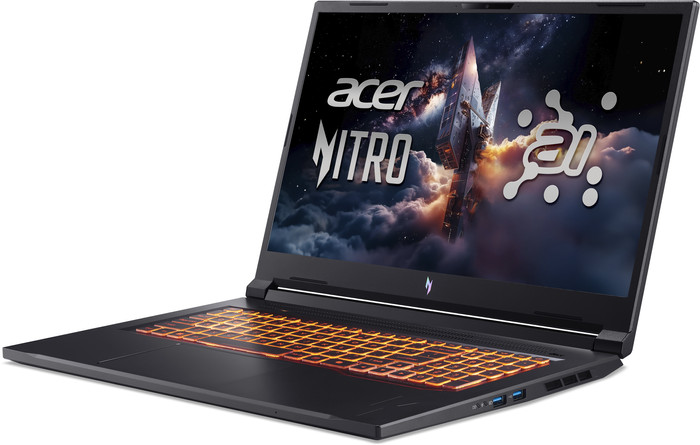
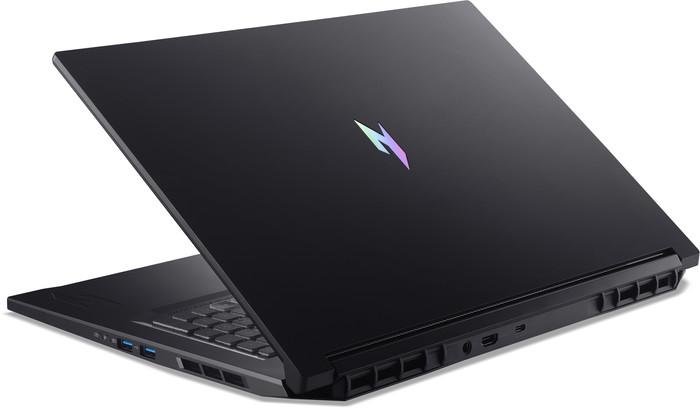
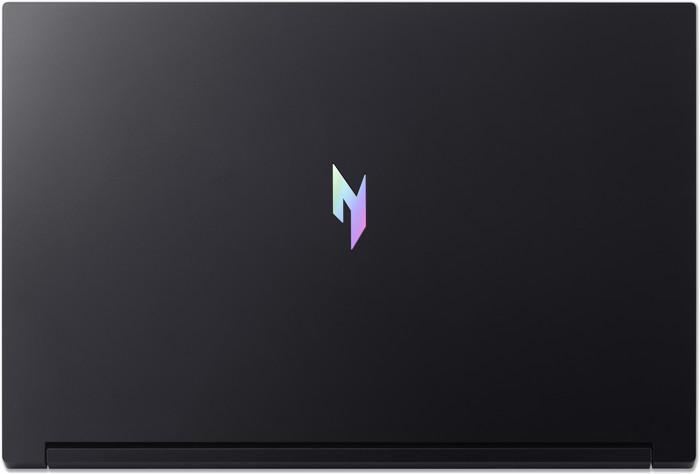
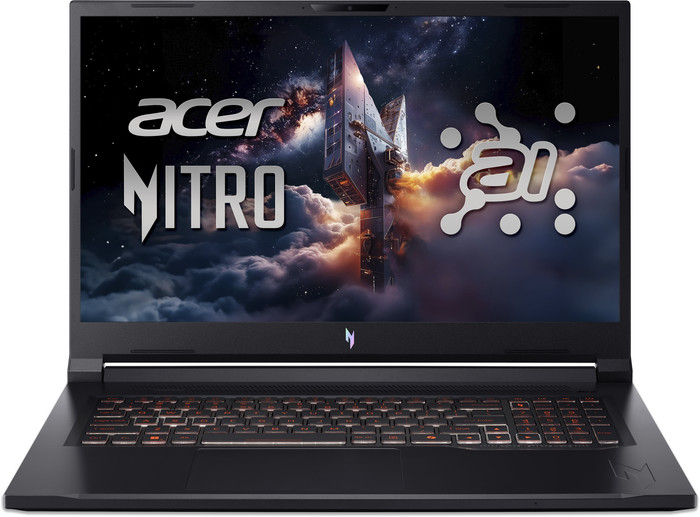
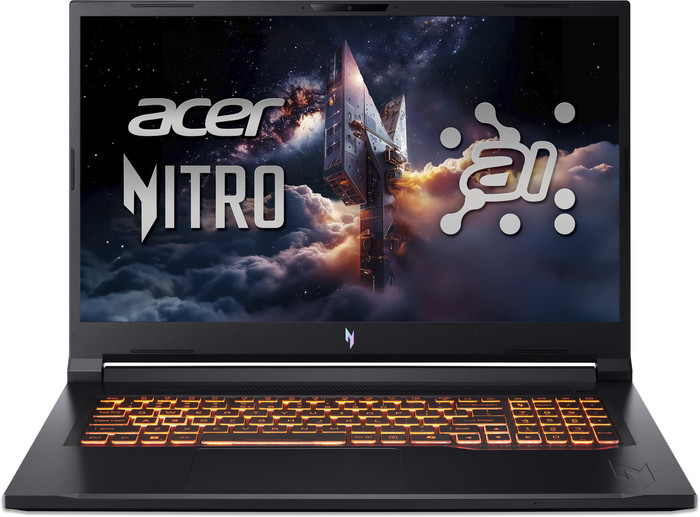
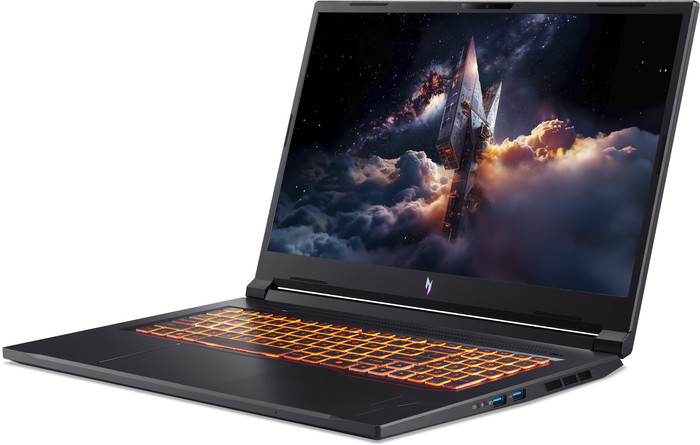
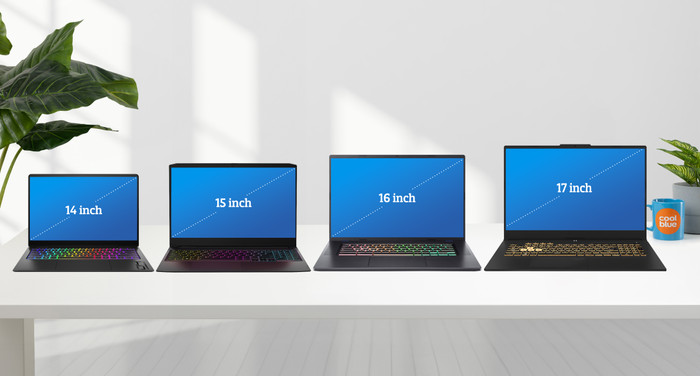
Large screen with a gaming look The 17-inch screen gives me a good overview of my games. In Assassin's Creed Mirage, I climb a minaret and see the surroundings clearly and in detail. The laptop doesn't stutter when I do this either. Besides gaming, I also have a good overview while editing photos and videos. The RGB backlit keyboard gives the Acer Nitro a nice gaming look. The downside is its weight, partly due to the plastic casing. This makes it harder to carry the laptop from room to room. During startup, I see the laptop light up orange, which I think is a nice combination with the black design. Acer NitroSense lets me easily adjust the keyboard colors, for example, when I want to play a different game.
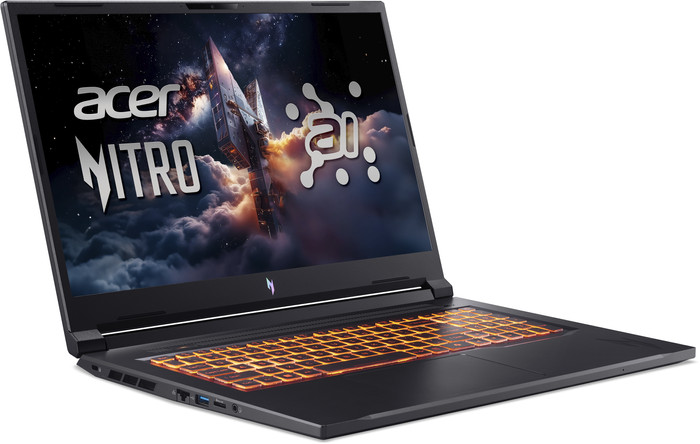
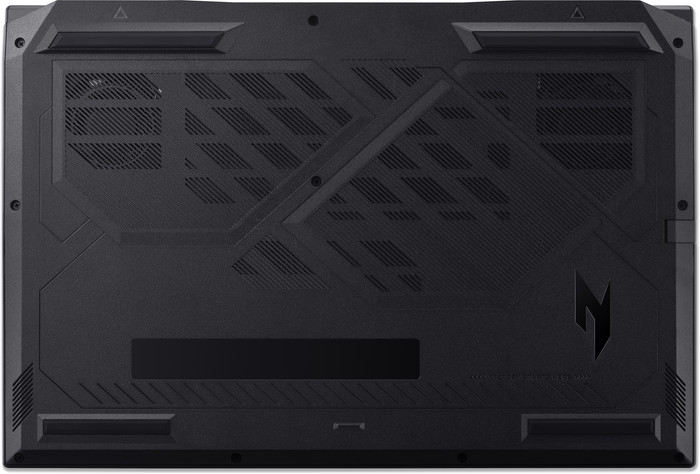
Good ventilation Thanks to its larger size, the laptop cools well under higher pressure, for example, when I play Far Cry 6 with ray tracing enabled. The large fans and vents keep the laptop cool. The downside, in my opinion, is the laptop's loudness during gaming. I also adjust the fan speed using NitroSense. For testing, I set it to maximum, and the noise is clearly audible. Ultimately, it's all about the cooling, which I find works well.
Giorgos. Laptop specialist.
4 September 2025
Automatically translated from Nederlands
Recommended for use
Gaming, Music production and DJing, Photo editing, Render 3D models, Software development, Video editingOur digital expert will help you, but it can sometimes make mistakes, like humans do.
According to our laptop expert
You can play large and demanding games smoothly in Full HD with the RTX 5070 video card, AMD Ryzen 7 processor. and 32GB RAM.
The 165Hz Quad HD screen provides a sharp mages and displays fast-moving images smoothly. so you can game at a high level.
You can install about 20 games of 45GB on average on the 1TB SSD.
If you want to play demanding games in Quad HD, we recommend at least an RTX 5070 Ti video card.
For game design and 3D animation in demanding 3D software, you need at least an i9 or Ryzen 9 processor.
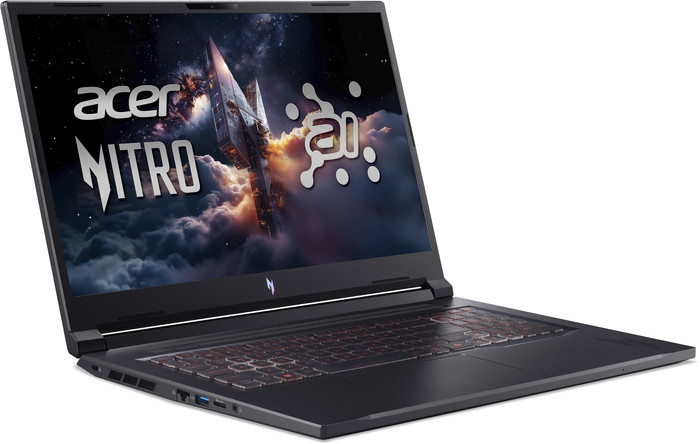
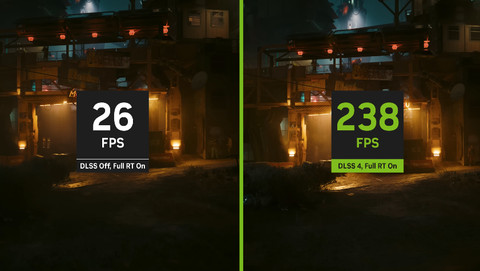
With the 17-inch Acer Nitro V 17 AI ANV17-61-R5CN gaming laptop, you can play medium demanding games and see your enemies appear superfast. This laptop has an NVIDIA GeForce RTX 5070 video card, 300 series AMD Ryzen 7 processor, and 32GB DDR5 RAM. That way, you can play large and demanding games at 60 fps in Full HD resolution even without DLSS. You can also make large industrial designs and stream your gameplay. Fast-moving images look smooth and sharp on the screen thanks to the 165Hz refresh rate and Quad HD resolution. That way, you won't miss any moment of your game. Easily store files and games on the large 1TB SSD. As a result, you have space for about 20 games of 45GB. During online gaming, you have a stable connection to the internet, because you can connect an internet cable via the Ethernet port. You can also easily keep gaming in the evening in the dark thanks to the amber backlit keyboard.
Note:
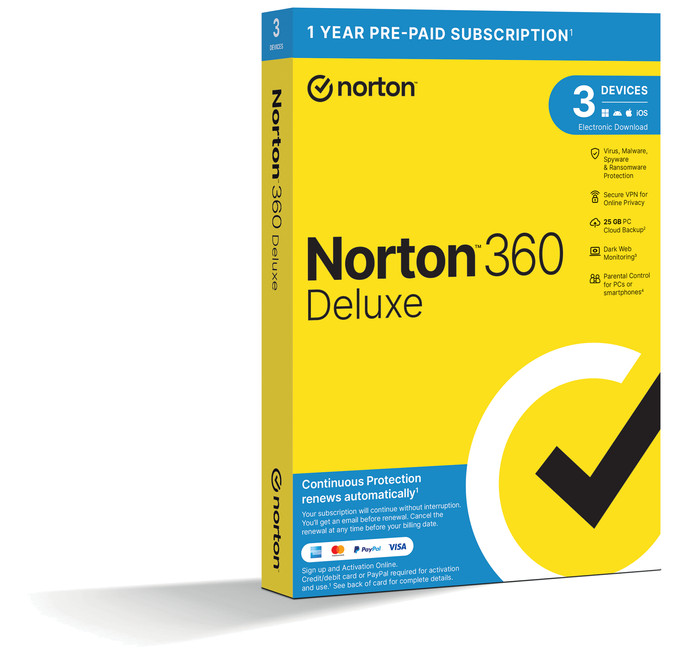
always connect the charger while gaming, or your performance won't be as good and the battery will run out in a few hours.Receive an email with a personal voucher code for 1 free year of Norton 360 Deluxe antivirus 24 hours after purchase, worth € 94.99.
Recommended for use
Gaming, Music production and DJing, Photo editing, Render 3D models, Software development, Video editing1.999,-
1.999,-
Product number | 962518 | |
|---|---|---|
Manufacturer code | NH.QZGEH.004 | |
Brand | Acer | |
Warranty | 2 years | |
Processing of your defect | Via Coolblue |
Screen size | 17,3 inches | |
|---|---|---|
Screen quality: laptops | High-end | |
Touchscreen | ||
Panel type | IPS panel | |
Sharpness | Quad HD (1440p) | |
Resolution width | 2560 pixels | |
Resolution height | 1440 pixels | |
Refresh rate | 165 Hz | |
Screen reflection | Anti-glare | |
Color space | sRGB | |
sRGB color coverage percentage | 100 % | |
Adaptive Sync | ||
Type of adaptive sync | G-Sync | |
Brightness | 300 cd/m2 | |
Blue light filter | ||
HDR support |
Processor | AMD Ryzen AI 7 | |
|---|---|---|
Processor number | 350 | |
Processor generation | 7000 series | |
Processor code name | Krackan Point | |
Processor cores | Octa-Core (8) | |
Threads | 16 | |
Clock speed | 2 GHz | |
Turbo speed | 5 GHz | |
Cache memory | 8 MB | |
Speed class laptops | Best |
Internal RAM | 32 GB | |
|---|---|---|
Memory composition | 2x 16GB | |
Memory slot 1 | 16 GB | |
Memory slot 2 | 16 GB | |
Total number of RAM slots | 2 | |
RAM type (DDR type) | DDR5 | |
Number of replaceable RAM slots | 0 | |
Number of free RAM slots | 0 |
Total storage capacity | 1 TB | |
|---|---|---|
Storage type | SSD | |
SSD storage capacity | 1000 GB | |
Hard drive type | NVMe | |
Number of replaceable storage slots | 0 | |
Number of free storage slots | 0 |
Video card | NVIDIA GeForce RTX 5070 | |
|---|---|---|
Video card brand | NVIDIA | |
Type of video card | Dedicated | |
Video card RAM | 8 GB |
Operating system | Windows | |
|---|---|---|
Windows OS version | Windows 11 Home | |
Operating system language | Multiple languages can be configured |
Recommended for use | Gaming, Music production and DJing, Photo editing, Render 3D models, Software development, Video editing |
|---|
Build quality laptops | Basic | |
|---|---|---|
Laptop model | Laptop | |
Color | Black | |
Material | Plastic | |
Material top of laptop | Plastic | |
Material keyboard casing laptop | Plastic | |
Material bottom of laptop | Plastic | |
Height | 1,72 cm | |
Width | 40,08 cm | |
Depth | 27,56 cm | |
Weight | 2,71 kg |
Mobile data connection | No | |
|---|---|---|
WiFi standards | Wireless A (WiFi 2), Wireless AC (WiFi 5), Wireless AX (WiFi 6), Wireless AXE (WiFi 6E), Wireless B (WiFi 1), Wireless G (WiFi 3), Wireless N (WiFi 4) | |
Bluetooth | ||
Bluetooth version | 5.2 |
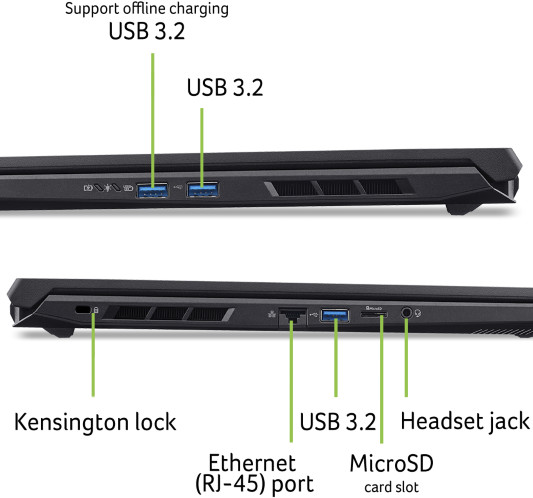
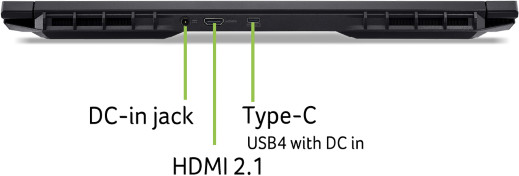
HDMI connector | ||
|---|---|---|
Number of HDMI connectors | 1 | |
DisplayPort connector | ||
VGA connector | ||
Network connector | ||
Number of Ethernet ports | 1 | |
Thunderbolt connector | ||
Headphone jack | ||
Memory card reader |
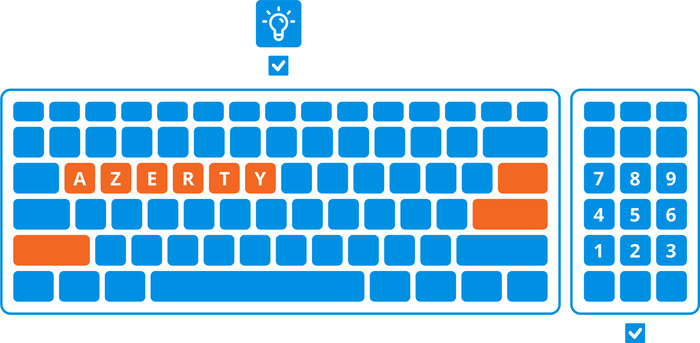
Keyboard layout | AZERTY | |
|---|---|---|
Physical keyboard layout | ANSI | |
Numeric keypad | ||
Spill-resistant | ||
Backlit keyboard | ||
Color keyboard lighting | Amber | |
Mechanical keyboard | ||
Programmable keys | ||
Copilot test |
Built-in microphone | ||
|---|---|---|
Number of speakers | 2 | |
Sound reproduction | Stereo | |
Integrated computer speakers brand | Standard speakers |
Built-in camera | ||
|---|---|---|
Image definition webcams | Full HD (1080p) | |
Camera slider |
Battery capacity laptop | 76 Wh | |
|---|---|---|
Battery technology | Lithium-ion | |
Power connector input type (female) | Other brand/product specific | |
Laptop wattage | 135 W | |
Charger included | ||
Charging cable included | ||
Power charger | 135 W |
Manufacturer's warranty |
|---|
TPM (Trusted platform module) | ||
|---|---|---|
TPM type | Firmware TPM | |
Kensington lock | ||
Windows Hello | ||
Fingerprint identity sensor | ||
Infrared camera | ||
Security class laptops | Basic | |
Built-in privacy screen |
Extra installed software | ||
|---|---|---|
ISV certification |
Current product

AMD Ryzen AI 7
Intel Core Ultra 9
Intel Core Ultra 9
Intel Core Ultra 9
Intel Core i7
32 GB
32 GB
32 GB
32 GB
32 GB
1 TB
1 TB
1 TB
2 TB
1 TB
165 Hz
240 Hz
240 Hz
240 Hz
165 Hz
1.999,-
2.549,-
2.699,-
2.999,-
2.199,-
Delivered tomorrow
Delivered tomorrow
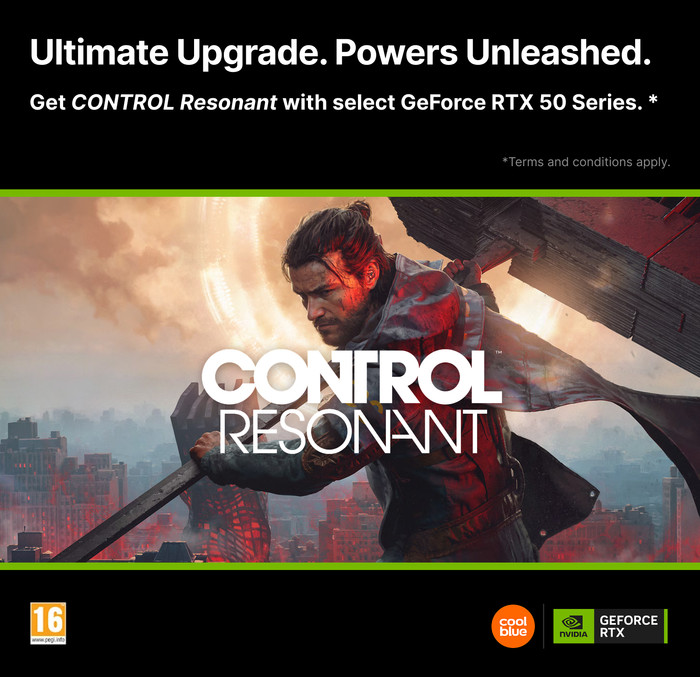
You've purchased an NVIDIA product that includes the game CONTROL Resonant for free. The promotion runs from 26 August 2026 to 29 September 2026. You can request the promotion until 27 October 2026. To receive your game, you have to follow a few steps. You can read what you have to do here.

If you purchase of a laptop or desktop, you receive 1 year of Norton 360 Deluxe for free. One day after purchase, you'll receive an email with a personal voucher code. Go to the promotional Terms and Conditions for more information.

Receive more coverage in case of damage than with your standard warranty. Coolblue takes care of everything: from taking out the insurance to repairs. Is a repair not possible? You receive the purchase price as CoolblueCredit.
XCover is allowed to arrange and process insurances on behalf of the insurer. The insurances are governed by Belgium law. If you have a complaint, you can contact the or our customer service.
First, add your laptop to your shopping cart. On the next page, choose one of the Protection Plans below. You always have a 30-day return window and pay no deductible in case of damage or theft.
You can cancel a monthly insurance every month. You can cancel an annual insurance every year, even if you paid in advance. Want to cancel it earlier? You receive a refund for the years you're not insured anymore.