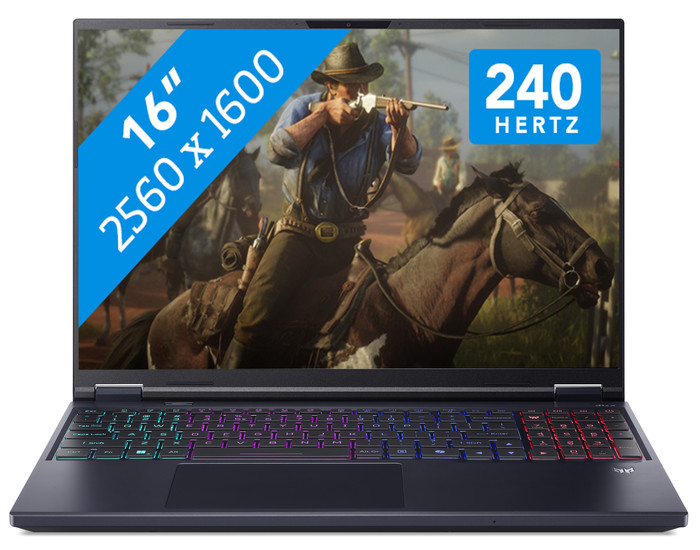
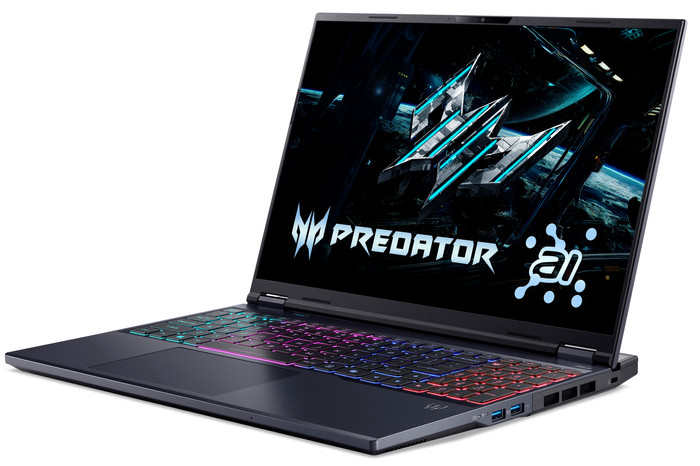
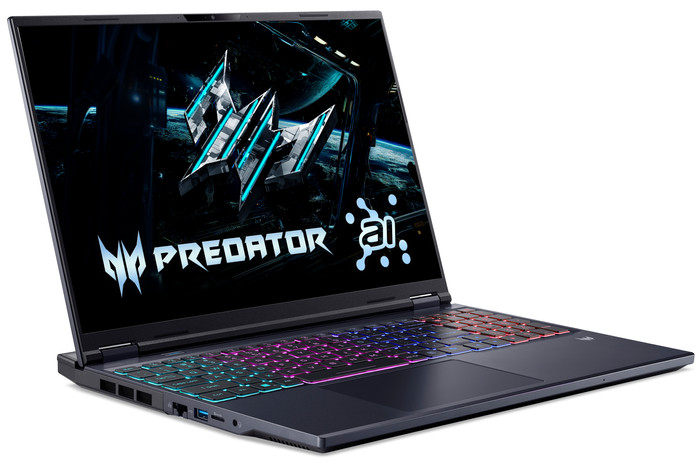
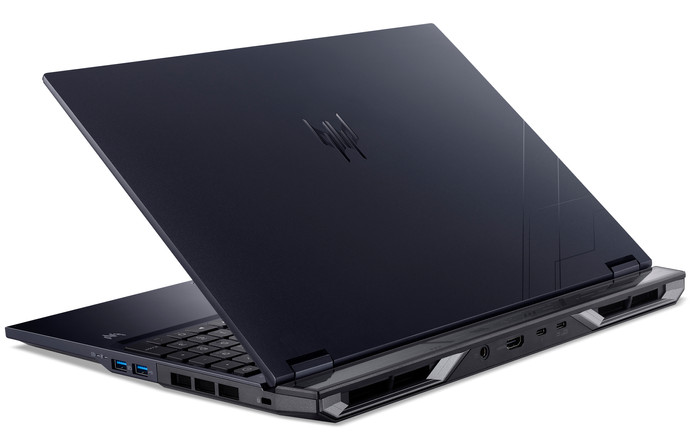
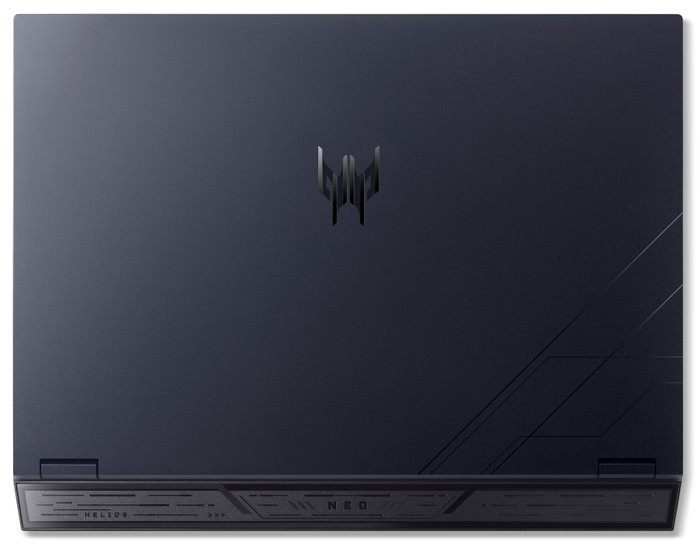
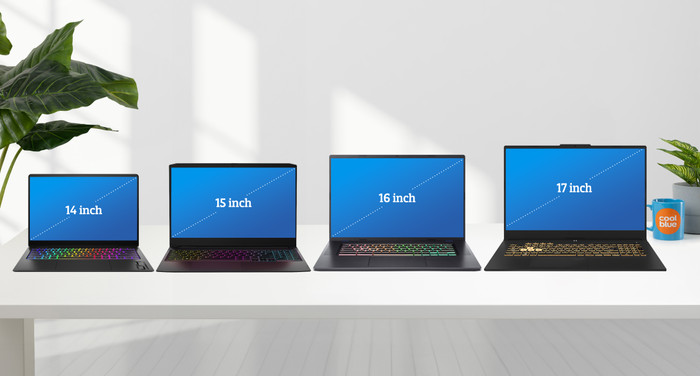
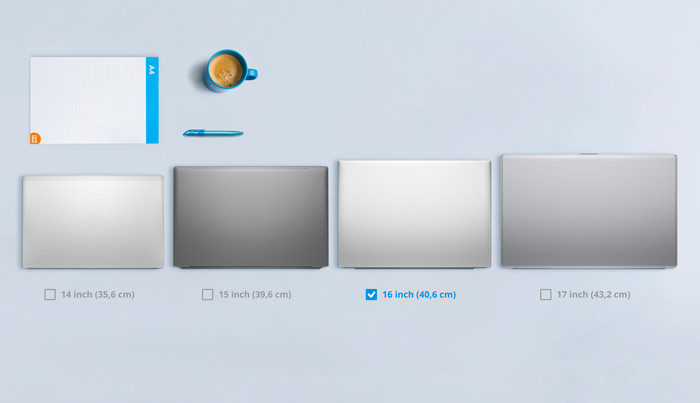
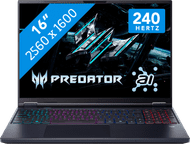
The Acer Predator Helios Neo 16 AI PHN16 is a powerful 16-inch gaming laptop, allowing me to smoothly play medium- and high-end games in Full HD and Quad HD. I play most games without stuttering at a minimum of 60 frames per second. I also play games in Quad HD with DLSS support enabled. The laptop also has a cool gaming look with a 4-zone RGB backlit keyboard and a docking station on the back.
Powerful NVIDIA RTX 5070 graphics card
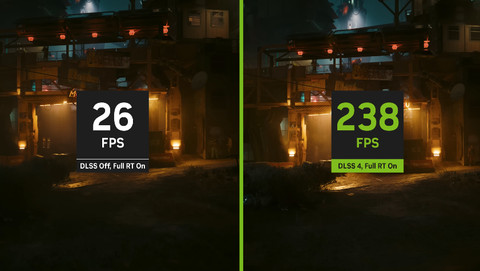
The Acer Predator Helios Neo 16 has an NVIDIA RTX 5070 graphics card. This allows me to play all games in Full HD or Quad HD with DLSS support enabled. I play Indiana Jones at 80 to 100 frames per second in Quad HD with DLSS enabled. Clair Obscur is another game with richly detailed graphics, even reaching over 100 frames per second in Quad HD. The only game the graphics card struggles with is Microsoft Flight Simulator. I have to play this game in Full HD with DLSS support enabled. With these settings, I get more than 60 frames per second.
Sharp images with a high refresh rate
On the 16-inch Quad HD display, I see sharp images and vivid details. I especially notice this in colorful games like Clair Obscur and Microsoft Flight Simulator. For example, I can see the Rotterdam skyline in every detail. This is thanks to the 100 percent coverage within the DCI-P3 color profile. I also see detail in dark games, such as S.T.A.L.K.E.R. 2. Furthermore, the laptop has a refresh rate of up to 240 Hz. This allows me to play shooters like Doom: The Dark Ages and Gears of War Reloaded with smooth images. In Full HD, I play Doom at about 100 frames per second. Gears of War even reaches more than 140 frames per second in Quad HD.
Sturdy chassis with a cool RGB gaming look
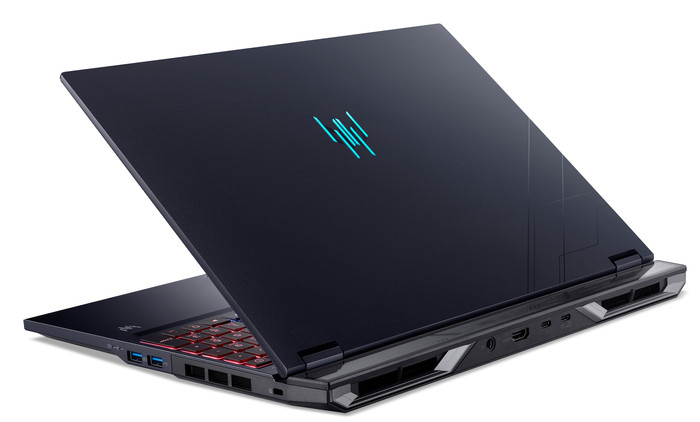
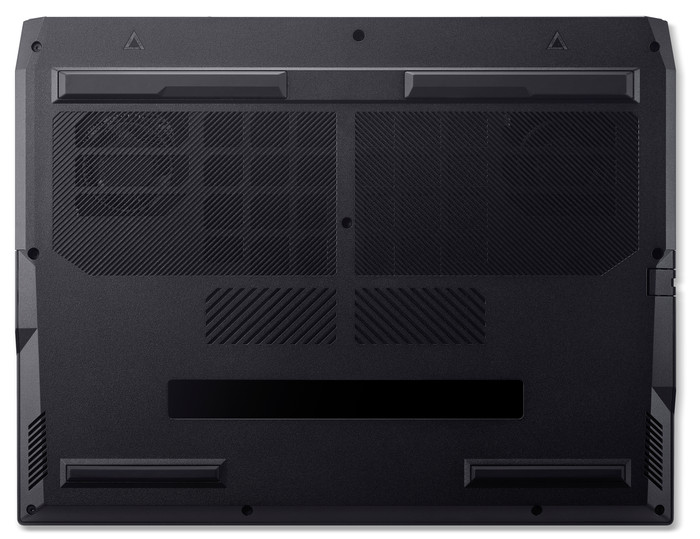
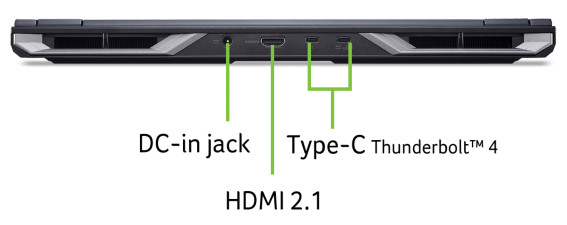
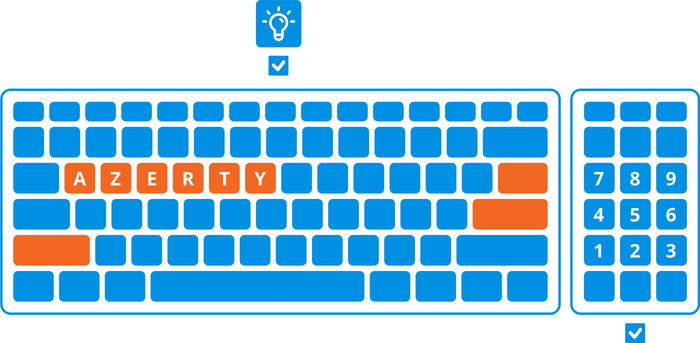
The laptop feels sturdy thanks to the metal chassis. Besides providing good protection, it also helps with cooling. I feel heat while gaming, but it's not because the graphics card and processor exceed 60 degrees Celsius. I manage the fans via PredatorSense. They make a lot of noise, but it doesn't bother me while gaming. The laptop also has a cool gaming look thanks to the 4-zone RGB backlit keyboard. I use PredatorSense to set different patterns or a color per zone. I personally prefer wave lighting because it allows me to see all the colors. The Predator Helios Neo also has a built-in dock on the back. I use it to connect the charger, which I consider a nice advantage. It keeps my desk tidy and prevents cables from getting in the way. The downside is the weight; the laptop feels heavy.