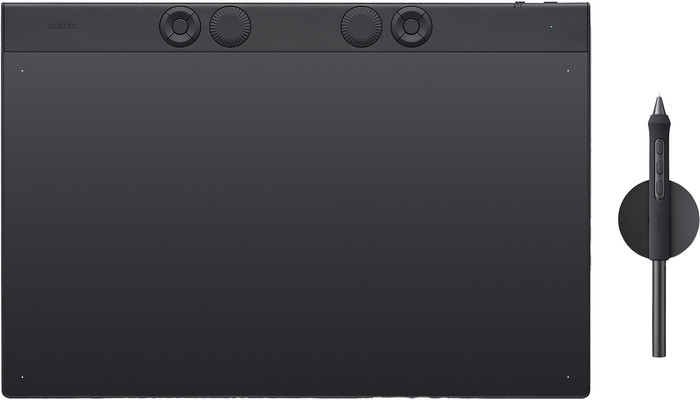
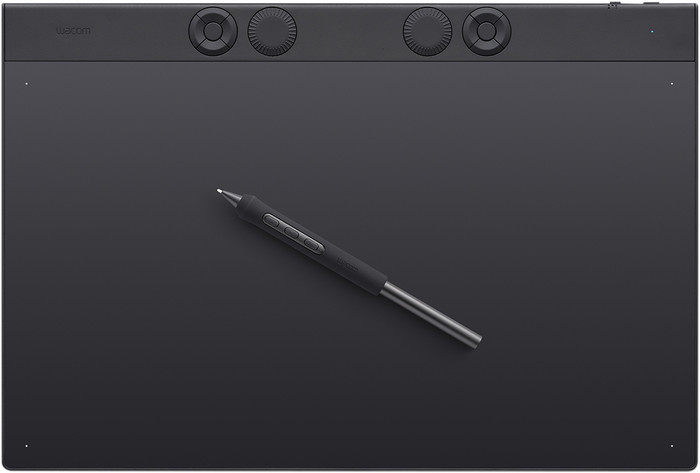
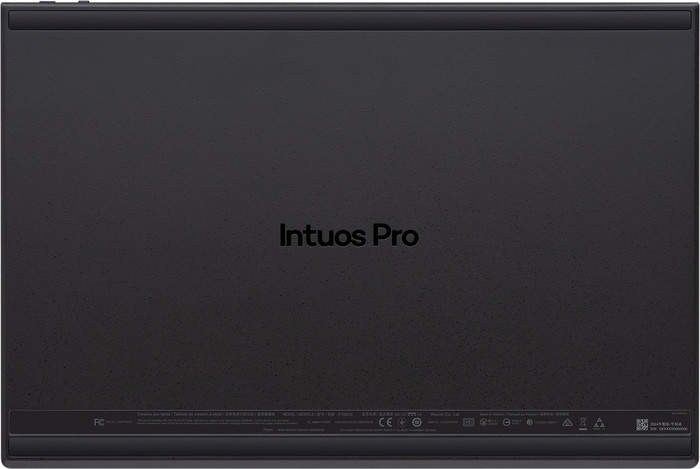
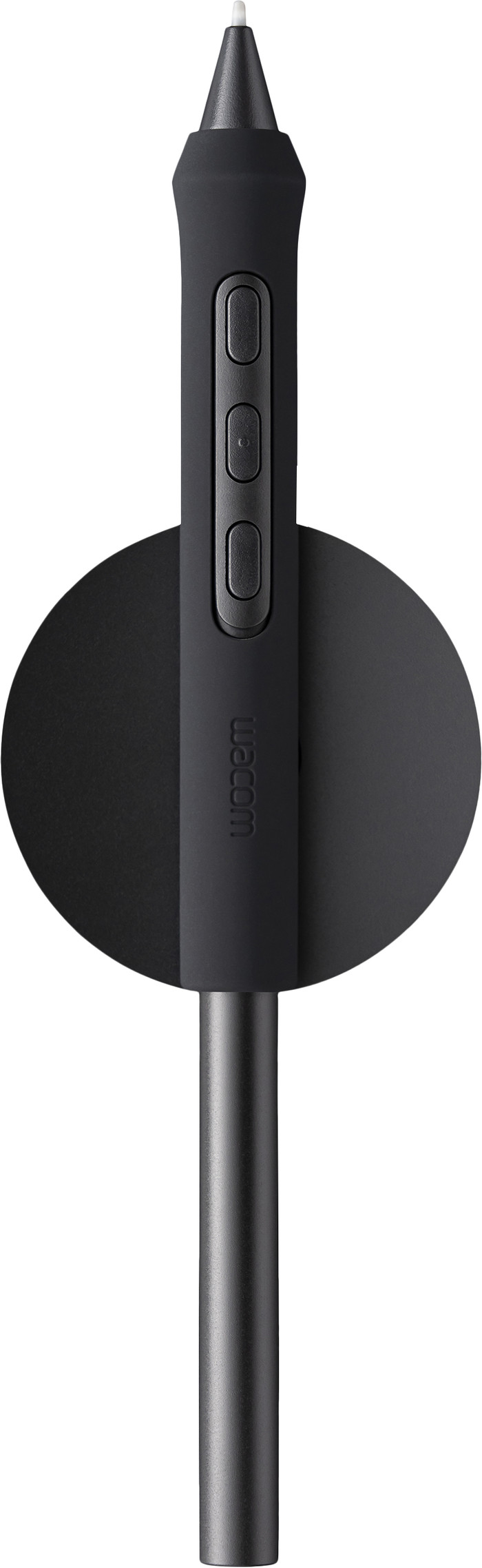
Wacom Intuos Pro Large (2025)

anything for a smile
536,-
34.9 cm
Review of the Wacom Intuos Pro Large (2025) I've been working with Wacom tablets for over 30 years. This is the fourth time I've had to buy a new one, simply because Wacom stopped supporting the driver software for older models. That's why I have mixed feelings. They're solid devices, but the manufacturer deliberately makes them unusable after a few years. Planned obsolescence. Since my previous Wacom tablet did support multi-touch, came with a separate mouse—which no longer works with this model—and had more and more refined buttons, this feels like a series of forced steps backward, for which I also have to buy a new device.
Leon
29 November 2025
Automatically translated from Nederlands
536,-
Product number | 963019 | |
|---|---|---|
Manufacturer code | PTK870K0B | |
Brand | Wacom | |
Warranty | 2 years | |
Processing of your defect | Via Coolblue |
Drawing tablet has integrated screen | ||
|---|---|---|
Lines per inch (LPI) | 5080 lpi | |
Height of active drawing area | 19,5 cm | |
Width of active drawing area | 34,9 cm | |
Multi-touch | ||
Number of buttons | 5 | |
Programmable buttons | ||
Tilt sensitive | ||
Tilts | 60 ° | |
Compatible with operating system | Windows, macOS | |
Without using a computer |
Connection type | Wireless | |
|---|---|---|
Bluetooth | ||
Bluetooth version | 5.1 |
Weight | 660 g | |
|---|---|---|
Width | 349 cm | |
Depth | 4 cm | |
Height | 253 cm |
Power source | ||
|---|---|---|
Power supply type | Rechargeable battery, Via a different product |
Our digital expert will help you, but it can sometimes make mistakes, like humans do.
According to our drawing tablet expert
A lot of detail in your drawing: add more detail to your drawings thanks to the 5,080 LPI resolution.
More freedom to move: with this wireless drawing tablet, you have more freedom to move while you draw.
Large drawing area: you can draw long lines and have plenty of space to work.
Less natural drawing: drawing feels less natural because you don’t look directly at the drawing tablet.
Not without a computer: the drawing tablet only works when you connect it to a PC or laptop.
Delivered tomorrow
Delivered tomorrow
Receive more coverage in case of damage than with your standard warranty. Coolblue takes care of everything: from taking out the insurance to repairs. Is a repair not possible? You receive the purchase price as CoolblueCredit.
XCover is allowed to arrange and process insurances on behalf of the insurer. The insurances are governed by Belgium law. If you have a complaint, you can contact the or our customer service.
First, add your drawing tablet to your shopping cart. On the next page, choose one of the Protection Plans below. You always have a 30-day return window and pay no deductible in case of damage or theft.
The insurance can be canceled every year, even if you have paid in advance. If you cancel earlier, you will receive a refund for the overpaid amount.