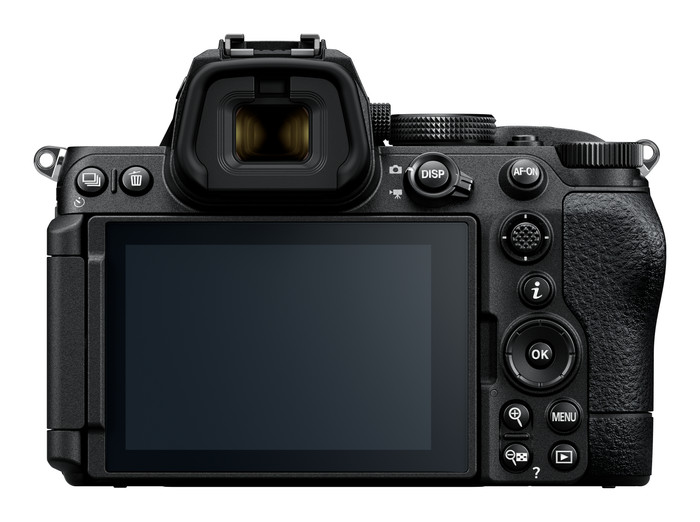
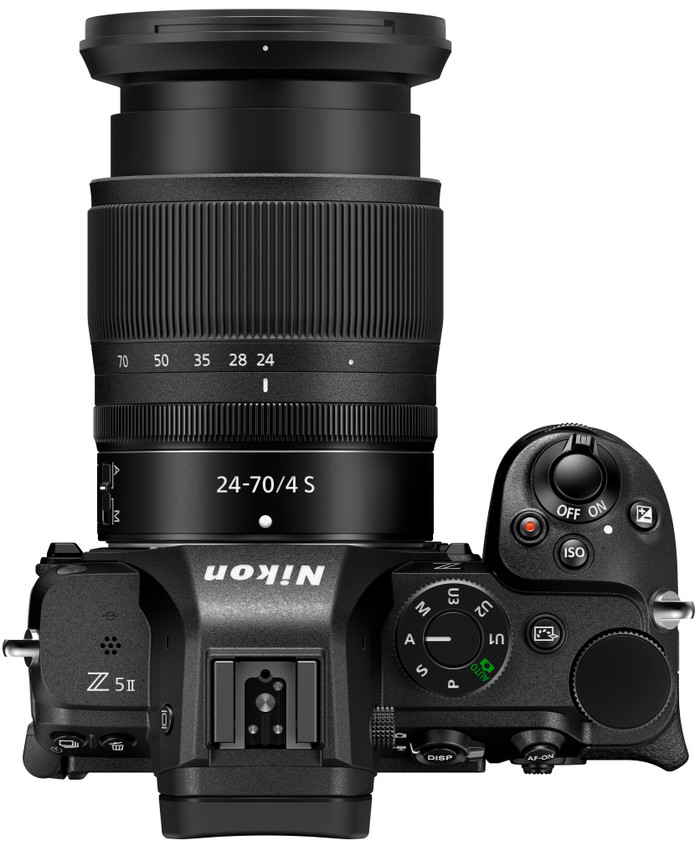
If you are looking for a first full-frame system camera, the Nikon Z5 II is a good choice. With this fast camera, I can easily take sharp photos thanks to the autofocus with subject recognition. I only regret that I can't make 4K videos at 60 frames per second without cropping.
Smart autofocus
I take the Z5 II with me on a walk through nature. Here I photograph different types of subjects: my partner, passing cyclists, birds and a group of grazing cows. The camera's autofocus recognizes all these subjects without any problems. I use the automatic subject recognition, but can also select a specific subject in the menu. This is useful if I only photograph the same subject, for example during a series of portrait photos. Even from a distance, the camera recognizes my subject. When one of the cows walks through the field, the autofocus follows its movement. This makes it easy to take sharp photos.
Filming
During my walk, I also make videos of the surroundings. I film handheld, because I don't have a gimbal or tripod with me. Normally, this would result in quite jerky images due to my own movements, but the image stabilization (IBIS) of the camera absorbs the vibrations well. As a result, the images I make still look smooth. For sharp videos, I film in 4K resolution at 30 frames per second. If I want to slow down my video a bit, I film in 4K resolution at 60 frames per second. The camera does crop the image, which means that the angle of view becomes smaller.
Clear images
It is a sunny day, which makes the image on the tilting touchscreen of the camera less visible. I determine my frame via the viewfinder of the camera and am no longer bothered by the bright sun. This viewfinder has a high brightness and resolution, so I can see all the details clearly. I also find it useful that I can view a preview of my photos through the viewfinder. This way I can check afterwards whether my photos turned out well, even when I am standing in bright sunlight.
Picture Control
When I press the Picture Control button, a menu with different color filters opens immediately. With this I can easily give my photos a special effect. For example, I choose Charcoal for soft black and white images, but add a little more contrast in the settings. Via the Nikon Imaging Cloud I download extra filters that other photographers have made. That way there is always a filter that suits my style.