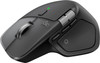
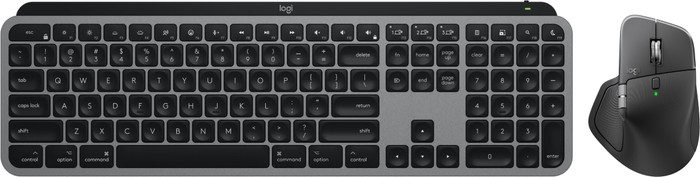
Logitech MX Master 4 for Mac Space Black + Logitech MX Keys S for Mac AZERTY Black











Don't have an account yet? Start here
Black
|
Keyboard and mouse set
Color: Black

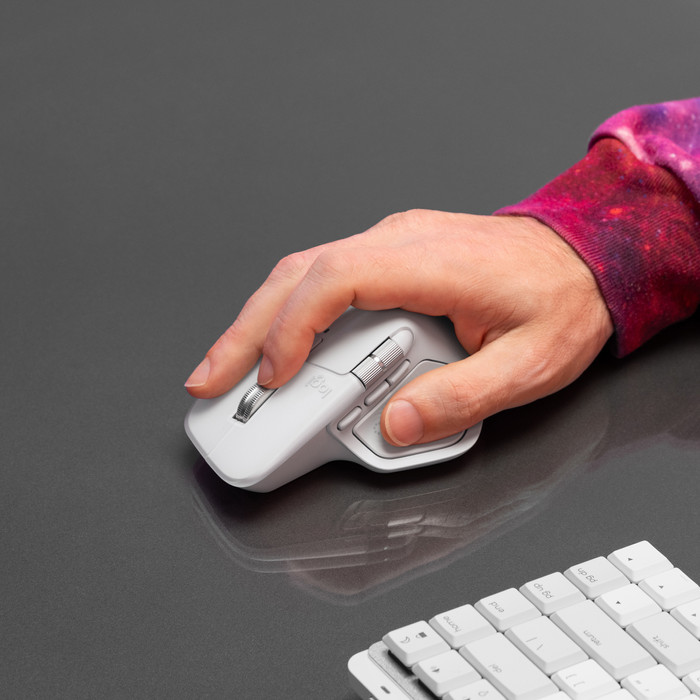
How large is a mouse exactly? It's often difficult to see on a photo. That's why we thought of the thumb rule below.
Choose a mouse that takes up more than half of the surface of the dimensions of your hand. You can find the dimensions of the mouse under the specifications.
Your hands are often 2 times longer from your wrist to the tip of your middle finger than that it's wide from your little finger to the knuckle of your thumb. The closer the length and width a mouse come to 60% of the length and width of your hands, the more likely it is that the mouse feels comfortable in your hand.

Product number | 969150 | |
|---|---|---|
Manufacturer code | 910-007577 | |
Brand | Logitech | |
Warranty | 2 years | |
Processing of your defect | Via Coolblue |
Mouse model | Standard | |
|---|---|---|
Input | Optical | |
Number of buttons | 8 | |
Ergonomic design | ||
Type of ergonomics | Standard ergonomic | |
Left or right-handed | Right-handed | |
Maximum dots per inch (DPI) | 8000 dpi | |
Adjustable DPI | ||
Mouse controls | Buttons, Scroll wheel | |
Suitable for gaming | ||
Scroll fast | ||
Programmable buttons | ||
Number of programmable buttons | 8 | |
Lighting peripherals | ||
Color lighting | Green | |
Number of colors lighting | 1 | |
Silent mouse | ||
Horizontal scrolling | ||
Mouse surface | Any surface | |
Product family | MX |
Connection type | Wireless | |
|---|---|---|
Type of wireless connection | USB and Bluetooth | |
Bluetooth version | 5.1 | |
Nano receiver | ||
Number of devices that can be paired | 1 - 3 | |
Type of USB port | USB-C |
Plug and Play | ||
|---|---|---|
Compatible with operating system | iPadOS, macOS |
Power supply type | Rechargeable battery | |
|---|---|---|
Battery level indicator | ||
Replaceable battery |
Color | Black | |
|---|---|---|
Mouse size | Large | |
Width | 8,84 cm | |
Height | 5,08 cm | |
Depth | 12,82 cm | |
Material | Plastic | |
Finish | Matte | |
Weight | 0,15 g |
Product number | 949878 | |
|---|---|---|
Manufacturer code | 920-011625 | |
Brand | Logitech | |
Warranty | 3 years | |
Processing of your defect | Via Coolblue |
Keyboard layout | AZERTY | |
|---|---|---|
Geographic keyboard layout | FR layout | |
Physical keyboard layout | ISO | |
Typing comfort | Basic | |
Backlit keyboard | ||
Spill-resistant | ||
Color lighting | White | |
Number of colors lighting | 1 | |
Brightness of backlight adjustable | ||
Programmable keys | ||
Multimedia shortcuts | ||
Flat keys | ||
Suitable for gaming | ||
Mechanical keyboard |
Connection type | Wireless | |
|---|---|---|
Type of wireless connection | Bluetooth | |
Bluetooth version | 5.1 | |
Nano receiver | ||
Type of USB port | USB-C |
Keyboard size | 100% (Complete) | |
|---|---|---|
Keyboard composition | Keyboard, Numpad | |
Type of ergonomics | Not ergonomic | |
Ergonomic design | ||
Height | 2 cm | |
Width | 43 cm | |
Depth | 13,16 cm | |
Wrist rest | ||
Color | Black | |
Weight | 0,81 kg |
Gaming keyboard suitable for activity type | On the go and LAN parties | |
|---|---|---|
Gaming keyboard suitable for game type | All-round games, MMORPG & MOBA |
Power supply type | Rechargeable battery, USB port PC/laptop |
|---|
5 stars
5
4 stars
8
3 stars
1
2 stars
1
1 star
0
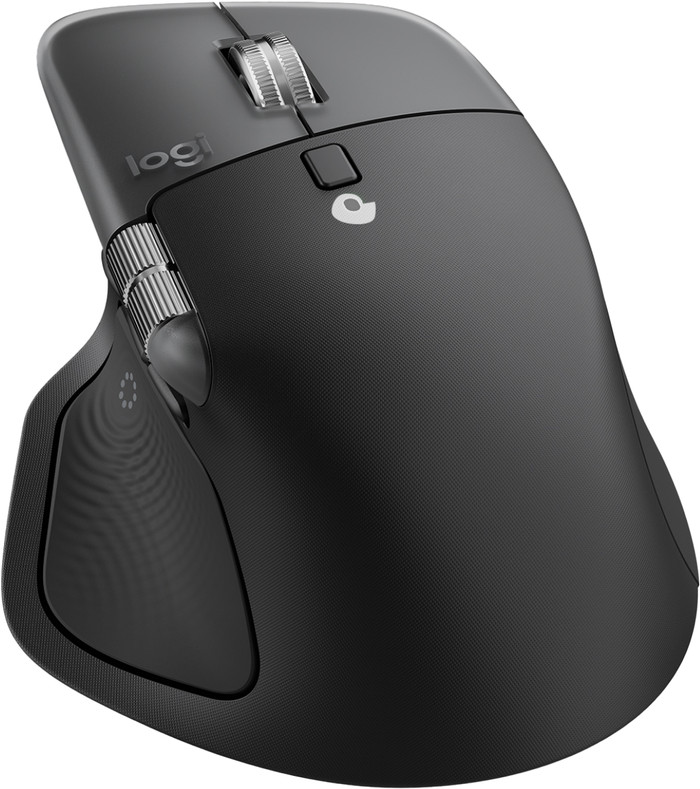
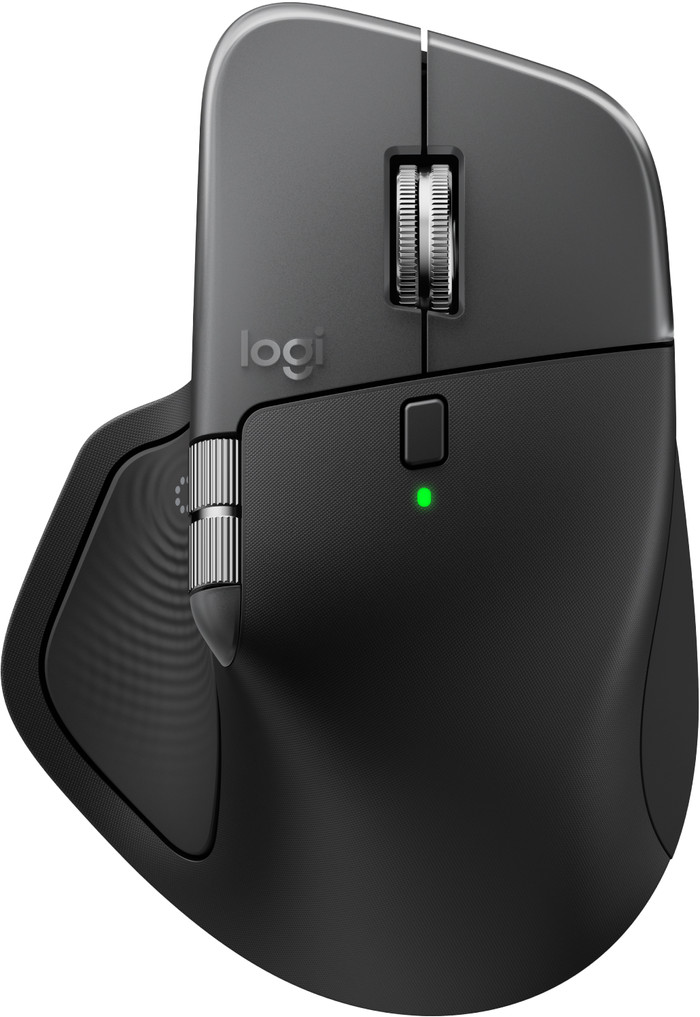
The Logitech MX Master 4 is a comfortable, ergonomic mouse for daily, intensive use. With the new haptic feedback and the Actions Ring, I work much more intelligently on my Mac. The sturdy plastic casing makes the mouse feel luxurious, but I have a less secure grip.
First Impression The first thing I noticed is that the mouse is considerably heavier than the MX Master 3S. It also no longer has a rubber coating on the exterior. This makes for a beautiful, luxurious mouse that fits comfortably in the hand. I expect the mouse to retain its appearance for a long time because of this. Without the rubber, the mouse slips out of my hand a bit more easily, and I have less grip. Fortunately, this doesn't cause any problems during use.
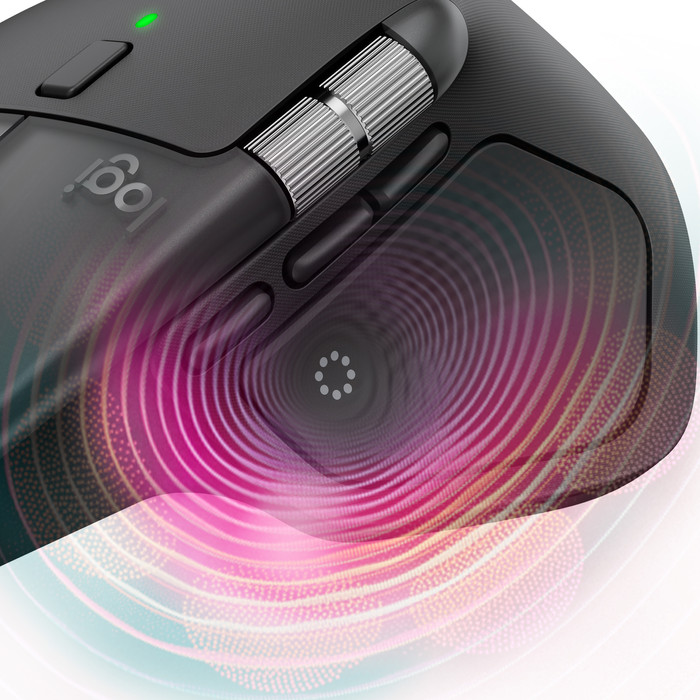
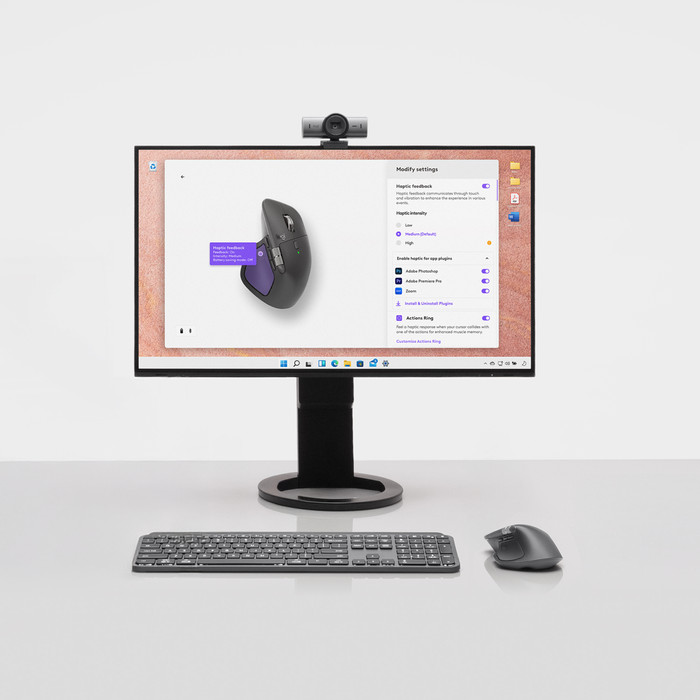
Haptic Feedback I've never used a mouse with haptic feedback before, but this really brings the mouse to life. The mouse uses vibrations and taps to let me know when I receive a notification or perform a specific action. It takes some getting used to, but it works very well. I find this especially useful with notifications. I'm not distracted by on-screen notifications while working; instead, I can choose to open a message after a vibration. The feedback intensity is adjustable and not at all distracting.
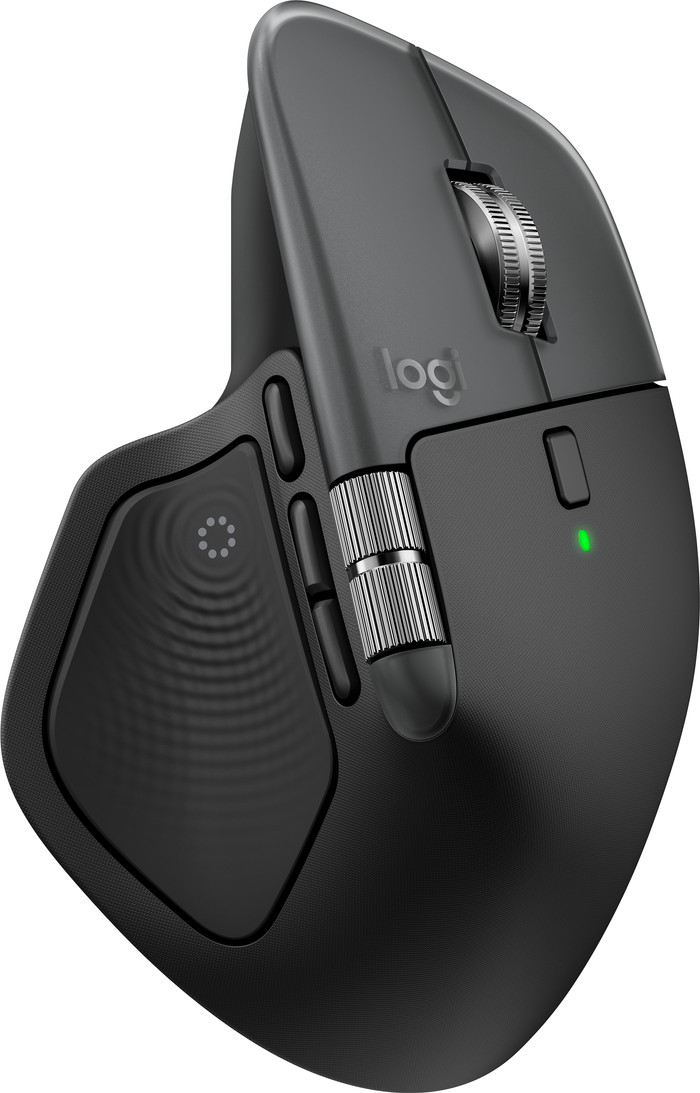
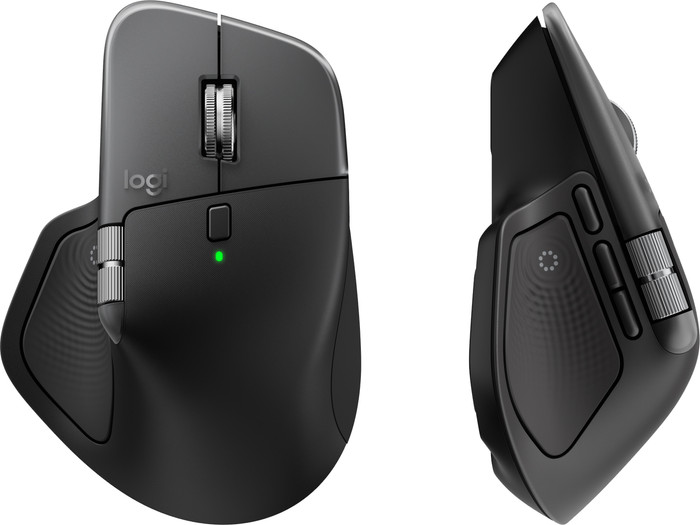
Everything at your fingertips with the Actions Ring Another new feature of this mouse is the Actions Ring. I press it with my thumb, and an overlay immediately appears on my screen. From this ring, I have access to eight shortcuts, which I assign myself in Logi Options+. This is what really sets this mouse apart from other MX mice. With all the programmable buttons and scroll wheels combined, I have over 13 shortcuts, which allows me to work very quickly and save a lot of time. I set up not only general shortcuts but also shortcuts per app. For example, I like to use the horizontal scroll wheel to adjust the volume of my music in Spotify and quickly open new tabs in Chrome. There are also shortcuts for AI functions.
Easy to use In my opinion, this mouse offers the best combination of comfort and smart features. The haptic feedback adds a tactile touch to everything I do. The shortcut overlay speeds up my workflow, and the extra thumb button adds even more flexibility. The mouse's sturdy design gives it a sense of durability. Do you use your mouse intensively or do you want to work smarter? Then I think the Logitech MX Master 4 is indispensable in your Mac setup.
Elaine. Muizen specialist.
2 October 2025
Automatically translated from Nederlands
Pleasantly surprised by this mouse!
Jesse
30 December 2025
Automatically translated from Nederlands
Excellent mouse that fits comfortably in the hand
Rick
27 November 2025
Automatically translated from Nederlands
According to our keyboard and mouse set expert
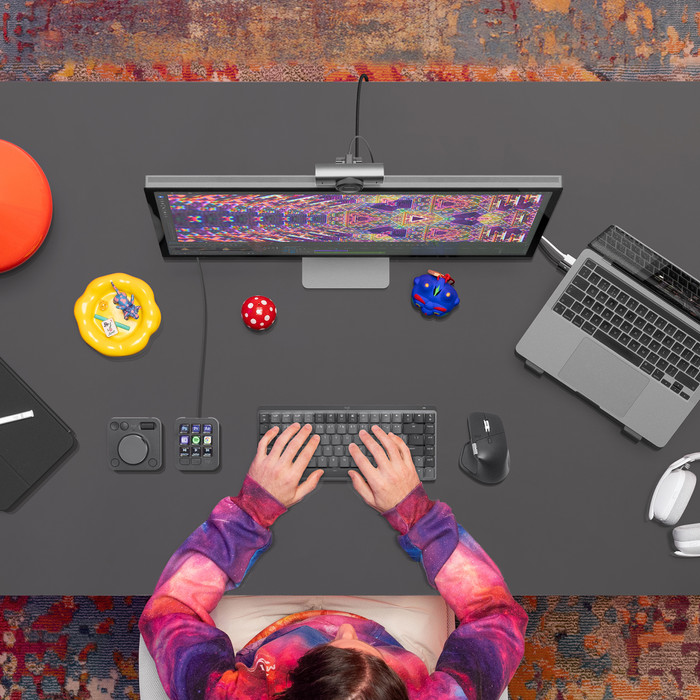
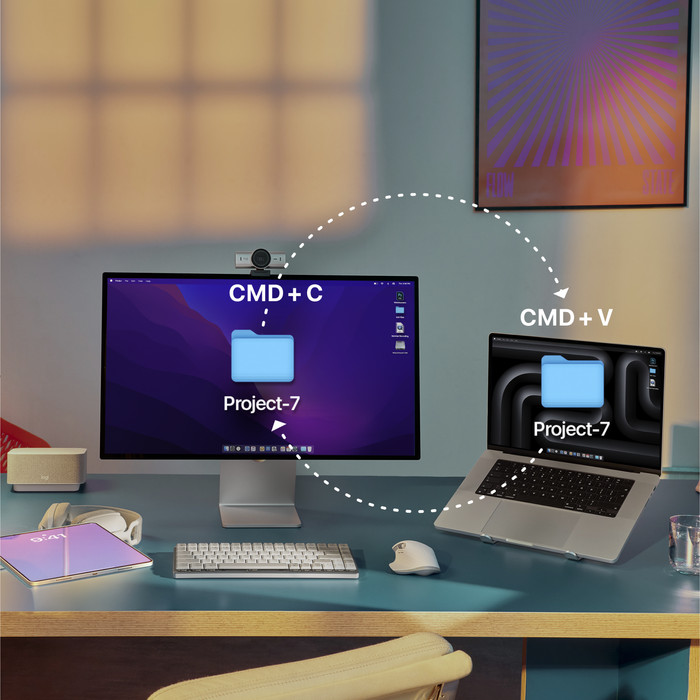
With this keyboard and mouse set, you can work fast and wirelessly on multiple Apple devices.
Thanks to the Haptic Sense panel, you can feel precise and realistic feedback while you use the mouse.
You can have faster access to your favorite shortcuts with the Action Ring, so you can work faster.
You need external Logitech software to personalize keys and buttons.
This mouse is only suitable for right-handed users.
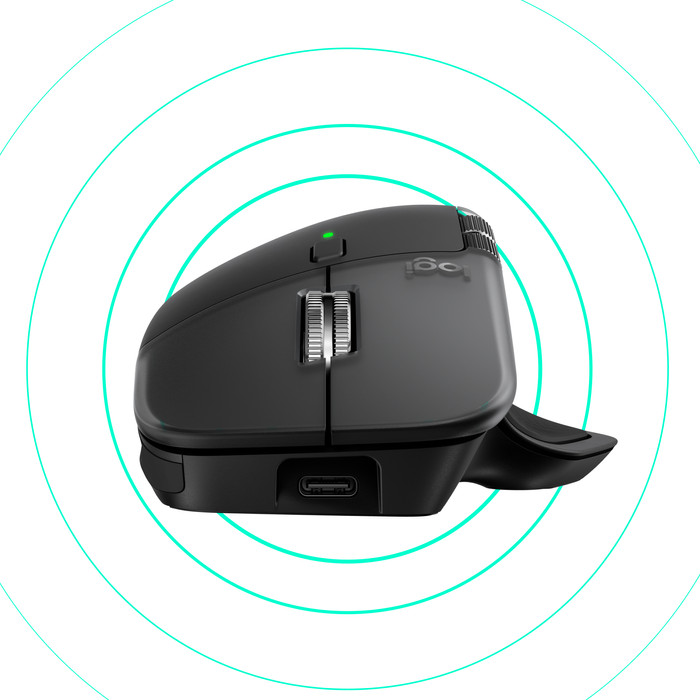
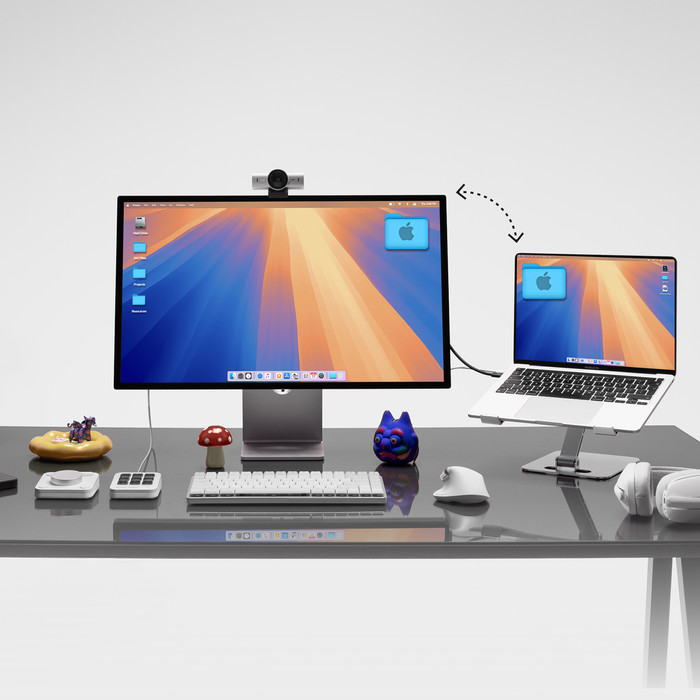
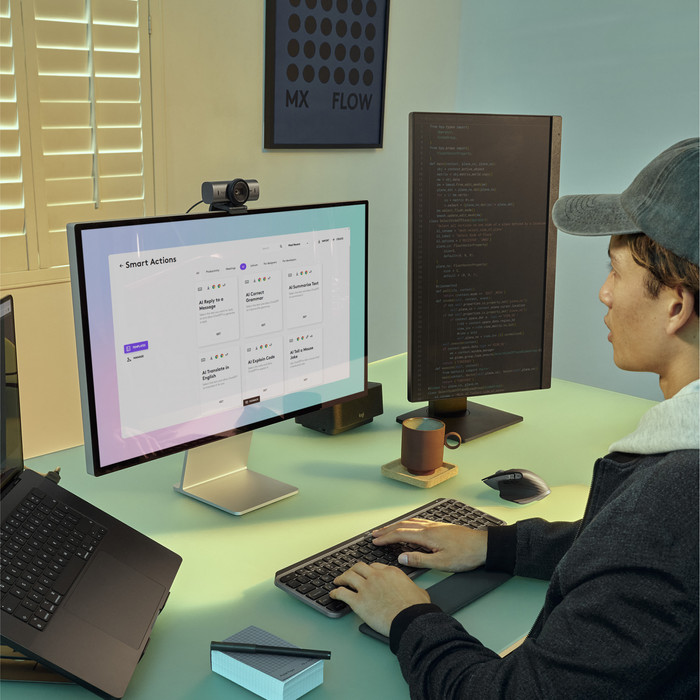
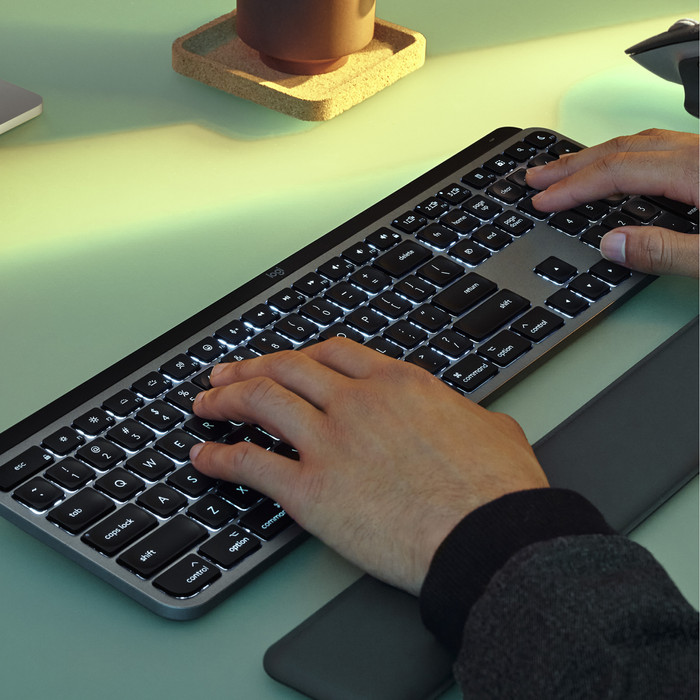
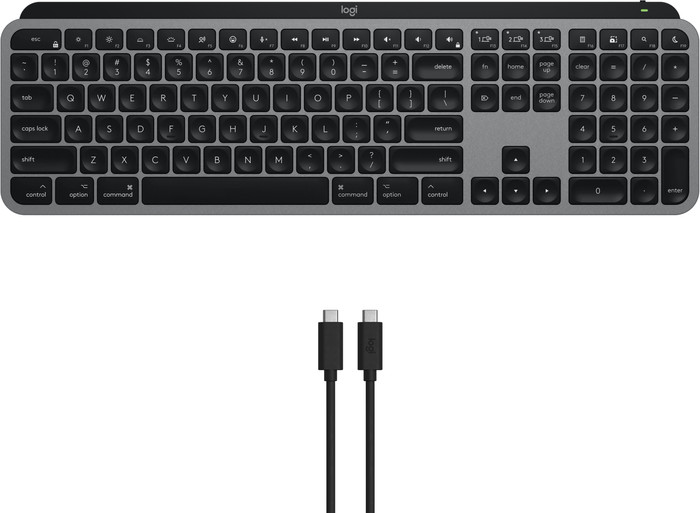
With the Logitech MX Master 4 for Mac Space Black + Logitech MX Keys S for Mac Black keyboard and mouse set, you can complete your wireless workplace. The touch-sensitive Haptic Sense mouse panel can give haptic feedback with vibrations with actions, shortcuts, and notifications. With the Action Ring, you can have your favorite settings for every app within reach. Via the Logi Options+ software, you can set these completely to your liking. They're shaped to your fingertips, so you can type comfortably. The mouse has multiple thumb buttons, a horizontal scroll wheel, and the MagSpeed scroll wheel. It also has a Darkfield sensor, so you can use the mouse on any surface. You can connect both the MX Master 4 mouse and the MX Keys to multiple Apple devices at once via Bluetooth. With the press of a button, you can switch between your iMac, MacBook, and iPad.
245,-
245,-
Delivered on Monday
Delivered on Monday