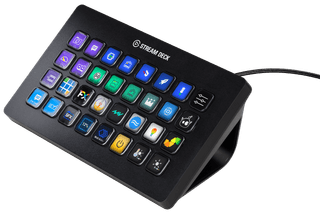
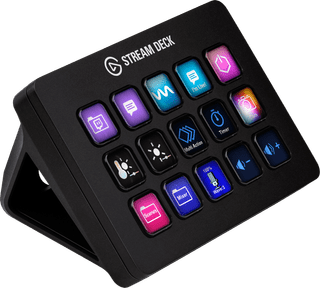
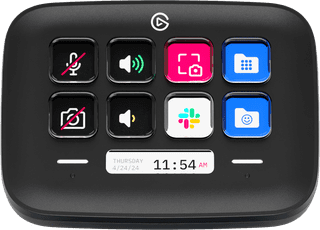
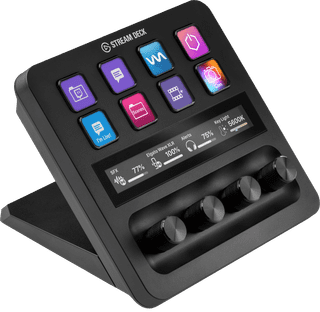
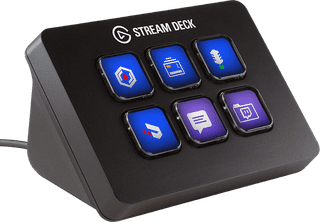
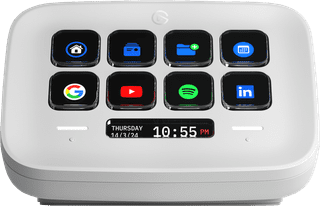
With a stream deck, you can make your stream interactive and more lively. You can customize the keys and assign GIFs, emoticons, and other stream functions to them. That way, you'll have all your important functions at hand. Using an Elgato Stream deck? Adjust the background of the keys by adjusting the LED display yourself. That way, you'll never press the wrong key again while streaming. You can also customize the keys with macros for your video editing software. When you do this, you're done with editing your video in no time and it'll be live on your channel even faster.

  • Editing software
Elgato Stream Deck MK.2 - Black
Elgato
Elgato
Elgato Stream Deck MK.2 - Black
15 keys|Number of dials 0|None touch strip

140,-

In stock

Logitech MX Creative Console Black
Logitech
Logitech
Logitech MX Creative Console Black
9 keys|Number of dials 1|None touch strip

229,-

In stock

Affordable Second Chance

from

200,-

Elgato Stream Deck Mini
Elgato
Elgato
Elgato Stream Deck Mini
6 keys|Number of dials 0|None touch strip

60,-

In stock

Elgato Stream Deck Neo Black
Elgato
Elgato
Elgato Stream Deck Neo Black
8 keys|Number of dials 0|None touch strip

96,-

In stock

Elgato Stream deck XL
Elgato
Elgato
Elgato Stream deck XL
32 keys|Number of dials 0|None touch strip

246,-

Temporarily sold out

Elgato Stream Deck Neo
Elgato
Elgato
Elgato Stream Deck Neo
8 keys|Number of dials 0|None touch strip

96,-

In stock

Logitech MX Creative Console White
Logitech
Logitech
Logitech MX Creative Console White
9 keys|Number of dials 1|None touch strip

229,-

In stock

Elgato Stream Deck +
Elgato
Elgato
Elgato Stream Deck +
8 keys|Number of dials 4|Touch strip

191,-

Temporarily sold out