Welcome to your environment! You can order everything from your assortment with your personal budget here.

You can always return to the normal Coolblue website by clicking here.

Your outstanding budget (incl. VAT) is always visible here, so you know exactly how much you can spend.

Coolblue home

Help with your product
Thrustmaster T300 RS Starter Package
0 reviews

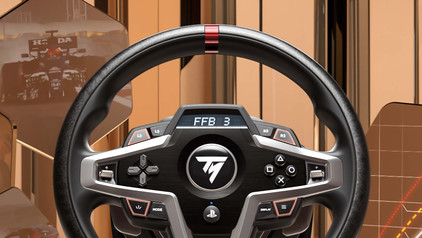
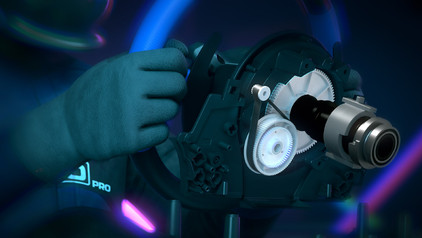
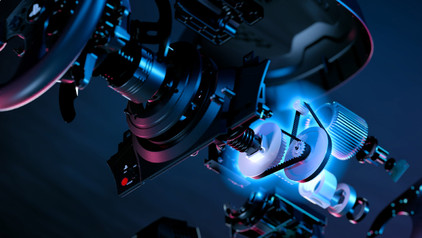
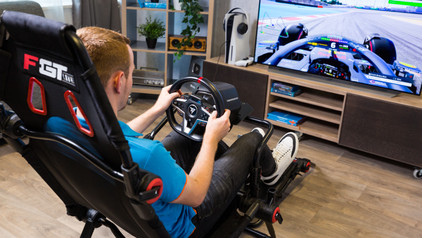
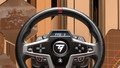
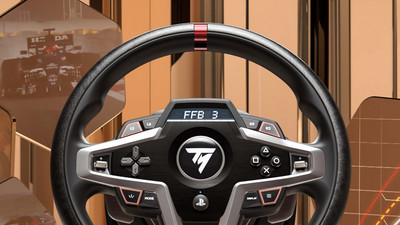
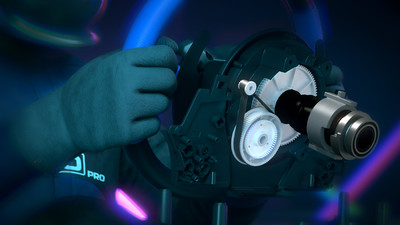
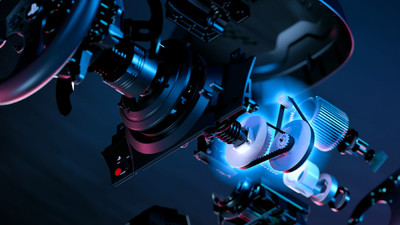
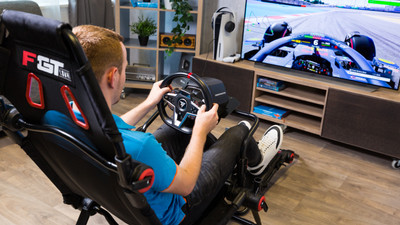
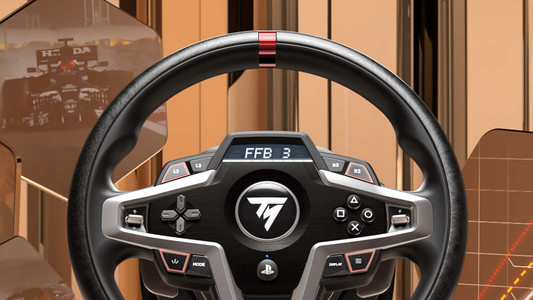
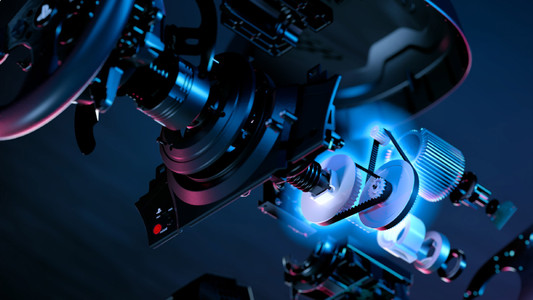
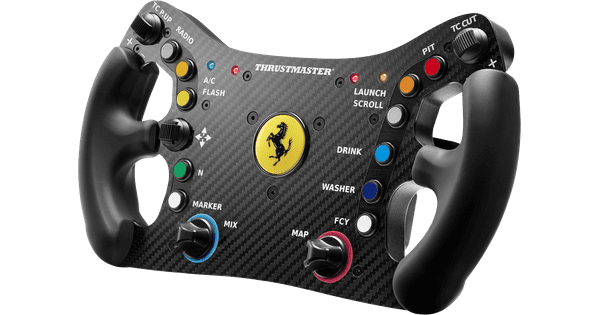
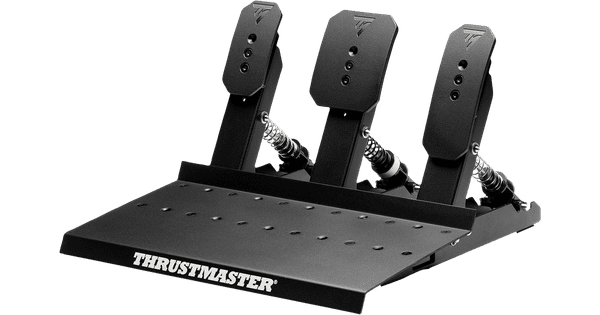
Get ready to race with the Thrustmaster T300 RS Starter Package and jump straight into your favorite races. The Thrustmaster T300 RS Servo Base improves your virtual racing experience and immerses you in the world of motorsports. The Servo Base has a nearly 25W brushless motor. The wheelbase performs quickly and accurately, so you get perfect control in every type of race. You can easily attach the Thrustmaster Ferrari F1 Wheel to the Servo Base. This realistic attachment is an exact copy of the wheel from the Ferrari 150° Italia. It's made under an official Ferrari license. With this wheel, you have an accurate and realistic racing wheel in your hands. Take control of your race car with the Thrustmaster Raceline Pedals 3 and improve your performance every lap. Thanks to the precise H.E.A.R.T. sensors, the pedals always respond quickly and accurately, even after years of racing. You can easily adjust the pedals to your preferences, so the setup matches your driving style exactly.

Read all tips here

How do I calibrate my Thrustmaster racing wheel?

Racing with a steering wheel is awesome, but everything must respond exactly to what you do with your steering wheel. In this article, we'll explain how to calibrate your Thrustmaster steering wheel and we'll give you some useful tips to prevent calibration problems.

How do you update the drivers of your Thrustmaster racing wheel?

The manufacturer of a racing wheel, Thrustmaster in this case, updates the racing wheel programs on a regular basis. The drivers ensure your racing wheel continues to work properly. Your force feedback stays up to date, for example. You can update the drivers of your racing wheel automatically or manually. In this article, we'll explain how to do this step by step.

How do I expand my Thrustmaster race set?

You can complete your Thrustmaster racing setup with the accessories on this page. There are bundles so you can get started with your own Thrustmaster cockpit, for example. There are also separate accessories like racing wheels, pedals, or shifter. We'll explain how you can expand your Thrustmaster racing setup.

How do I calibrate my Thrustmaster racing wheel?

Racing with a steering wheel is awesome, but everything must respond exactly to what you do with your steering wheel. In this article, we'll explain how to calibrate your Thrustmaster steering wheel and we'll give you some useful tips to prevent calibration problems.
How do you update the drivers of your Thrustmaster racing wheel?

The manufacturer of a racing wheel, Thrustmaster in this case, updates the racing wheel programs on a regular basis. The drivers ensure your racing wheel continues to work properly. Your force feedback stays up to date, for example. You can update the drivers of your racing wheel automatically or manually. In this article, we'll explain how to do this step by step.

How do I expand my Thrustmaster race set?

You can complete your Thrustmaster racing setup with the accessories on this page. There are bundles so you can get started with your own Thrustmaster cockpit, for example. There are also separate accessories like racing wheels, pedals, or shifter. We'll explain how you can expand your Thrustmaster racing setup.

Didn't find your answer?

Find an answer to your question quickly and easily via our customer service.

Coolblue specialist
Personal chat Digitalk.
You're now chatting with Coolblue customer service
This chat is closed
foo
Oeps File size is larger than 5MB. Upload a smaller file.