Welcome to your environment! You can order everything from your assortment with your personal budget here.

You can always return to the normal Coolblue website by clicking here.

Your outstanding budget (incl. VAT) is always visible here, so you know exactly how much you can spend.

Coolblue home

Help with your product

Logitech G512 X 98 Gaming Keyboard Azerty White + Wrist Rest
0 reviews

Game in comfort with the Logitech G512 X 98 Gaming Keyboard AZERTY White + Wrist Rest. This wrist rest fits the keyboard well, so it reduces the pressure on your wrists. This wired keyboard has tactile keys. This means you feel feedback, but you don't hear it when you press a key. Thanks to the DUAL SWAP technology, you can manually switch between magnetic analog or mechanical keyboard switches. You also game with high precision thanks to the 8K data speed. This way, you're always 1 step ahead of your enemies. In addition, this is a full-size keyboard with a numeric keypad. This means you can also use your keyboard for more than just gaming.

Read all tips here

Which product do you want to see articles about?

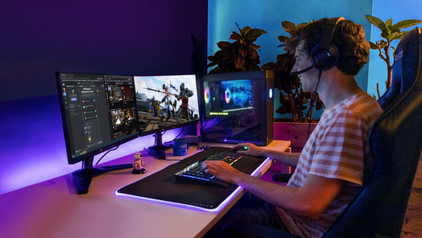
How do I use my keyboard and mouse for the PS5?

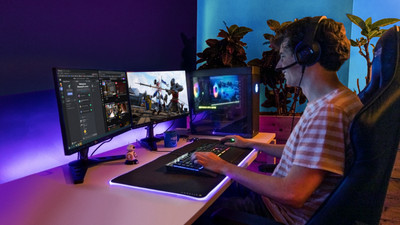
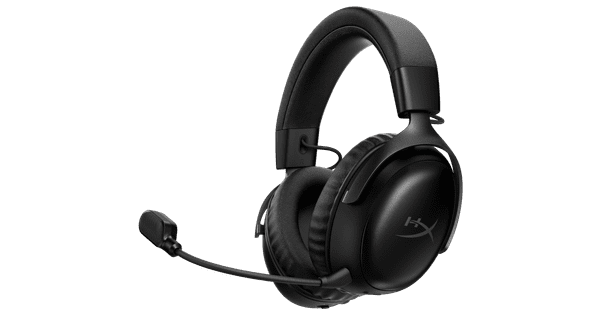
You can connect a gaming headset to your PlayStation 5, as well as a mouse and keyboard. This is a great solution when you're more of a PC gamer with a mouse and keyboard, because aiming is more difficult with a PS5 controller. In this article, we'll explain how to connect a mouse and keyboard to your PlayStation 5.

How do I use my keyboard and mouse for the PS5?

You can connect a gaming headset to your PlayStation 5, as well as a mouse and keyboard. This is a great solution when you're more of a PC gamer with a mouse and keyboard, because aiming is more difficult with a PS5 controller. In this article, we'll explain how to connect a mouse and keyboard to your PlayStation 5.

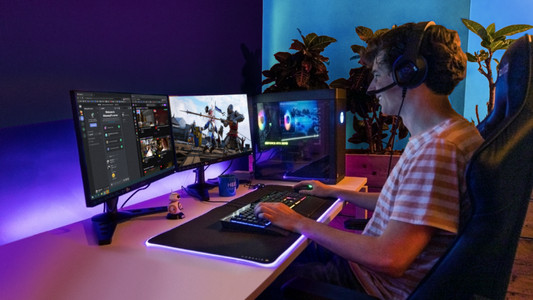
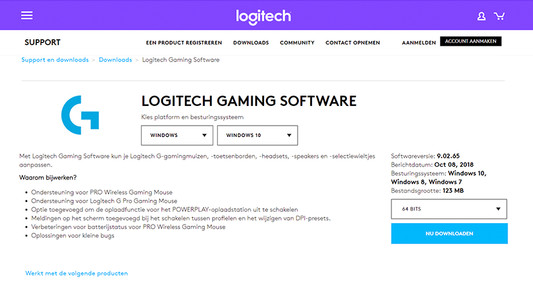
How do I update my drivers using the Logitech Gaming Software?

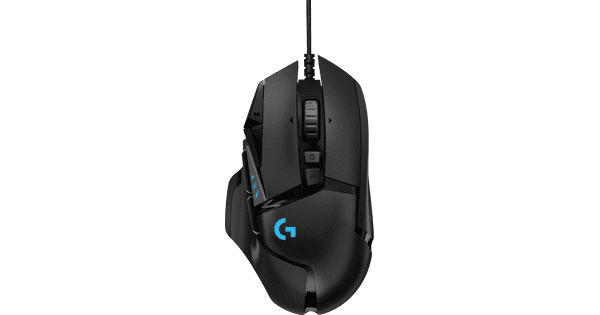
Once you've installed the Logitech Gaming Software, you can get started with the latest drivers, lighting patterns, and other customizable settings on your (new) Logitech gaming gear. On this page, I'll explain how you install the program step by step.

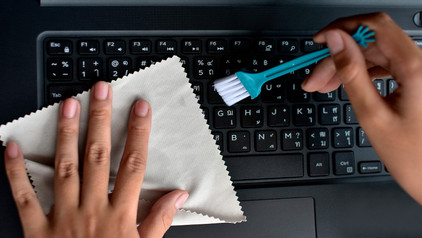
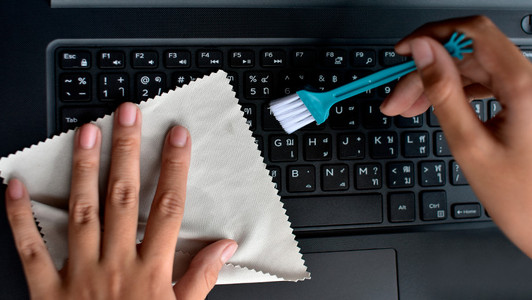
How do I clean my keyboard?

Cleaning your keyboard isn't one of the most fun chores, but if your fingers stick to your keyboard, you'll have to face the music. In this article, I'll explain how to clean a separate keyboard, and you'll read how to clean the keyboard of your laptop.

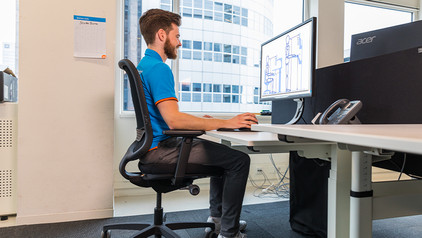
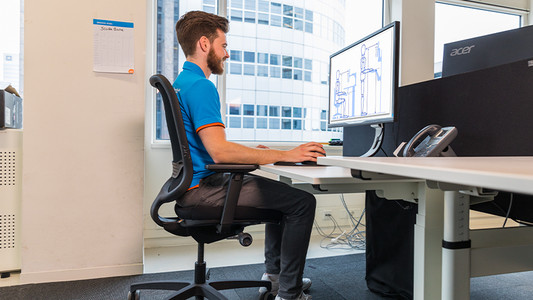
How do you ensure a good sitting posture?

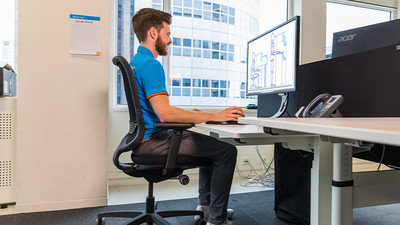
Sometimes it's hard to find the correct sitting position, especially when you work from home. We explain how to sit in the best sitting position on your desk chair, what the ideal height is for your desk, and how to setup your equipment ergonomically. That way, you can work comfortably both at home or at the office.

How do you ensure a good sitting posture?

Sometimes it's hard to find the correct sitting position, especially when you work from home. We explain how to sit in the best sitting position on your desk chair, what the ideal height is for your desk, and how to setup your equipment ergonomically. That way, you can work comfortably both at home or at the office.

How do I update my drivers using the Logitech Gaming Software?

Once you've installed the Logitech Gaming Software, you can get started with the latest drivers, lighting patterns, and other customizable settings on your (new) Logitech gaming gear. On this page, I'll explain how you install the program step by step.

How do you ensure a good sitting posture?

Sometimes it's hard to find the correct sitting position, especially when you work from home. We explain how to sit in the best sitting position on your desk chair, what the ideal height is for your desk, and how to setup your equipment ergonomically. That way, you can work comfortably both at home or at the office.

How do you ensure a good sitting posture?

Sometimes it's hard to find the correct sitting position, especially when you work from home. We explain how to sit in the best sitting position on your desk chair, what the ideal height is for your desk, and how to setup your equipment ergonomically. That way, you can work comfortably both at home or at the office.

How do I use my keyboard and mouse for the PS5?

You can connect a gaming headset to your PlayStation 5, as well as a mouse and keyboard. This is a great solution when you're more of a PC gamer with a mouse and keyboard, because aiming is more difficult with a PS5 controller. In this article, we'll explain how to connect a mouse and keyboard to your PlayStation 5.
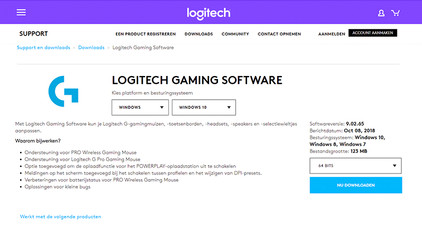
How do I update my drivers using the Logitech Gaming Software?

Once you've installed the Logitech Gaming Software, you can get started with the latest drivers, lighting patterns, and other customizable settings on your (new) Logitech gaming gear. On this page, I'll explain how you install the program step by step.

How do I clean my keyboard?

Cleaning your keyboard isn't one of the most fun chores, but if your fingers stick to your keyboard, you'll have to face the music. In this article, I'll explain how to clean a separate keyboard, and you'll read how to clean the keyboard of your laptop.

Didn't find your answer?

Find an answer to your question quickly and easily via our customer service.

Coolblue specialist
Personal chat Digitalk.
You're now chatting with Coolblue customer service
This chat is closed
foo
Oeps File size is larger than 5MB. Upload a smaller file.