LG OLED TVs

Compare LG OLED TVs
Tandem OLED display with the highest brightness
Black is truly black thanks to the Tandem OLED display.
Fast-moving images look smooth with the 100Hz refresh rate.
Thanks to the anti-glare coating, you're less bothered by sunlight and other light sources.
From
to1.499,-
5.429,-
OLED display with high brightness
Black is truly black thanks to the OLED display.
Fast-moving images look smooth with the 100Hz refresh rate.
From
to1.199,-
4.499,-
OLED display with average brightness
Black is truly black thanks to the OLED display.
From
to999,-
3.819,-
Which LG OLED television should you buy?
With an LG OLED TV, you can enjoy realistic images with the deepest black levels. That's because these TVs have self-illuminating pixels in the screen. This way, all your favorite movies, series, and games are very lifelike. LG OLED evo TVs like the C6 and G6 have an extra bright screen and work better in bright living rooms. In this video, our expert will tell you all about the differences between the LG OLED televisions from 2026.
Advice on LG televisions

What's the webOS smart platform?
webOS is the smart platform of LG smart TVs. Read all about the platform and what you can do with it here.

What's LG OLED?
LG has different OLED televisions. In this article, you can read all about the types of LG OLED TVs and we'll explain how the technology works.
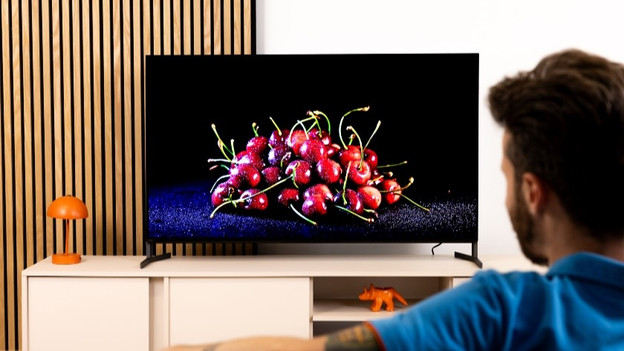
Compare LG G5, C5, and B5 TVs
Curious about the differences between TCL G5, C5, and B5 televisions? Read all about it in our extensive comparison.
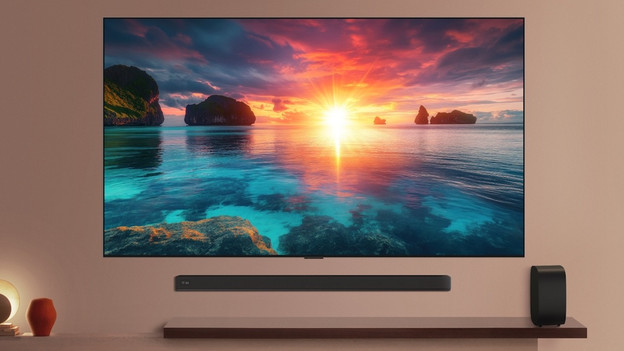
A complete viewing experience with LG soundbars
If you choose an LG TV and soundbar bundle, you receive a complete home cinema. That way, you can enjoy realistic images and cinema-worthy sound for a good price. You don't have to leave the house anymore for the ideal movie experience.
Help choosing the right TV size
Have your eye on a new LG OLED TV? To measure is to know. Check the following for the best viewing experience:
- Viewing distance: the farther away you're sitting, the larger the TV can be.
- Size of your TV cabinet: adjust the width of the TV to your TV cabinet for a nice look.
- Space on your wall: if you're mounting the TV, make sure you have the space to do this. Use the screen size in centimeters.
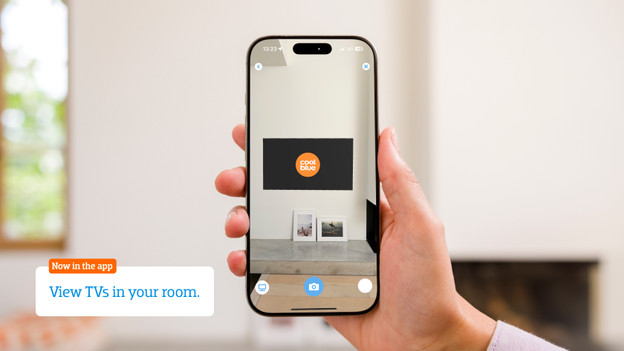
Want to see exactly how the TV looks in your living room? Download the Coolblue App and virtually place the TV in your room via the augmented reality function.

Advice on LG OLED TVs
Can't choose? View the advice from our expert.