Samsung The Frame
Find the Samsung The Frame that suits you

All Samsung The Frame televisions

All Samsung The Frame promotions
Compare Samsung The Frame TVs
Highest brightness and powerful contrast
Enjoy bright, high-contrast images thanks to the Mini-LED local dimming.
Thanks to the Glare Free layer, you see no reflections and the screen has a matte appearance.
Thanks to QLED technology, you enjoy bright, vibrant colors.
From
to1.599,-
4.099,-
Bright colors and high resolution
Thanks to the Glare Free layer, you see no reflections and the screen has a matte appearance.
Thanks to QLED technology, you enjoy bright, vibrant colors.
From
999,-
Bright colors and sleek design
Thanks to QLED technology, you enjoy bright, vibrant colors.
From
450,-
Advice on Samsung The Frame televisions
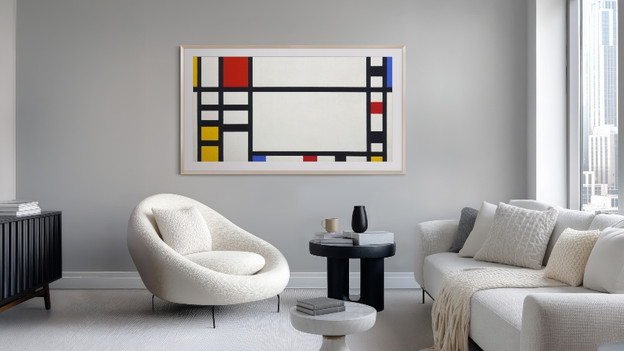
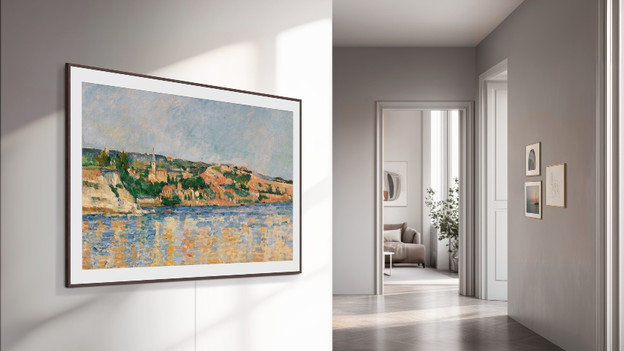
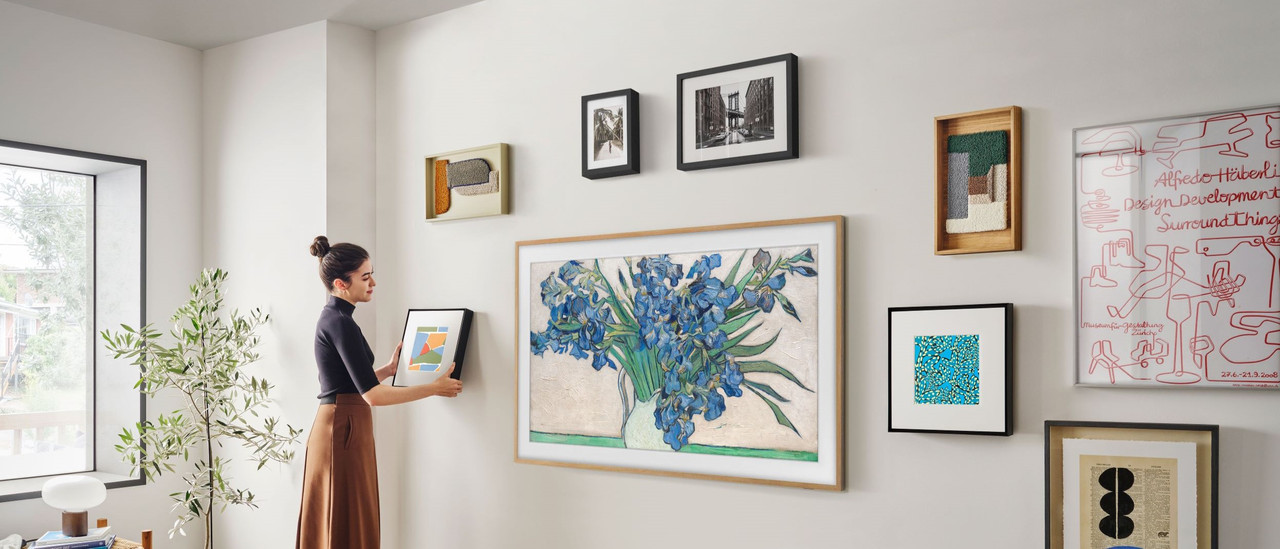
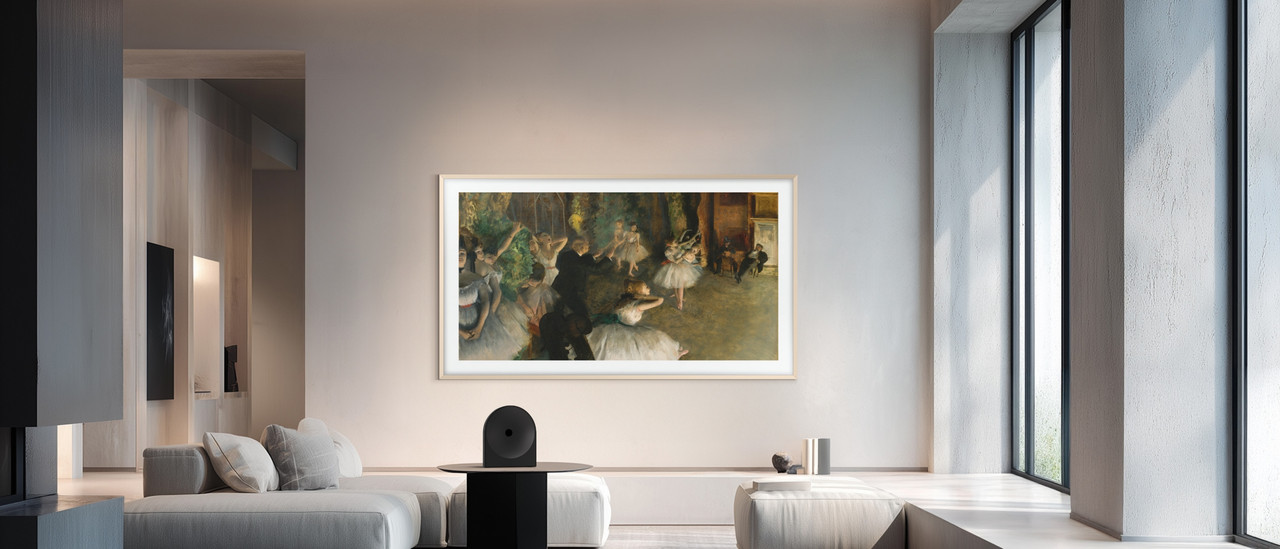
What's Samsung Art Mode?
The Samsung Art Mode is a setting on Samsung The Frame televisions that allows you to display art and photos on the screen when you're not watching the TV. We'll thell you all about the function and what you can do with it here.
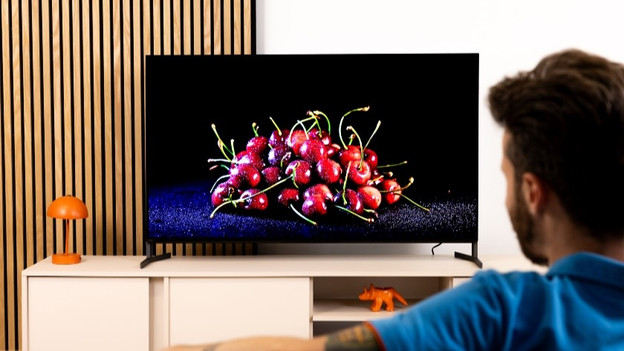
What's the Samsung One Connect Box?
If you want to neatly tuck away the peripherals and cables of your TV, a Samsung TV with a One Connect Box or Wireless One Connect Box is for you. Read about the differences and the TVs that support this here.
Compare Samsung The Frame Pro and the QN80H TVs
Want more information about the differences between the Samsung The Frame Pro and the QN80H? Read all about these televisions in our comparison article.
Samsung The Frame TV highlighted
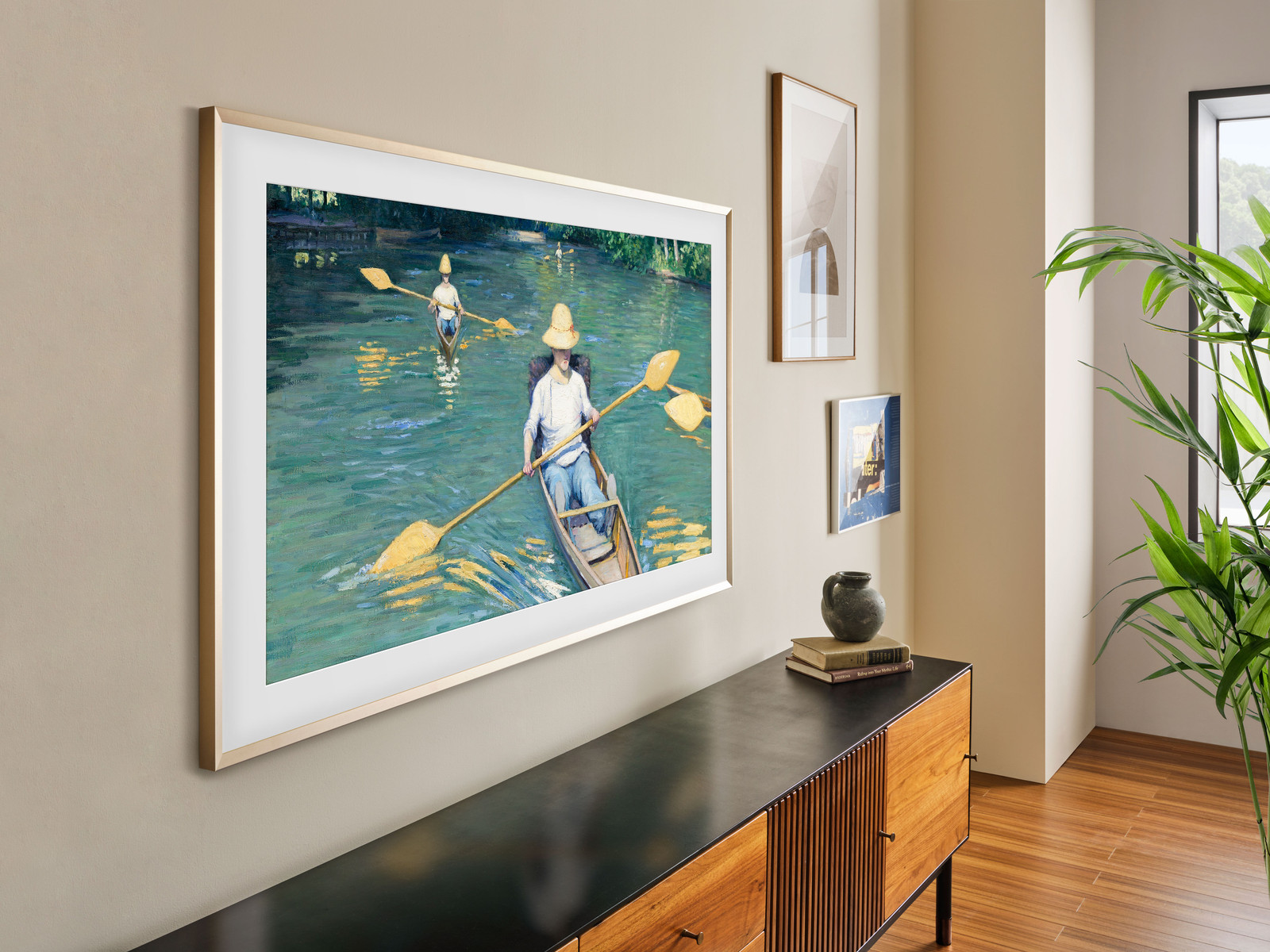
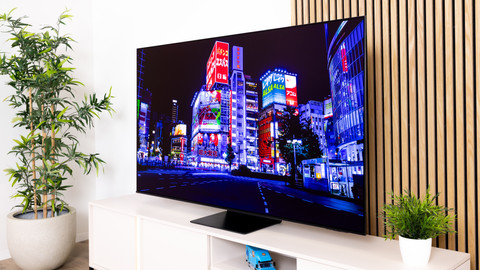
Mini-LED lifestyle TV
The Mini-LED display of the Samsung LS03FW shows bright images with a powerful contrast when you watch TV and beautiful artworks in the standby mode.

View more Samsung The Frame televisions
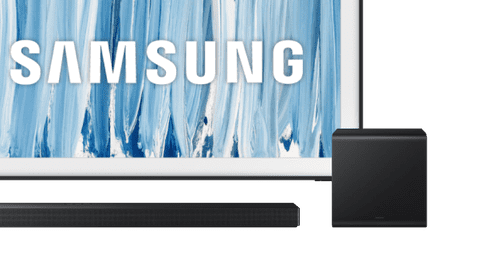
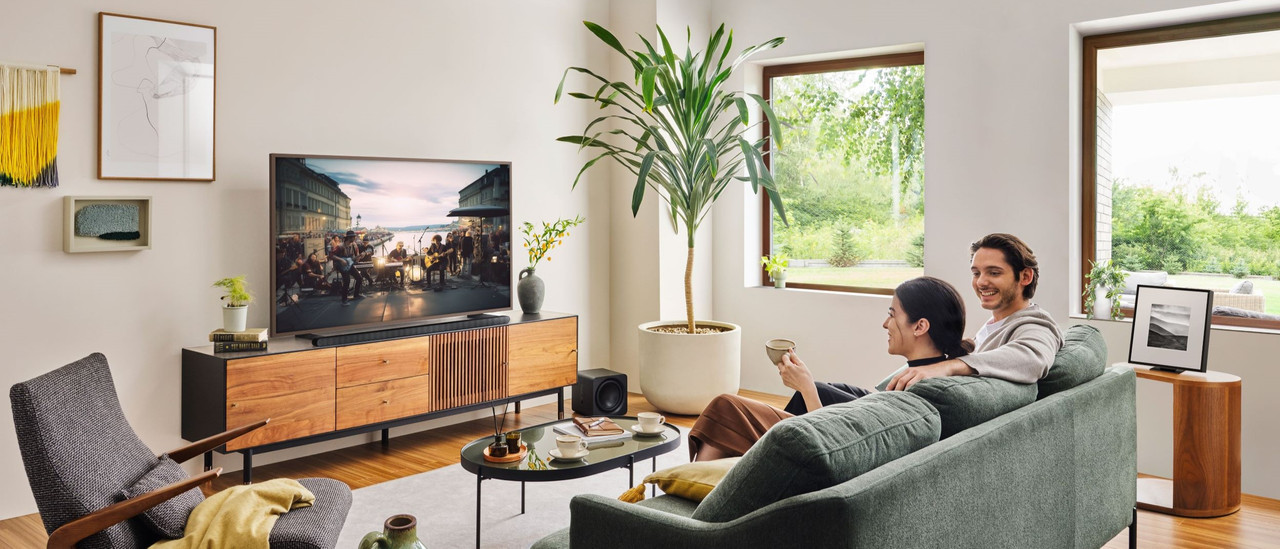
All Samsung The Frame TV and soundbar sets
Want good audio in addition to a nice screen? Choose a TV and soundbar set from Samsung. You can find all our bundles here.All Samsung Glare Free TVs
With a Glare Free Samsung TV, you can enjoy a luxurious matte screen that you can watch at anytime of the day. Read all about the advantages here.Samsung Made for NL promotion
You now receive a 5-year warranty and an entertainment pack worth more than € 145 with the purchase of a selected Samsung TV.
Samsung The Frame inspiration
Help choosing the right TV size
Have your eye on a new Samsung The Frame? To measure is to know. Check the following for the best viewing experience:
- Viewing distance: the farther away you're sitting, the larger the TV can be.
- Size of your TV cabinet: adjust the width of the TV to your TV cabinet for a nice look.
- Space on your wall: if you're mounting the TV, make sure you have the space to do this. Use the screen size in centimeters.
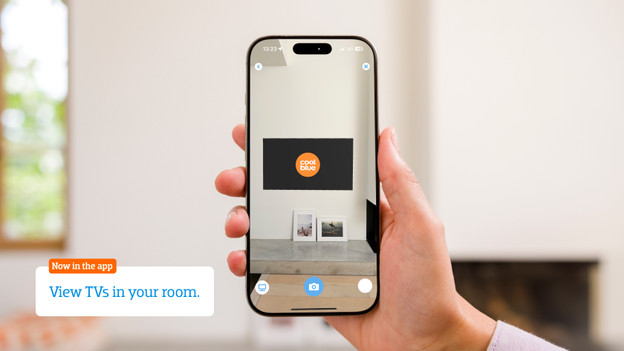
Want to see exactly how the TV looks in your living room? Download the Coolblue App and virtually place the TV in your room via the augmented reality function.

Advice on Samsung The Frame
Can't choose? View the advice from our expert.