Written by Sanne
Edited on
21 April 2023
·
14:42
How does Bluetooth work on a camera?
Nowadays, you can wirelessly send photos to your smart device with almost every camera. In some cases, you use Bluetooth to do it. Before you start, it's good to know what Bluetooth is and what the advantages are compared to a WiFi connection. And of course, you can also read how to make a Bluetooth connection in this article.

What's Bluetooth?
Bluetooth is the technology you use to wirelessly connect 2 devices at short range, such as your camera and phone. With Bluetooth, short range usually means up to 10m. It uses radio waves to wirelessly transfer files via a radio frequency. So you don't have to use a cable. Many cameras support Bluetooth these days. To check whether your camera supports Bluetooth, look for the Bluetooth logo on the camera itself or on the box.

Bluetooth vs WiFi
If you can wirelessly connect via WiFi, why would you choose Bluetooth? That's a good question. The biggest advantage of Bluetooth is that it doesn't interfere with the WiFi connection of your device. If you connect your camera to your phone via WiFi, it interrupts the connection with your router, for example. If you use Bluetooth, that won't be an issue
Share photos
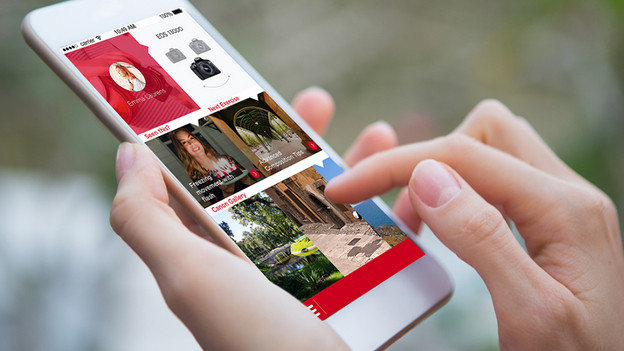
You mostly use Bluetooth to wirelessly transfer recordings. You can send the recordings you've made to your smart device directly. That way, you can show your Instagram followers the high-quality images you captured right away. Or, edit them right away in your favorite editing app. In addition, you can share the best moments during your day trip with your friends and family at home.
Store safely
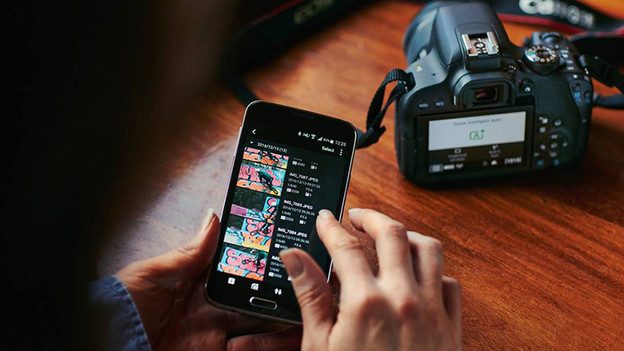
In addition to sharing recordings, you can safely and easily store your recordings via Bluetooth as well. You can transfer them to a cloud service directly, such as Dropbox, OneDrive, or iCloud. You can also use the storage of the camera brands. If you use that, you always have an extra backup. So if you lose your camera, you'll still have all your photos.

Use the remote
With a Bluetooth connection, you can turn your phone or tablet into a remote for your camera. You'll be able to see what the camera sees on your smart device. You can also control the camera via the screen of your phone or tablet. A remote is very useful if you want to make a group picture with you in it as well. In addition to that, it's useful to photograph from a low or very high position as well.

How do you connect?
How to connect a camera to your phone, tablet or different device via Bluetooth depends on which camera you have. With most cameras, you have to download the app of the brand in question. Usually, you'll find clear instructions on how to make a Bluetooth connection in the app and on the camera. If that's not the case, check the manual of your camera. We've listed the camera brands and the accompanying apps below.
- Olympus – OLYMPUS Image Share
- Canon – Canon Camera Connect
- Nikon – Snapbridge
- Sony – PlayMemories
- Fujifilm – FUJIFILM Camera Remote
Article by Sanne
Camera Expert.