
Written by Bram
Edited on
13 October 2025
·
14:26
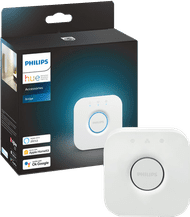
What are the advantages of a Philips Hue Bridge?
You can control Philips Hue lights with a bridge via WiFi, or via Bluetooth without a bridge. Every Hue light works both ways, except for the outdoor lighting. With a bridge, you have extra functions. Setting fixed routines and having the lights dance along to your Spotify playlist, for example. In this article, you can read all the advantages of a Philips Hue Bridge.
Get started with a bridge
- Thanks to the bridge, the Hue lights can be controlled remotely using the app, even when you're abroad.
- You can set fixed routines, so you never come home in the dark.
- You can expand this set up to a maximum of 50 Philips Hue smart lights.
- To control the lights, you need a stable WiFi network.
58,-
The controls
Bridge: anywhere in the world
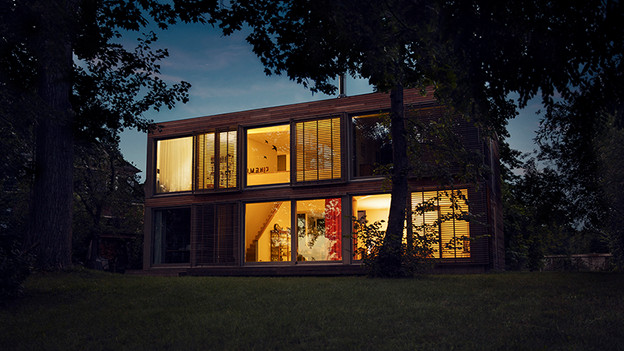
You connect a bridge to your router via an Ethernet cable. This allows you to control the lights from anywhere in the world, as long as you have an internet connection. At home via your tablet, but also on the go via your smartphone. You can turn on the lights wherever you are. And change their color. This makes it seem like you're at home, so you keep intruders out.

Bluetooth: only at home
Want to control the lights via Bluetooth? You can only turn them on and off within a 10m distance that way. If you're further away, you'll be out of range. If you're at home, you can turn on the lights and select a color or atmosphere. Do you want more options, like controlling the lights when you're not home? Or do you want a combination with other smart devices? You can connect these Hue smart lights to the bridge anyway. This way, you're flexible.
Range at home

Bridge: control throughout the house
With a bridge, you can control your Philips Hue lights from anywhere in the world. Obviously, you can also control them from anywhere in your house. Turn on the lights in the bedroom before you head up the stairs, for example. Or turn off the lights in the living room when you're already in bed. Handy if you're forgetful. You do need a stable WiFi connection for this. Don't have internet in some parts of the house? Then you can't control the Hue lights with bridge.

Bluetooth: control on 1 floor
The maximum range of Bluetooth is limited. That means you can only control the lights that are on the same floor. Turn off the lights in the kitchen while you're already on the couch, for example. Or change up the color of the lights in the bathroom from the hallway. Does your house have thick walls? The range might be even more limited. If you add a bridge later on, you can expand the range.
Maximum number of lights

Bridge: up to 50 lights
Are your Philips Hue lights connected to a bridge? You can add up to 50 lights. That's enough for most houses. Do you live in a large house or do you want Philips Hue at your office? Simply add a second bridge to add another 50 lights. You can operate all of these lights with the same app.
Bluetooth: up to 10 lights
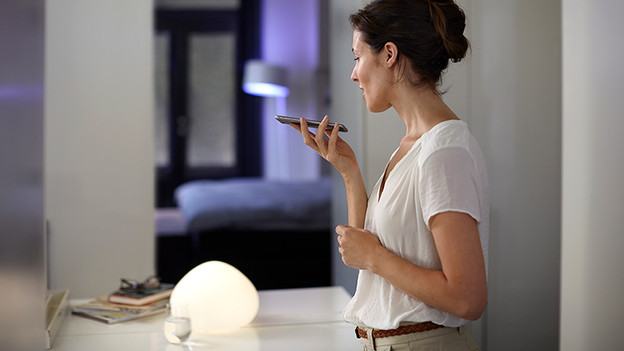
If you connect the Philips Hue lights directly via Bluetooth, you can connect significantly less lights. The maximum amount depends on the phone or tablet you connect them to. You can connect up to 10 lights to the most powerful devices. This is an easy way to start with a couple of lights in one room. Want to expand your system later on? Then you can purchase a bridge and connect your lights to it.
Article by Bram
Smart Lights Expert.