Written by Tamara
Edited on
19 June 2023
·
10:58
How do you ensure a good connection with your Harman Kardon speakers?
You purchased Harman Kardon Citation speakers and you want them to work properly. How do you make sure your connection via WiFi and Bluetooth remains stable so you can get the most out of the speakers? I'm happy to explain it to you.
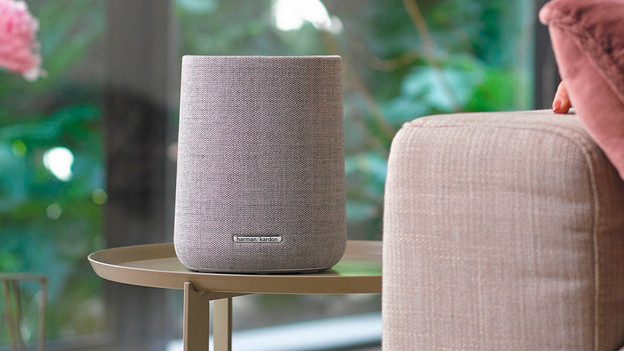
A good connection with 4 tips
You can read 4 tips below that'll help to get a good connection with your Harman Kardon speakers here. Note: this only works with Harman Kardon WiFi speakers. If you want to expand your soundbar with rear speakers, you need the Harman Kardon Citation Surround.
Tip 1: use Bluetooth less
Tip 2: check your WiFi connection
Tip 3: check extenders
Tip 4: install the app
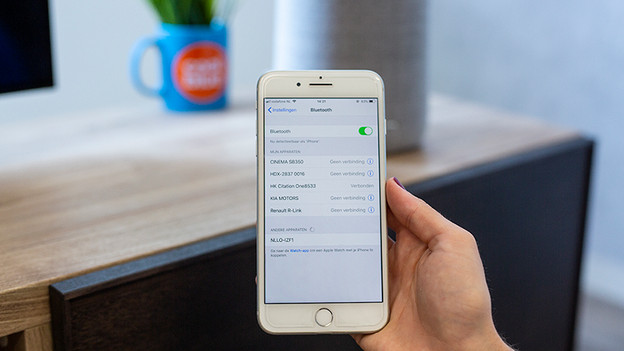
Tip 1: use a Bluetooth connection as little as possible
You shouldn't connect the speakers to each other or to a television via Bluetooth. There's always a chance of a delay between image and sound via Bluetooth, which is a waste. You should still use Bluetooth to connect your smartphone or tablet to the speakers and operate them with the app.
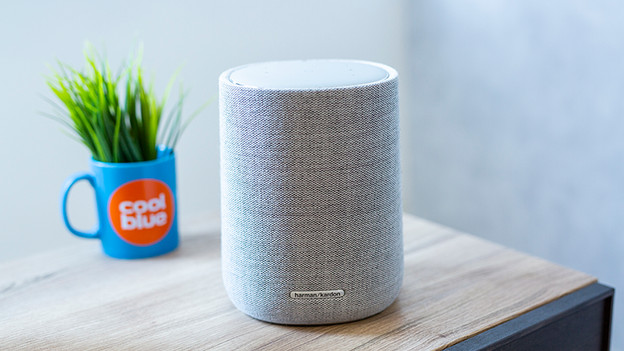
Tip 2: check your WiFi connection
The Citation speakers work on both a 2.4GHZ and a 5GHZ WiFi network. Do you use more devices on your 2.4GHZ network and does your router also support a 5GHZ WiFi network? We recommend using the speakers on the 5GHZ network. The performance of a router decreases when many devices are connected to it. This can lead to interruptions in your connection or music.
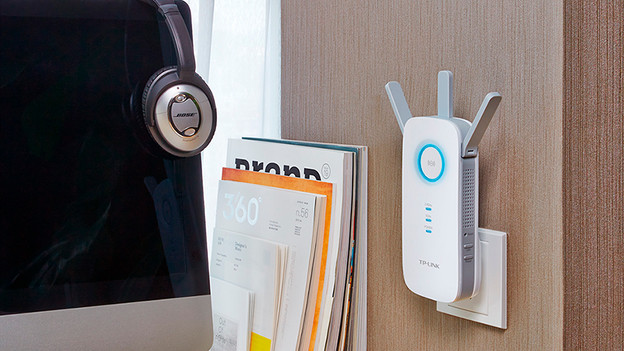
Tip 3: check extenders
Do you have WiFi extenders at home? Make sure the WiFi extender doesn't have the same name as your main WiFi network. In any case, only use 5GHZ WiFi extenders for the best possible WiFi for your speakers.
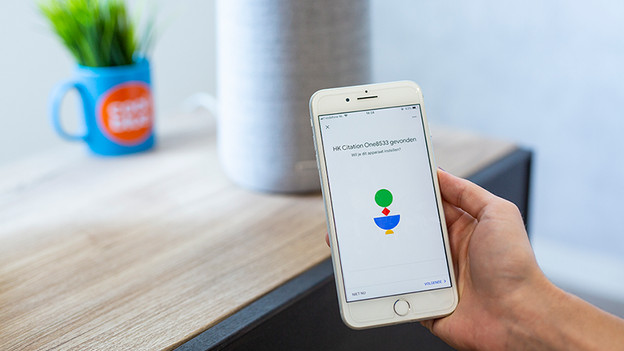
Tip 4: make sure the speakers are installed via the app
When you connect the speakers via the app, you install the speakers on the WiFi network and enable the multi-room functions. Install all multi-room speakers via the app on the same WiFi network, so on your 2.4GHZ or 5GHZ network.