Written by Lucas
Edited on
4 May 2023
·
10:14
How do you ensure a good connection with the Jabra Elite 75t?
If you want to fully enjoy your favorite music with the Jabra Elite 75t, a good connection with your smartphone is important. In this article, you can read how to ensure a good connection in 3 steps.
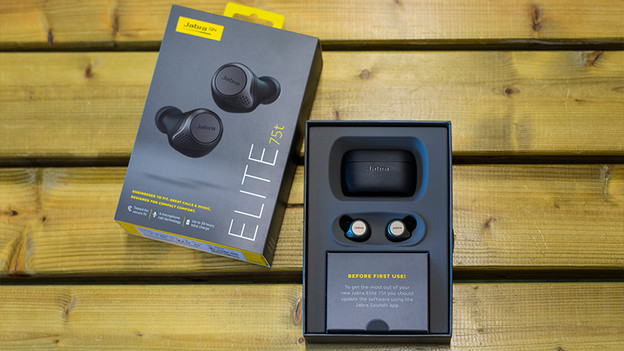
A good connection in 4 steps
To improve the connection, check the signals around you, turn your earbuds off and on again, download an update, and reset the earbuds.
Step 1: check the signals around you
Step 2: turn the earbuds off and on again
Step 3: download an update
Step 4: reset the earbuds
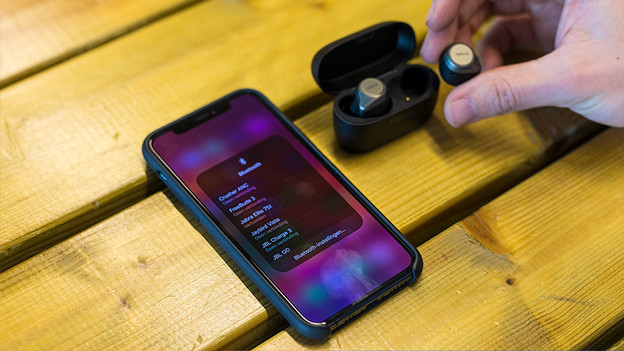
Step 1: check for signals around you
Appliances and signals around you can affect the strength of the Bluetooth signal. That's why you should turn off as many wireless devices in your surroundings as possible.

Step 2: turn the earbuds off and on again
The first thing you can try it to turn the earbuds off and on again. You can do this by putting the earbuds in the charging case and taking them out again. This way, you restore the connection.
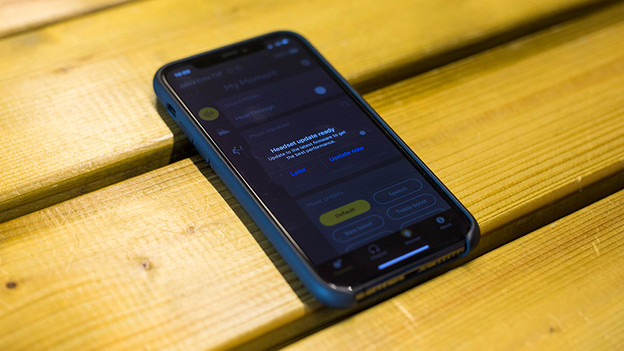
Step 3: download an update
It's possible that your earbud still operate on old software. If the software is outdated, you'll run into connection problems more often. That's why you should always download the latest update via the Jabra Sound+ app. When you install the app for the first time and connect it to your earbuds, you can see right away if there's an available update.
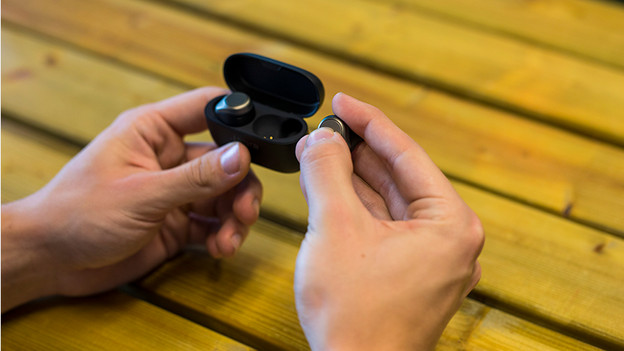
Step 4: reset the earbuds
If the connection is still not to your liking, you can try resetting the earbuds. This way, the earbuds are returned to factory settings. Press and hold the physical button on the right earbuds for 10 seconds until a purple light starts blinking. In the article below, you can read how to reconnect the earbuds to your Android device or iPhone afterwards.
Article by Lucas
Audio Expert.