Written by Lucas
Edited on
12 November 2024
·
15:00
How do you improve the microphone of your Sennheiser earbuds?
Do you make a lot of calls with your Sennheiser earbuds? You want to be clearly audible for the other person. If they can't hear you well, the microphone isn't working properly. It's important that your earbuds have the latest firmware update. In this article, we'll explain how to do this.
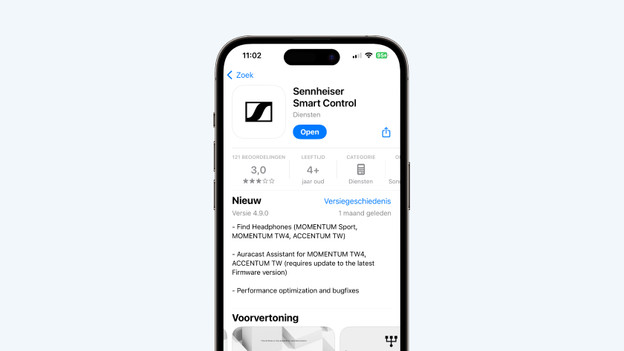
Improve the microphone quality in 4 steps
You can improve the microphone quality of your Sennheiser earbuds in these 4 steps.
Step 1: download update
Step 2: deactivate Smart Pause
Step 3: find the right fit
Step 4: establish a good connection
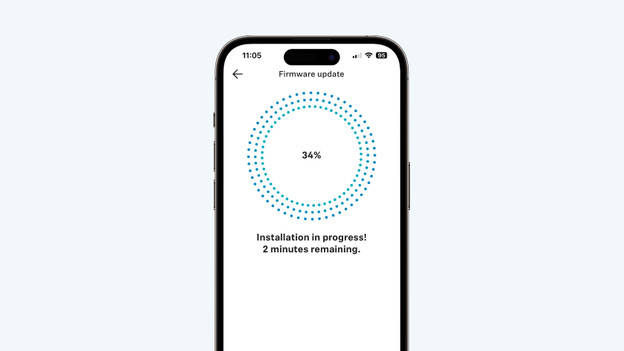
Step 1: download an update
It's important to keep your Sennheiser earbuds up to date. In the Sennheiser Smart Connect app, you can download the latest firmware update for your earbuds. In the app, tap the gearwheel on the top right and select the firmware update.
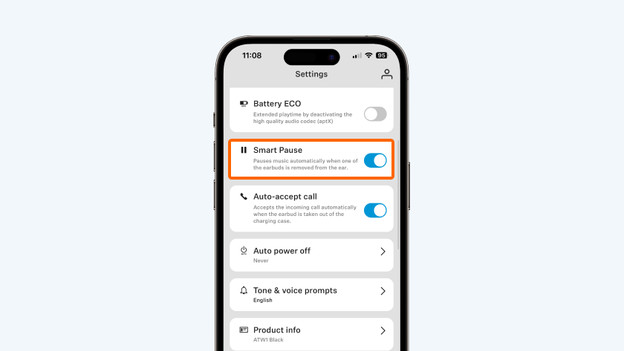
Step 2: deactivate Smart Pause
Is the problem is still not solved after the update? Deactivate Smart Pause. In the Sennheiser Smart Control app, press the gearwheel on the top right. Search for 'Smart Pause' and disable it.
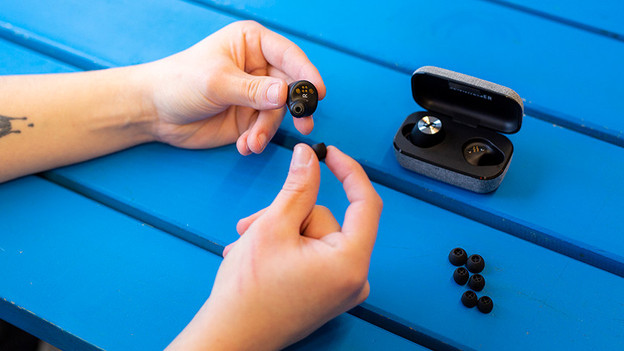
Step 3: find the right fit
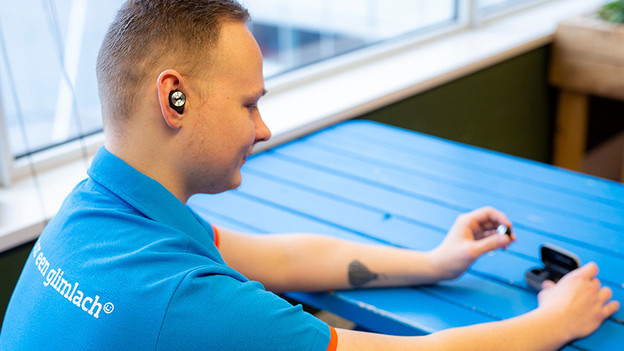
When the earbuds aren't put in your ears properly, it affects the audio and microphone performance. That's why it's important to find the right fit and to put the earbuds in your ears properly. We'll explain how to do this.
Step 4: ensure a good connection
Is the connection between your smartphone and earbuds poor? This has impact on your microphone. Try the following:
- Turn off all Bluetooth devices in your area.
- Don't stand too close to appliances like fridges and microwaves as they might affect the wireless Bluetooth signal.
- Keep your smartphone in your hands or front pocket, not in your bag or back pocket.
- Turn the earbuds off and on again.