
Written by Lodi
Edited on
28 October 2024
·
16:22
How do you connect your Samsung Watch to your Galaxy Buds?
Easily listen to your favorite music with your Samsung Galaxy Buds via your Samsung Galaxy Watch. You can easily connect your Samsung earbuds to your Samsung account. This allows you to smoothly switch between your Galaxy Watch and your smartphone with your Galaxy Buds. In this article, we'll explain how you automatically connect your Samsung Galaxy Buds to your Galaxy Watch.
Samsung Galaxy eco system
Thanks to the Samsung ecosystem, you can easily switch your Samsung Buds between your Samsung devices. If you want to listen to music from your Samsung Galaxy Watch, you have to connect your Buds to your Samsung account. You can do this in 2 ways:
- Connect your Galaxy Buds automatically
- Connect your Galaxy Buds manually

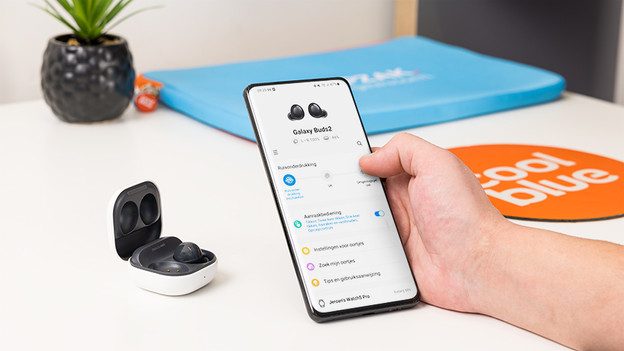
Connect your Galaxy Buds automatically
You can easily connect your Samsung Galaxy Watch to your Samsung Galaxy Buds via your Samsung account. That way, you can also listen to your favorite music when you don't have your smartphone on you. Go through these steps:
- Log in to your Samsung account on your Samsung smartphone.
- Your Samsung Galaxy Buds or Buds+ will now automatically pair with your Samsung devices that are also connected to this account.
After, you can easily switch your Buds between your Watch and smartphone.
- Go to Settings on your smartphone and tap Connect.
- Go to Bluetooth and select your Buds. You can now listen to music via your smartphone instead of your watch.
Connect your Galaxy Buds manually
You can also easily connect your Galaxy Buds or Buds+ to your Samsung Galaxy Watch manually.
- Put the Buds in your ears and tap and hold the touch surface on the earbuds until you hear a beep.
- Press the Home button on your Watch and go to the app screen.
- Go to Connections in the Settings and tap Bluetooth.
- Select your buds. You can now listen to music via your Samsung Galaxy Watch.
Article by Lodi
Smartwatch Expert.
