Written by Thomas
Edited on
20 March 2023
·
15:54
How do you set up an Android tablet?
You received your new tablet and can't wait to get started. But how do you set it up? Can you transfer the data from your old tablet? And how does installing apps work? Here, you can read how this all works.
Switch from iOS to Android
Are you switching from an Apple iPhone or iPad to an Android tablet, but don't you have any idea where to start? No worries. In the following article, we'll explain step by step how to easily transfer all your data in one go, like contacts, photos, and files.
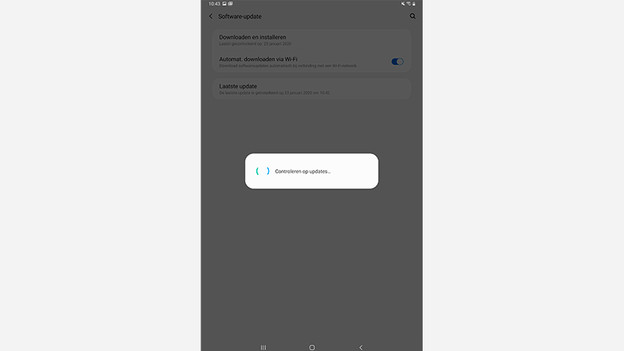
Update Android version
When you start a new Android tablet for the first time, it often still runs on an older Android version. A new software version makes your tablet faster and often adds new functions. That's why it's wise to update your tablet to the latest software. In this article, you can read how to do this.
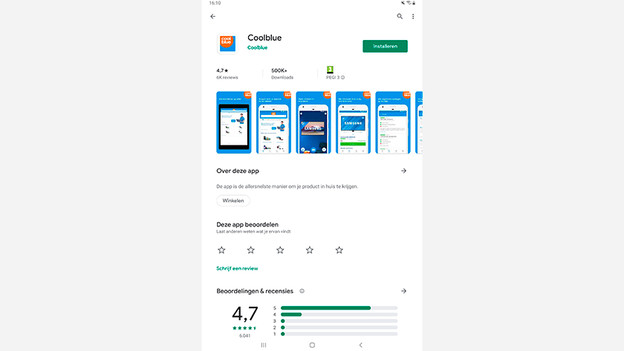
Download apps
In addition to pre-installed apps, you probably also want to use other apps on your tablet. The first step is to download and install the apps. You can do this via the Google Play Store. You can find the Play Store on the home screen of your tablet. Search through the popular apps, like Netflix, Buienradar, and Spotify, or search for a specific app, like the Coolblule app or an online banking app. Once you found an app, click 'Install' to install it on your tablet.
Article by Thomas
Tablet Expert.