
Written by Jesper
Edited on
7 April 2023
·
07:14
How do you update your Android smartphone?
Every new version of Android provides improvements. In this article, I'll explain how to provide your smartphone with the latest version of Android. If you go through the steps below, you can be sure that your device has the latest Android operating system.
Update your Android version
Before starting an update, there are some things to keep in mind. You should approach updating your Android version as follows:
- Make sure the device is charged
- Connect to WiFi
- Follow the steps to update your Android version
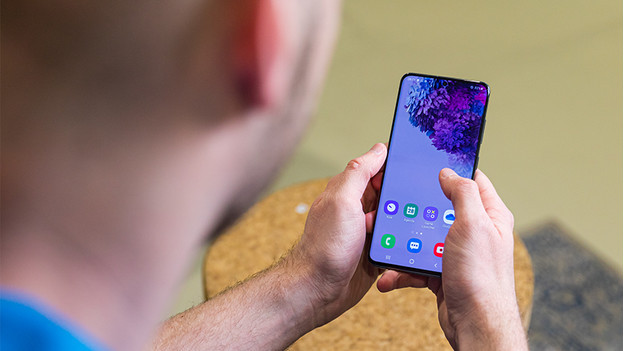

Make sure the device is charged
Make sure your smartphone is charged for at least 60% before you start updating your smartphone. Or connect your smartphone to the charger. That way, your phone won't run out of battery during the update.

Provide a stable WiFi signal
Connect your device to a stable WiFi connection. Downloading a new operating system can cost a lot of MBs. That's why you shouldn't do this via mobile internet.

Follow the steps to update your Android version
- Open * Settings * on your smartphone.
- Select * About this phone *.
- Select * System updates *.
- Select * Check for updates *.
- Download the update if it is available.
- Install the update after downloading.

No updates available
You may not be able to find the latest Android update on your smartphone, which means you can't install it. If your device is a bit older, there may be no new updates. For example, because the manufacturer decides that they don't benefit enough from making new updates for your smartphone. You can't do anything about this. However, you can look at some Android One devices. These get updates more regularly.

Help from an expert in the store
Not quite able to update your device to the latest Android version? No worries. Our experts are ready to update your device in the Coolblue stores. You can also contact them for other questions about your Android device. Visit one of our stores.
Article by Jesper
Smartphone Expert.
