Written by Frank
Edited on
27 January 2025
·
13:10
How do you stream videos to a projector?
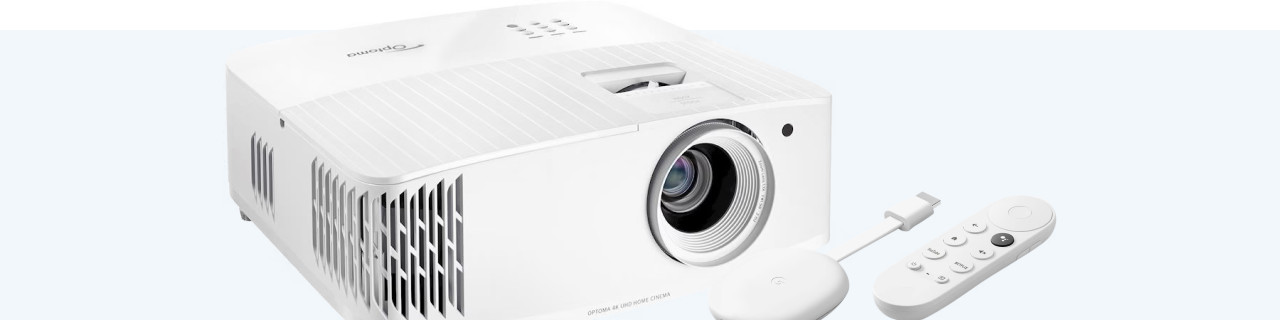
If you want to watch videos on your projector, you can do this in 2 ways. The first option is to connect a media player or laptop to your projector. The second options is to wirelessly watch videos with your projector. Wirelessly watching videos is also called streaming. You can read everything on streaming your videos to your projector in this article.
Smart platform
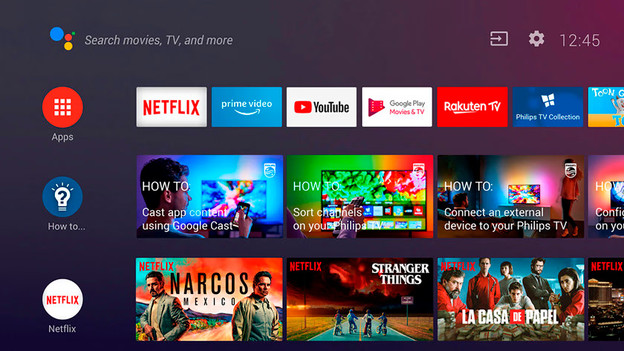
The easiest way to stream videos to your projector is with a built-in smart platform. Not all projectors have a smart platform, so make sure to check the specifications before you buy one. You can find popular apps like YouTube, Amazon Prime, and Netflix in the smart platform of the projector. Scroll through your favorite content with the remote and easily project movies and series to the projection screen or your wall. If you want to use a built-in smart platform, you have to connect your projector to a working WiFi network.
AirPlay (Screen mirroring)
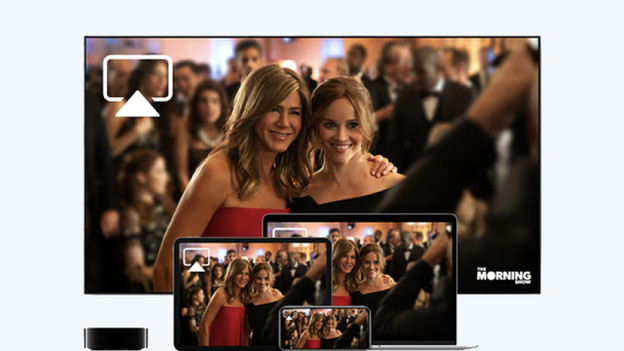
Some projectors have screen mirroring technology. Screen mirroring literally means the mirroring of your screen. With this technology, you project the screen of your mobile device. The most well-known version of screen mirroring is AirPlay. AirPlay only works on iOS devices, like the iPhone or iPad. To use this technology, you have to connect both the projector and your mobile device to the same network. Some streaming services don't allow screen mirroring, like Netflix and Disney+. The popular app YouTube does support AirPlay. To use AirPlay, press the AirPlay icon that pops up with the video you're watching.
Chromecast
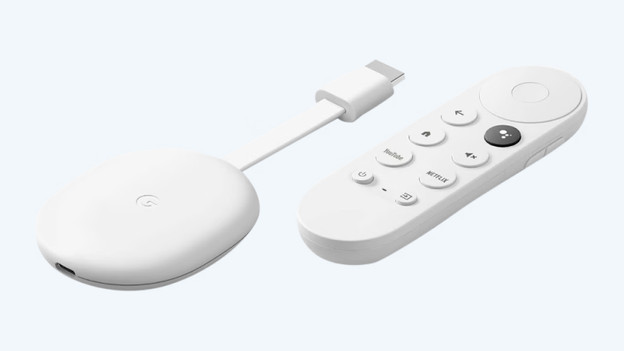
If your projector doesn't have screen mirroring technology, you can use a Google Chromecast to stream to your projector from your mobile device. The Chromecast is a dongle that you connect to the projector via the HDMI input. You set up the Chromecast via the Google Home app, and can then stream videos from apps like Netflix and YouTube to your projector in no time. To use a Chromecast, you need a stable internet connection and at least 1 HDMI input on your projector. You use the Chromecast by connecting to the Chromecast via the 'stream' icon on the video.