Written by Evany
Edited on
1 October 2025
·
11:04
What do you do when you've dropped your iPhone in water?
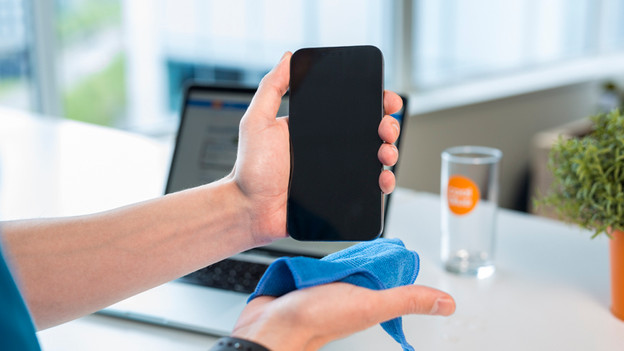
Did your iPhone get wet? That's very inconvenient. If your iPhone just got wet, you should dry it as soon as possible with a soft cloth. In addition, it's important that you don't charge the device until you're sure the device is really dry. In this article, we'll explain what else you can do to prevent damage to your iPhone.
Prevent a damage to a wet iPhone
There are different ways to dry your iPhone and use it again quickly. Follow the steps below for the best result.
- Step 1. Dry your iPhone with a cloth
- Step 2. Dab your iPhone dry
- Step 3. Charge the device
- Step 4. Check the liquid damage indicator
- Step 5. Turn on your iPhone
Step 1: dry your iPhone with a cloth
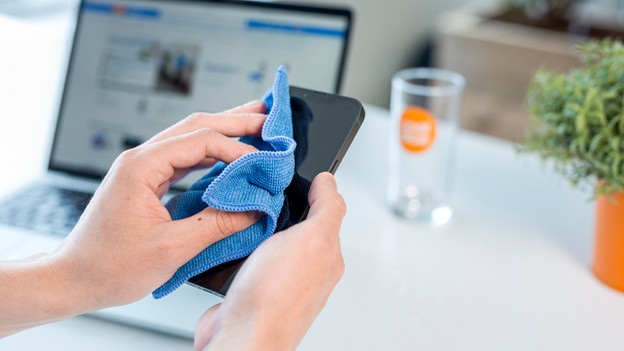
Did your iPhone fall in the water? First, dry the device with a lint-free cloth. A microfiber cloth, for example. If it was something else than water, rinse it first with water and dry your iPhone. If you don't have a lint-free cloth, dab the iPhone gently dry with a napkin or paper towel. Make sure you don't rub, because that can result in scratches on the screen.

Step 2: tap your iPhone dry
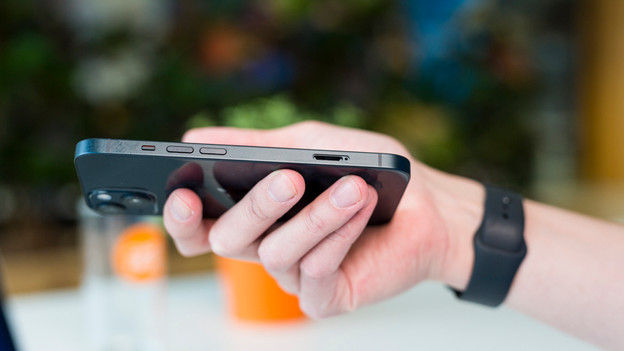
Now you removed most of the liquid from your iPhone, gently tap the device dry. There might still be some moisture in the microphones, the speakers, and the Lightning connector. Hold the device with the Lightning connector downwards and gently tap it against your palm. Do so until there's no more moisture coming out of the device. Now let the device dry in a dry space for a few hours.

Step 3: don't charge the device
Now that your phone is drying, it's important that you don't charge the device. If you do charge it, the device might short-circuit and your iPhone will break. Wait at least 5 hours before you charge and use the device again.
Step 4: check the liquid damage indicator
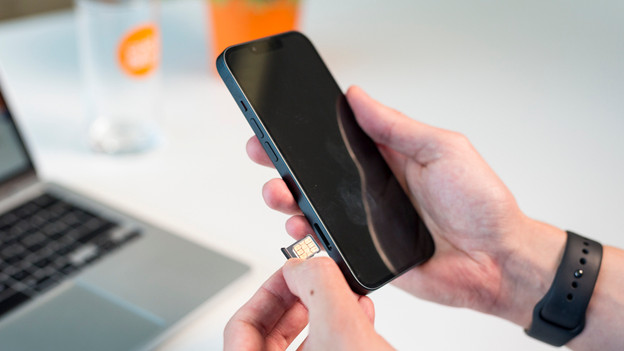
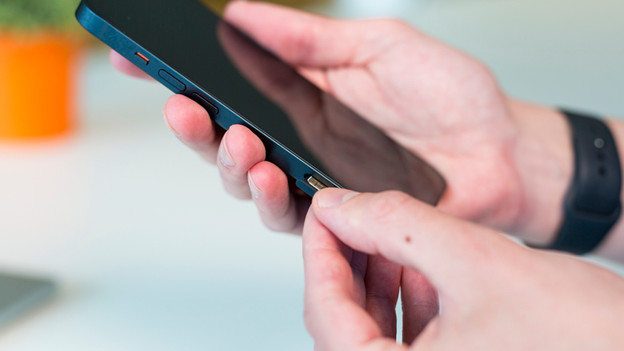
You've waited a few hours. Check if any liquid ran out of the device. You can do that via the indicator in the slot of the SIM card holder. Follow the steps below:
- Take SIM needle and open the holder.
- Remove the SIM card.
- Hold the device with the slot of the holder upwards and look in the slot. Is the indicator red? The device was wet on the inside and it might be damaged.
- Put your SIM card in the holder and slide it back into your iPhone.
1. Open the holder with a SIM needle
2. Remove your SIM card
3. Check if the indicator is red
4. Place your SIM card back

Step 5: turn on your iPhone
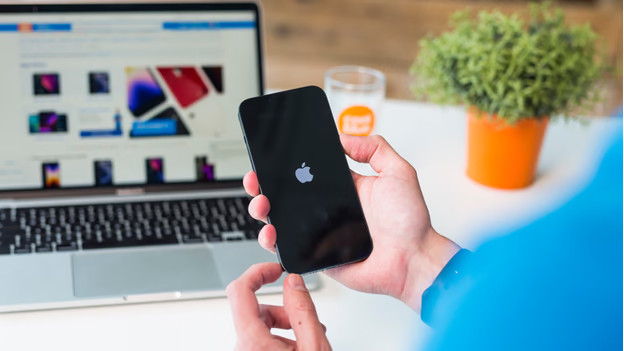
The devie is dry now and you can turn it open. Does it not turn on? Charge the battery first.
Article by Evany
Apple Expert.