
Written by Tim
Edited on
6 October 2025
·
10:38
How do you choose a printer for at the office?
There are many different types of business printers. Which printer is best for you depends on your printing habits. For example, do you only print black and white documents or do you also print in color? Do you only print, or do you also want to scan and copy? We'll help you choose a printer for your office.
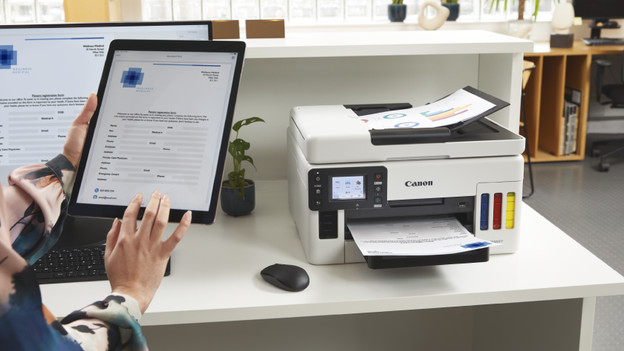
Do you also want to scan and copy?
With an all-in-one printer, you can also copy and scan your business documents. This allows you to quickly copy a handout for an important meeting or scan a signed form. Do you scan or copy a lot? Choose an all-in-one printer with an automatic document feeder. With these printers, you can automatically scan or copy a stack of paper. That way, you save time and manual work.

Do you want to save paper?
If you print a lot of administrative documents or work reports, you want to save on paper consumption. You can do this with a duplex printer. These printers automatically print in duplex. The printer first prints on the first side of the paper, then turns the paper around and prints on the other side. This way, you only use half the paper. That's good for your wallet and better for the environment as well.

How fast do you want to print?
You like to print all your documents, invoices, and spreadsheets as fast as possible. That way, you and your colleagues don't have to stand in line for the printer. A fast printer for at the office prints at least 20 pages per minutes. That way, you can work efficiently and save time.

Do you want to print affordably?
If you print a lot for business, you want to do this as affordable as possible. With printers with low usage costs for business use, you save on ink costs. There are many types of printers with low usage costs. Laser printers that print with toner cartridges instead of cartridges, for example. Printers with an ink tank are the most affordable option. With a full ink tank, you can print thousands of pages and the ink bottles are affordable.

Want to print larger sizes?
Do you make larger prints for your hobby or professional use, like brochures, flyers, or posters? With an A3 size printer, you can print graphic designs in a large size. If you want to print a regular-sized document in between, the printer can also print on A4 paper.
