Printers for business use
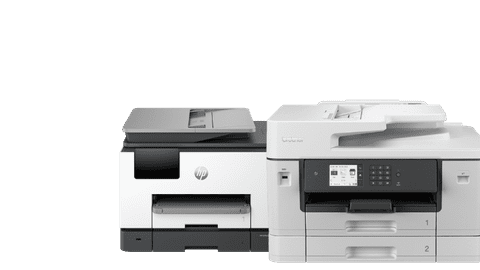
With a business printer, you can print quickly and have useful extra functions. For example, office printers often have a higher print speed, so you don't have to wait long for your documents. Choose an all-in-one business printer that also scans, copies, or even faxes. Some business printers are small and simple for your home office. Other office printers have many extra options, like an automatic document feeder, multiple paper trays, and high print speeds.
Printers for business use
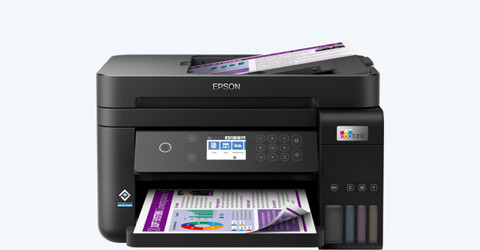
Coolblue's Choice printers for business use
Business printer promotions
Find the printer that suits you
Business printers with low usage costs
Your printing costs can become high with cartridges. With these printers, you can print extra affordably and you save a lot on your printing costs.All-in-one business printers
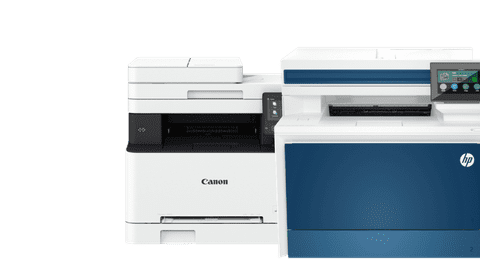
You can print, scan, and copy with these all-in-one models. That way, you can copy a handout for your meetings or scan a signed document.Business printers with ADF
Scan or copy a stack of paper in one go with the automatic document feeder. This saves you time.All business printers
View the complete assortment of printers for business use here.
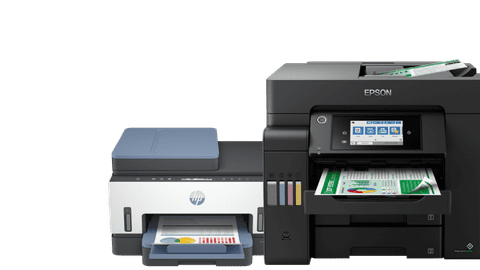


Highlighted business printer

HP Color LaserJet Pro MFP 4302fdw
You can scan, copy, and print documents with the HP Color LaserJet Pro MFP 4302fdw. Thanks to the print speed of 26 pages per minute, you can quickly work through large amount of files. The printer automatically prints in duplex. That way, you can save paper.
View all business HP printers
Advice on printers for at the office
How do you choose a printer for at the office?
Need help with your choice? Read which office printer suits your wishes here.What's an all-in-one printer?
With an all-in-one printer, you can print, scan, and copy.Compare laser printers to inkjet printers
Print quickly with a laser printer or choose a high print resolution with an inkjet printer.What type of printer can print efficiently?
Toner cartridges or an ink tank? We'll tell you what's an affordable way to print.







Frequently asked questions on printers for at the office
How do you choose the best printer for at the office?
What the best office printer is for you, depends on your usage situation. Are you a freelancer? A printer for a small office is enough for you. There are also printers for small and medium-sized companies, or printers for a large company.
Which printer for at the office prints affordably?
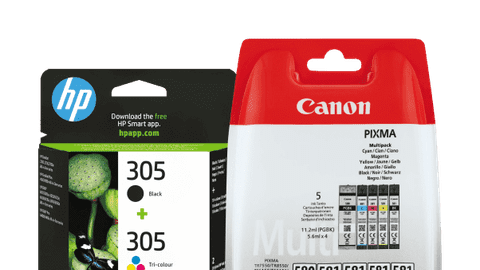
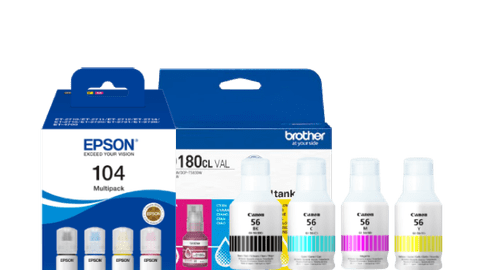
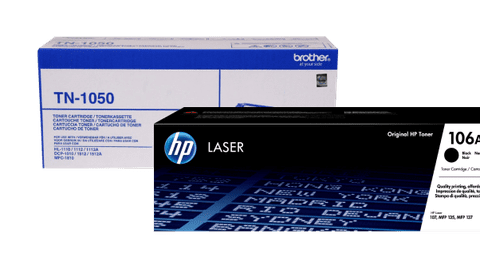
You want to print affordably in an office. A laser printer with toner cartridges prints more affordably than an inkjet printer with cartridges. You print most affordably with a printer with an ink tank. You can print thousands of pages with a full ink tank, and the ink bottles are affordable.
Which wireless options does a printer for at the office have?
Most office printers have WiFi. You connect a WiFi printer to your network wirelessly. That way, you can easily send out your print jobs from your desk. Does the printer have WiFi Direct? Connect your computer directly to the network of the printer, without a modem.
What's an all-in-one printer for at the office?
With an all-in-one printer for at the office, you can print, scan, and copy. These printers often have more functions than that, like duplex printing or an automatic document feeder. Want to fax as well? Choose a 4-in-1 model.
What's the difference between inkjet printers and laser printers?
There are a lot of differences between inkjet and laser printers. Print a lot of pictures? Choose an inkjet printer. With a laser printer, you can print quickly and affordably. Read more about the difference between inkjet and laser printers here.