
Written by Maurits
Edited on
7 March 2025
·
18:18
What's spatial audio and what can you use it for?
More and more earbuds and headphones have spatial audio, but what is it? This technology makes music sound like you're at the concert of your favorite artist. The sound is extra spatial. In this article, we'll tell you more about this.
What's spatial audio?
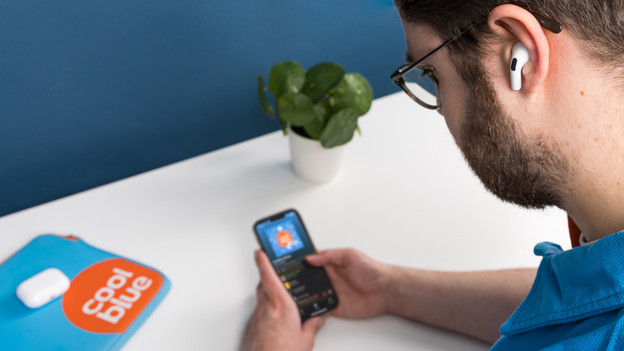
Spatial audio is 3D sound. With this technology, music sounds like it's playing around you. This allows you to immerse into your music completely. Do you want to have a concert experience while you listen to your favorite music? Spatial audio will make you feel this way. You'll also get a cinema experience thanks to spatial audio. As a result, you can completely immerse into your favorite movie.

Which earbuds and headphones have spatial audio?
Different brands have different names for spatial audio. But it's the same thing.
- Apple: Spatial Audio
- Sony: 360 Reality Audio
- Bose: Bose Immersive Audio
- JBL: JBL Spatial Sound
- Samsung: 360 Audio

Difference with Dolby Atmos
Dolby Atmos is the term we use in soundbars to describe spatial audio. For earbuds and headphones, we use spatial audio or 3D audio to describe this.

Spatial audio for AirPods
Apple AirPods 3, AirPods Pro 2, and AirPods Max have spatial audio. On your iPhone, you can turn this on by following these steps:
- Swipe down to make the control panel appear.
- Press and hold the volume bar.
- Choose 'Fixed' or 'Head tracked'.
Note: spatial audio by AirPods currently only works for iPhone models, iPad models, iMac models, and MacBook models.

360 Reality Audio for Sony
First, you take photos of your ears in the Sony Headphones App. With these photos, Sony creates a profile of your ears and head. Connect this profile to streaming services that support 360 Reality Audio with the Headphones App. The following streaming services support this technology by Sony:
- Amazon Music Unlimited
- Nugs.net
- PeerTracks
- TIDAL

Bose Immersive Audio
Bose Immersive Audio is the spatial audio technology by Bose. This technology makes sound spatial, even if the source doesn't support this by default. You can switch on Bose Immersive Audio via the Bose Music App. In the app, go to 'Immersive audio'. Here, choose 'Static' if you listen to music while you're sitting down. Choose 'Dynamic' if you want to listen to spatial audio while you walk around.
Spatial audio for JBL
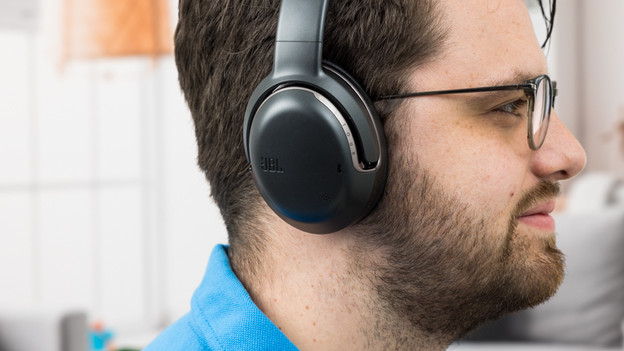
You can turn on JBL Spatial Audio via the JBL Headphones App. In this app, you'll have 3 types of spatial audio. Choose 'Movie' if you want to immerse into the movie. Are you playing games? Choose the 'Game' function. That way, you'll hear someone drive behind you in a racing game. With the 'Music' setting, you can listen to music like you're at a concert.
360 Audio for Samsung
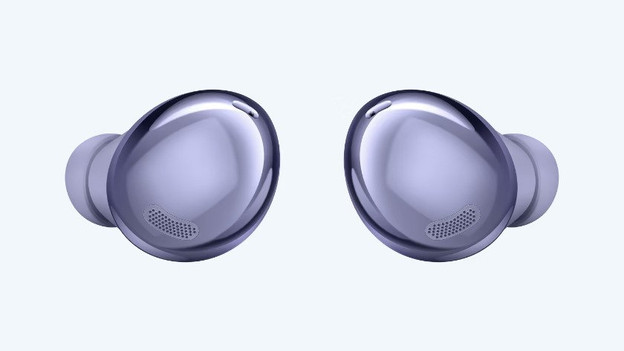
First, go to the Samsung Galaxy Wearable App. Go to 'Advanced' and turn on '360-audio'. This is how you switch on 3D sound for your Samsung earbuds.
