Written by Stefan
Edited on
19 August 2026
·
07:32
5 reasons to choose Mac mini as AI assistant
With a smart AI assistant on your Apple Mac mini, you can work more efficiently. You can assign programs like OpenClaw a task, which it'll then perform for you independently. The Mac mini very powerful and efficient, which makes it suitable for AI tasks. In this article, we'll give you 5 reasons why the Mac mini is the best choice for your AI assistant.
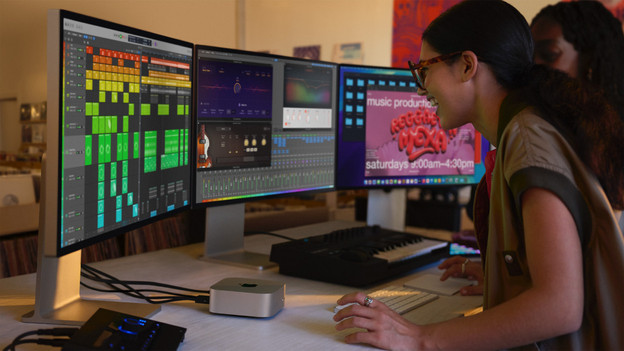
Efficient: work energy-efficiently all day long
If you always want to use your AI assistant, it's important to have your PC on 24 hours a day. This can result in high energy costs with large desktop PCs. The Apple Mac mini is more efficient in comparison, and consumes less energy. So you can easily have your Mac mini on all day without having to worry about your energy bill.
Apple M4 chip: powerful enough for all your tasks
With the powerful Apple M4 or Apple M4 Pro chip, you can use your smart assistant locally on your Mac mini. You can perform assignments and calculations on your Mac mini instead of an external server. Choose at least 16GB of RAM so your Mac mini remains fast. Keep in mind that you can't expand the RAM later. Want to use multiple AI assistants at the same time? Choose the Apple Mac Studio with an M4 Max chip.
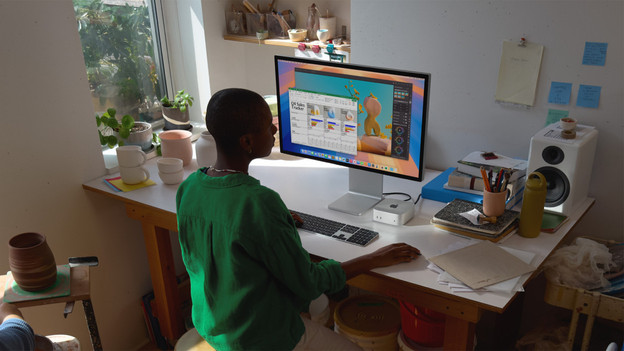
Neural Engine: made for AI
The Apple M4 or Apple M4 Pro processor inside the Mac mini has a built-in 'Neural Engine'. This part of the processor performs the intensive calculations needed for AI tasks, like generating an image or writing a text. The Neural Engine is a separate part of the processor, so other tasks don't run more slowly. As a result, you can perform all your AI tasks quickly and efficiently.
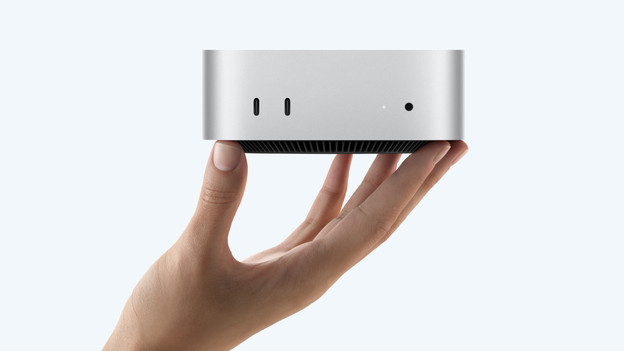
Size: easily fits on your desk
The Apple Mac mini is powerful, but small. Thanks to the compact size of this mini PC, you can easily add your Mac mini to your current workspace. The Mac mini has a number of different connectors, so you can easily connect it to your own accessories like a mouse or monitor. So you don't have to buy new devices and don't have to clear much space on your desk. In addition, the Mac mini has a silent fan. This means that you can work on your AI tasks without interruptions
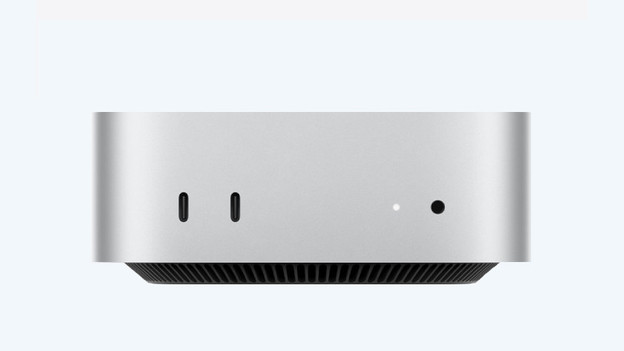
Price: more affordable dan a complete PC
You need a PC that's powerful enough for a smart assistant. It's mainly important that it has a fast processor and at least 16GB of RAM. But this often does come at a high price. That's a shame if you're only using it for your smart assistant. With the Apple Mac mini, you get lots of power at a lower price. That's convenient if you don't have the budget or are just getting started building a smart assistant.
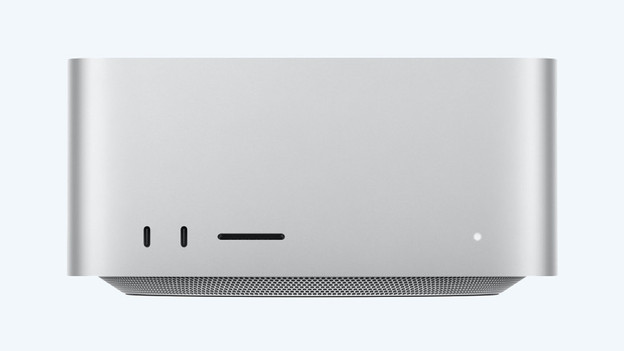
Apple Mac mini or Apple Mac Studio?
Do you plan on performing demanding AI tasks or using more than 1 AI assistant at a time? Choose the Apple Mac Studio. This is the powerful big brother of the Apple Mac mini. The Apple Mac Studio has a powerful Apple M2 Max or M4 Ultra chip, so it perforums calculations even faster and more efficiently. It also has more RAM, so you AI assistent can easily run large tasks.
Conclusion
The Apple Mac mini is powerful enough to run your smart assistant locally. Give your assistant tasks to perform, for example. Because the Mac mini is energy-efficient, so can easily leave it on the entire day. You can also add it to your current workspace without having to worry about space or a high price. Do you work with large AI tasks or multiple assistants? Choose the Apple Mac Studio. Note: never give your smart assistant access to important information without careful consideration
Article by Stefan
Apple Mac Expert.