Desktop PCs
Desktop PCs
Windows Home desktops
Windows Home PCs are suitable for various usage situations, such as home use and graphic design.Gaming PCs
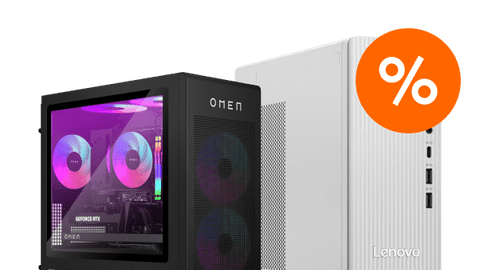
Defeat all opponents in your favorite games with our gaming PCs. We have the right PC for every game.Windows Pro desktops
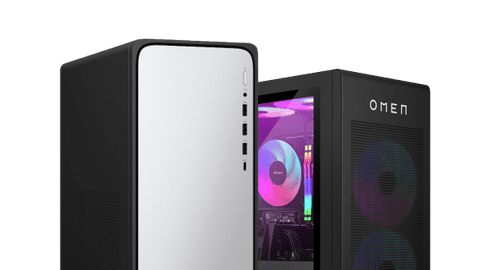
A business PC runs on Windows Pro and is the best choice for companies and freelancers because of the extra security.All-in-one PCs
With all-in-one PCs, the computer is in the screen so you can quickly get started with your new PC.
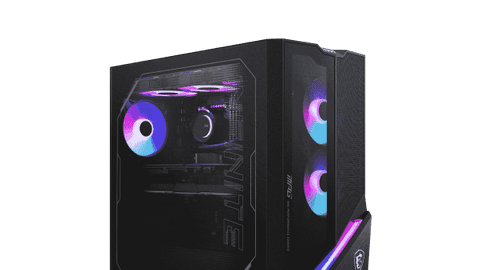
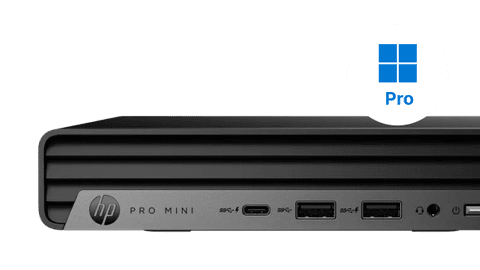
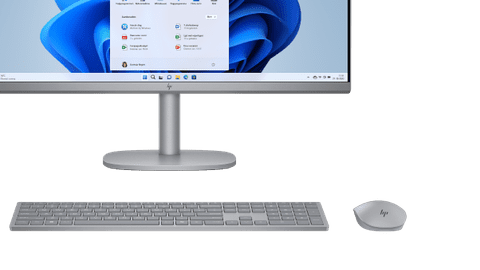
Choose the best PC for your usage situation
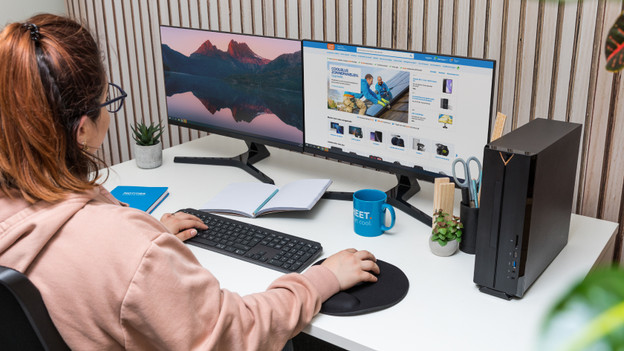
PCs for daily tasks
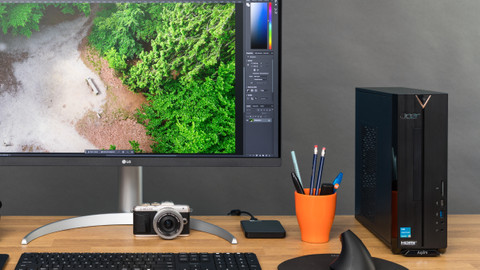
These PCs are suitable for daily use. For example, browsing the internet, sending emails, and text processing.PCs for photo editing
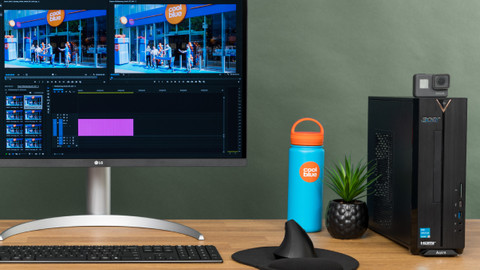
Edit photos in Adobe Photoshop and create design in Illustrator.PCs for video editing
Create the most beautiful videos in Adobe Premiere Pro and other video editing programs.iMac and Mac Mini
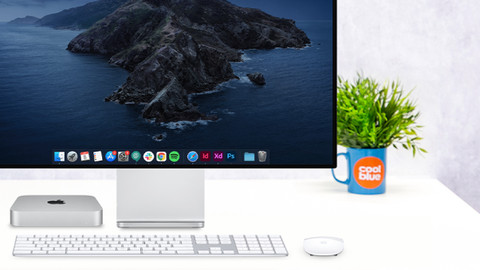
Apple Mac desktops run on macOS. They work seamlessly together with other Apple devices.
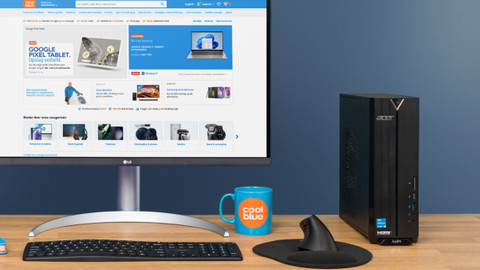






Advice on desktops
When you're looking for a new desktop, there are many types to choose from. It's most important that you choose a PC that suits your usage situation. This way, you're sure that all programs that you often use work well. Want to game? Choose a gaming PC with a dedicated video card that's suitable for your favorite games. Whatever you're going to use it for, we're happy to help you choose your new desktop PC.
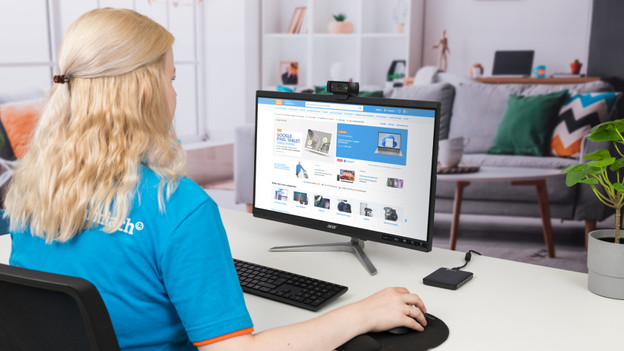
Advice on all-in-one PCs
An all-in-one PC might look a bit strange at first glance. Where's the PC? It's built-in into the screen, so you don't need a separate monitor and desktop. This saves space and looks good on your desk. You can choose from various sizes, just like with a monitor. With many models, a mouse and keyboard are also included so you can get started right away.
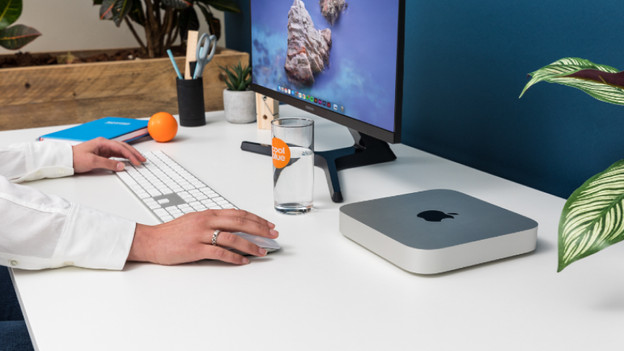
Advice on Apple Mac
Rather want an Apple desktop? Choose from an Apple iMac, Mac Mini, and Mac Studio. An Apple iMac is an all-in-one PC, so you don't need an extra computer case. You also receive a Magic Mouse and Magic Keyboard. The Mac Mini and Mac Studio are small desktops that you can easily connect to an Apple Studio Display or a different monitor. The Apple Mac Studio is similar to a higher Mac Mini, but is better performance-wise.
The best computer setup for you
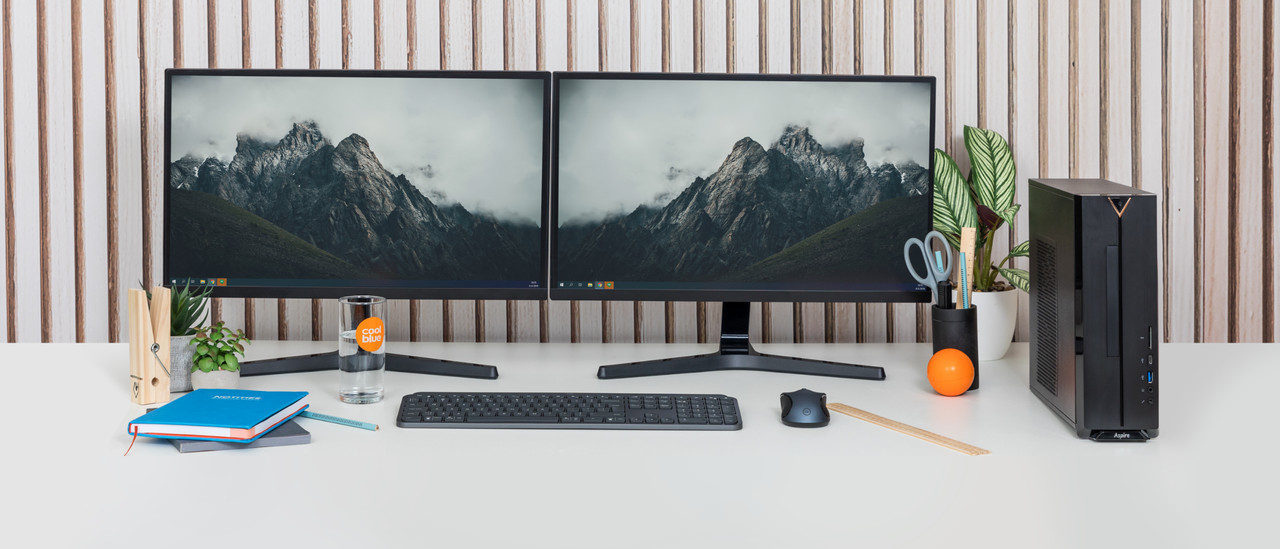
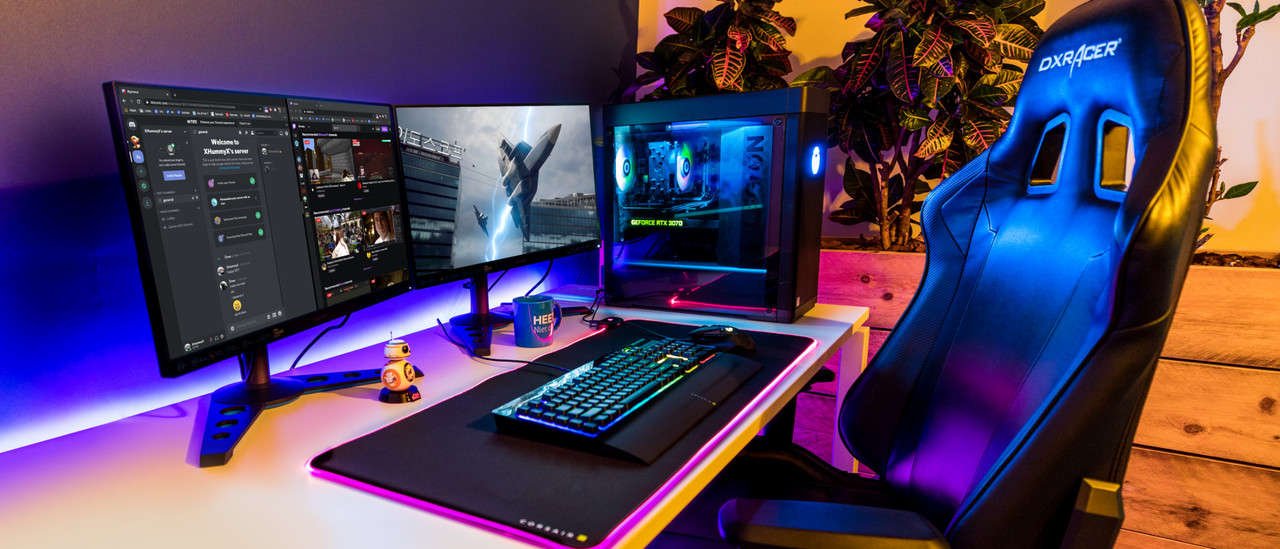
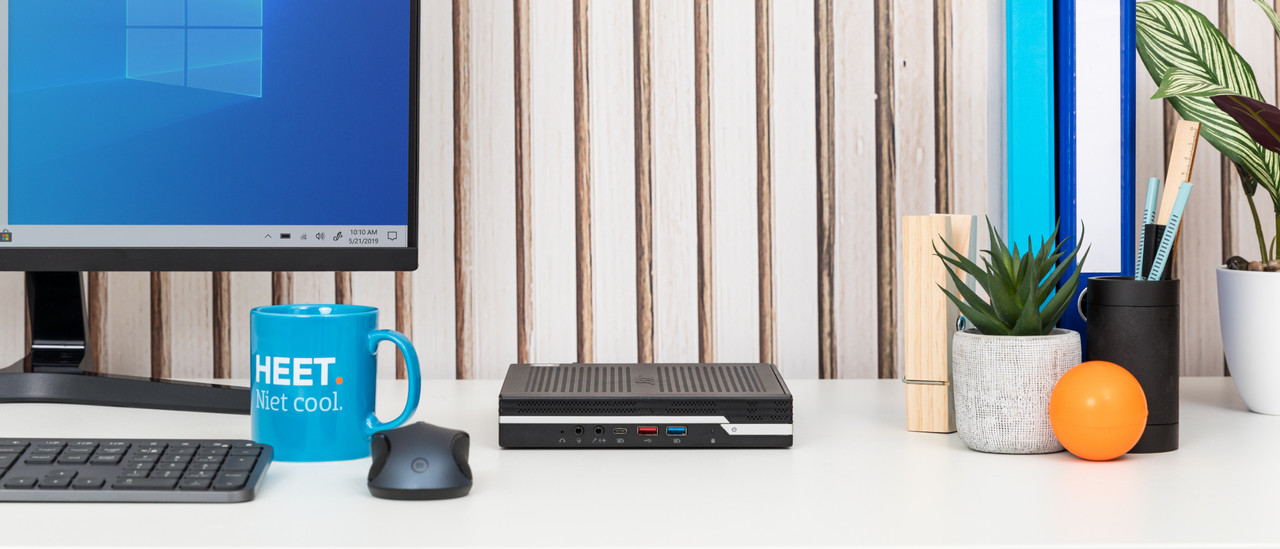
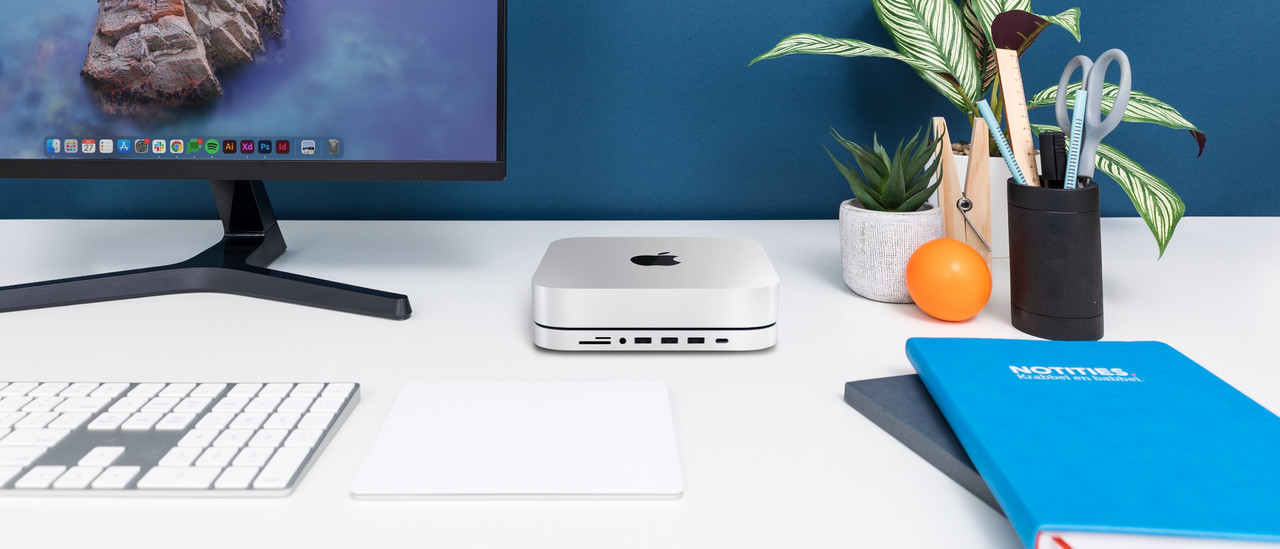
Complete your computer setup
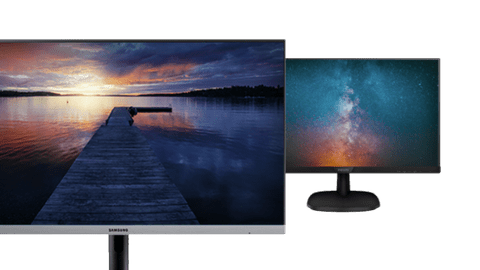
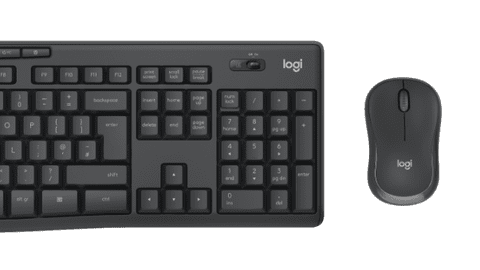

Advice on Desktop PCs
Can't choose? View the advice from our expert.