Written by Julia
Edited on
12 November 2024
·
15:00
2 tips if the screen of your Garmin smartwatch doesn't respond
Doesn't the screen of your Garmin watch respond correctly? Maybe your screen is stuck. Sometimes, the screen doesn't turn on at all anymore. You can often solve these screen problems if you charge the Garmin watch and restart it. In this article, we'll explain how to solve problems with your screen.
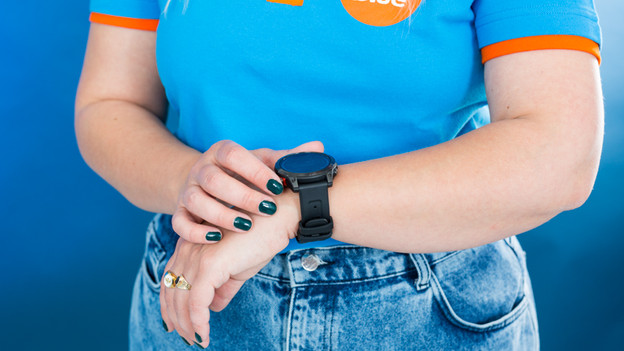
2 tips when your screen doesn't work anymore
You can often solve problems with the screen of your Garmin watch by yourself. Try 1 of these 2 solutions:
- Tip 1: restart
- Tip 2: charge your smartwatch

Tip 1: restart
You can easily restart a Garmin smartwatch.
- Press and hold the light button for about 30 seconds, until the screen turns off.
- Turn the smartwatch on again.
- Is the screen already off? Press the light button and wait for the screen to turn on.
Watch out with the Garmin Vivosmart HR and HR+: most devices save your data. But these watches erase your data. You have to reset your smartwatch and you'll lose your data.

Tip 2: charge your smartwatch
- Connect the Garmin watch to a charger.
- Press and hold the light button for 30 seconds, after which the watch should turn on.
- It still doesn't work? Leave the watch on the charger for 2 hours.
- Take it off the power for 5 to 10 minutes.
- Charge the Garmin watch again for 2 hours.
- Press the light button again for 30 seconds. The screen turns on again.